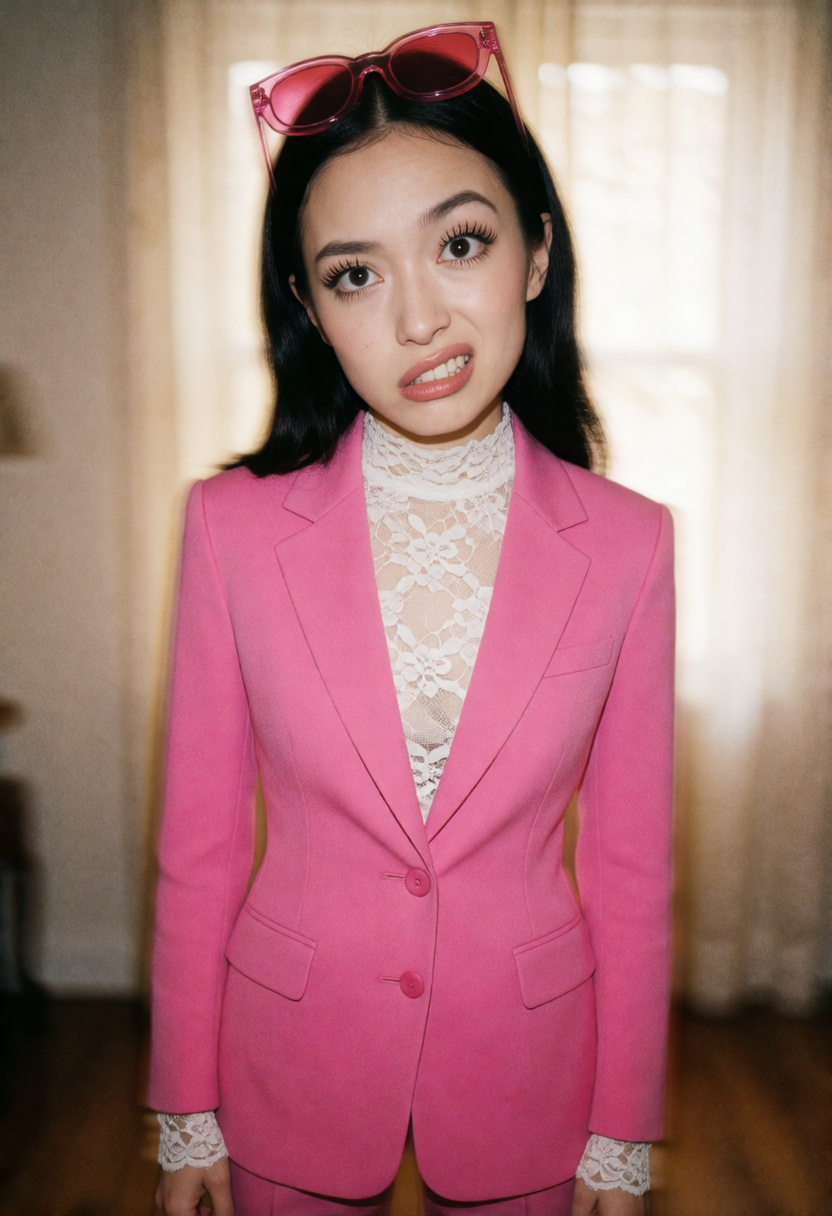
 Prompt control
 Krea 2 Filter Bypass — 2-Vector
Improve Krea 2 prompt adherence across everyday and highly specific instructions—not just the five demonstrations below. Start at +1; switch to 3-vector only if needed.
25 examples · Recommended +1 to +2 →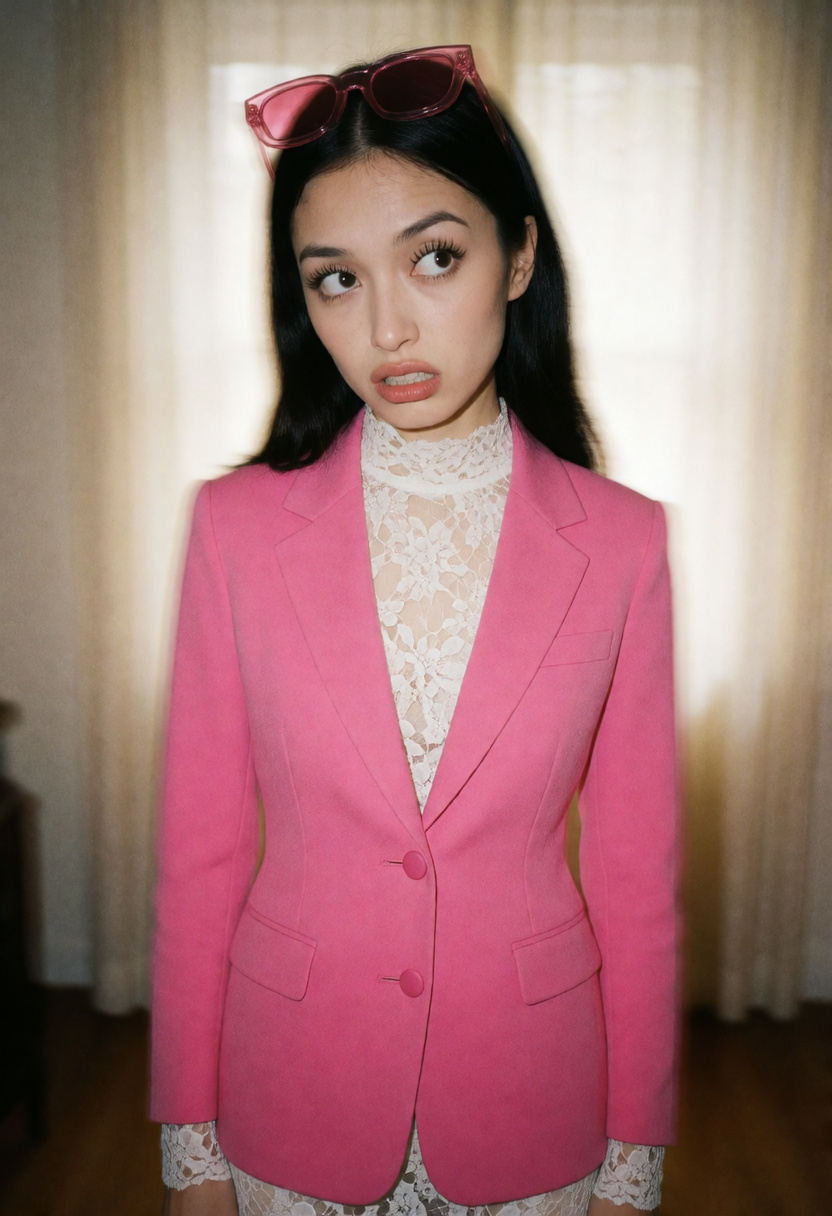 Prompt control
 Krea 2 Filter Bypass — 3-Vector
A stronger option for broad Krea 2 prompt adherence across everyday and highly specific instructions—not just the five demonstrations below. Start at +1 and use the lowest effective strength.
25 examples · Recommended +1 to +2 →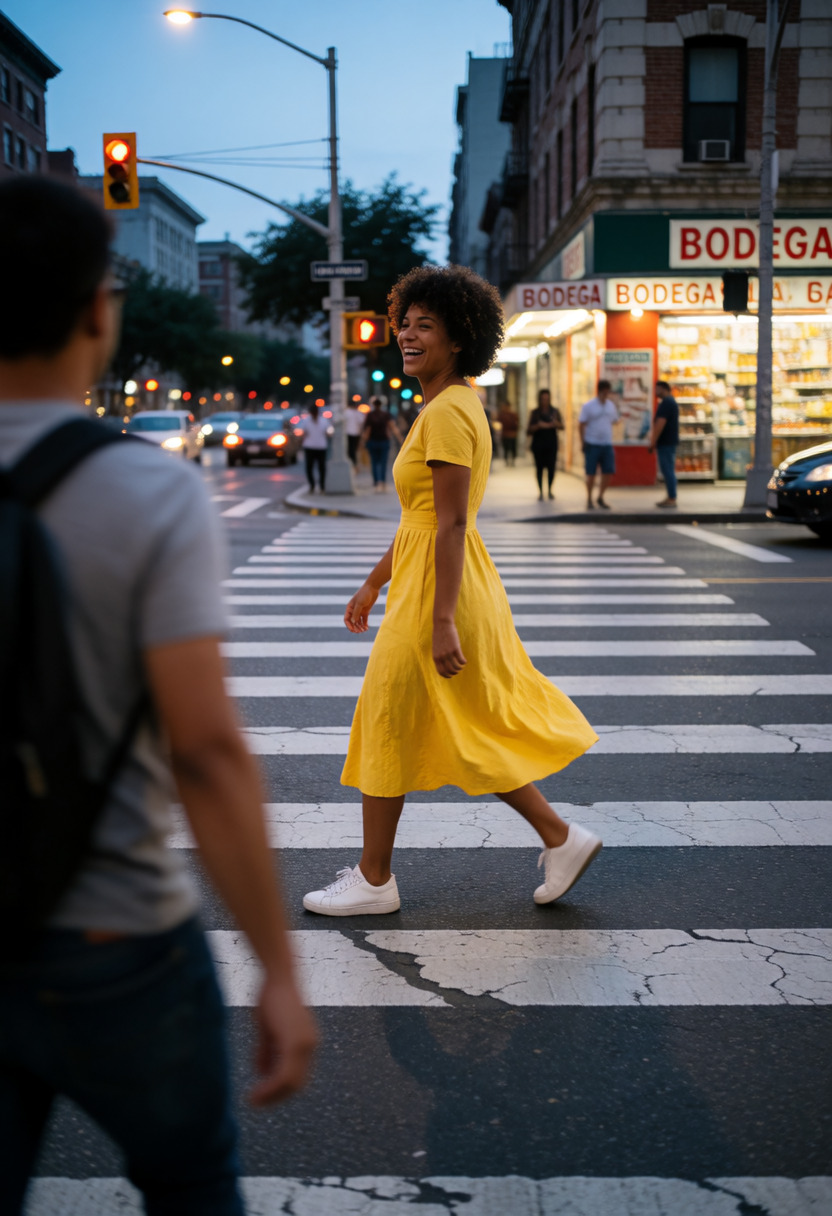 Art direction
 Editorial <-> Candid
Reduces the staged look of photos, and even the "AI look", by breaking eye contact and making the composition and posing less perfect.
9 examples · Recommended +3 to +9 →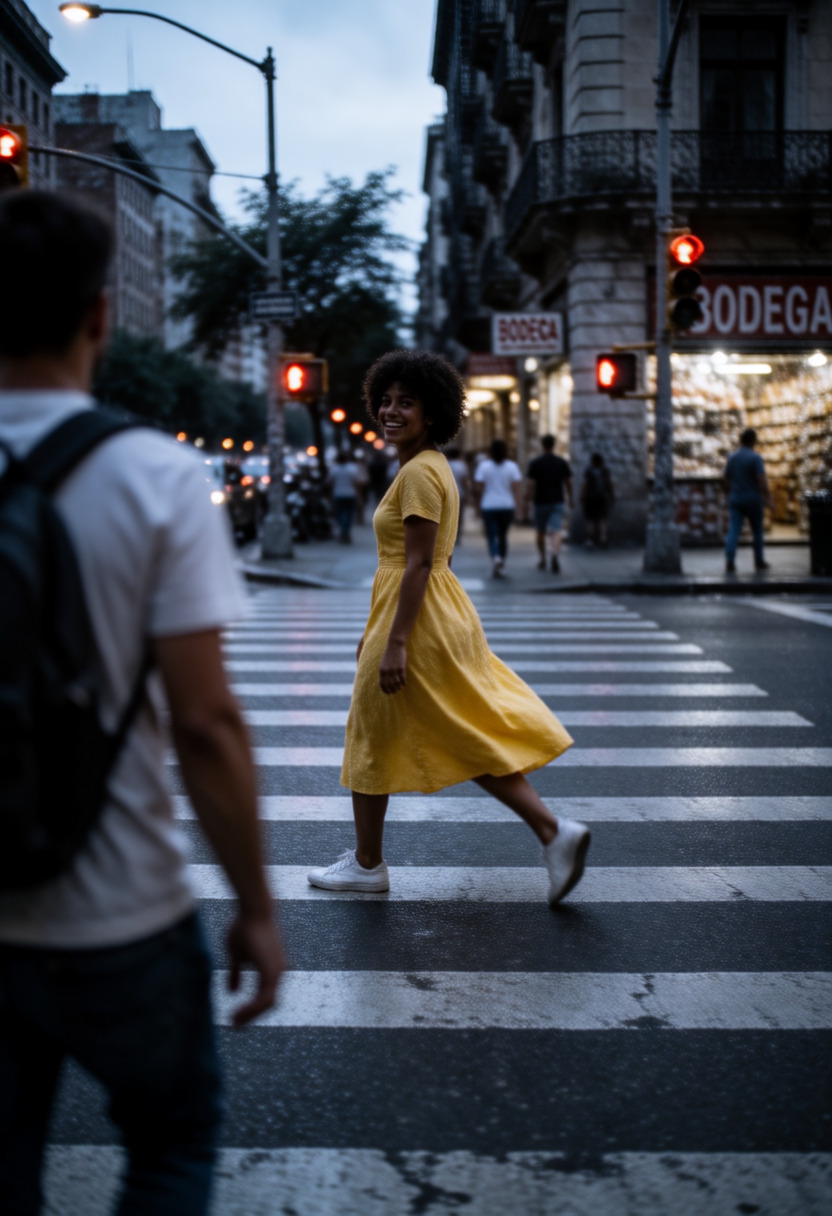 Art direction
 Illustrated <-> Realistic
A style steering wheel.
5 examples · Recommended -1 to +1 →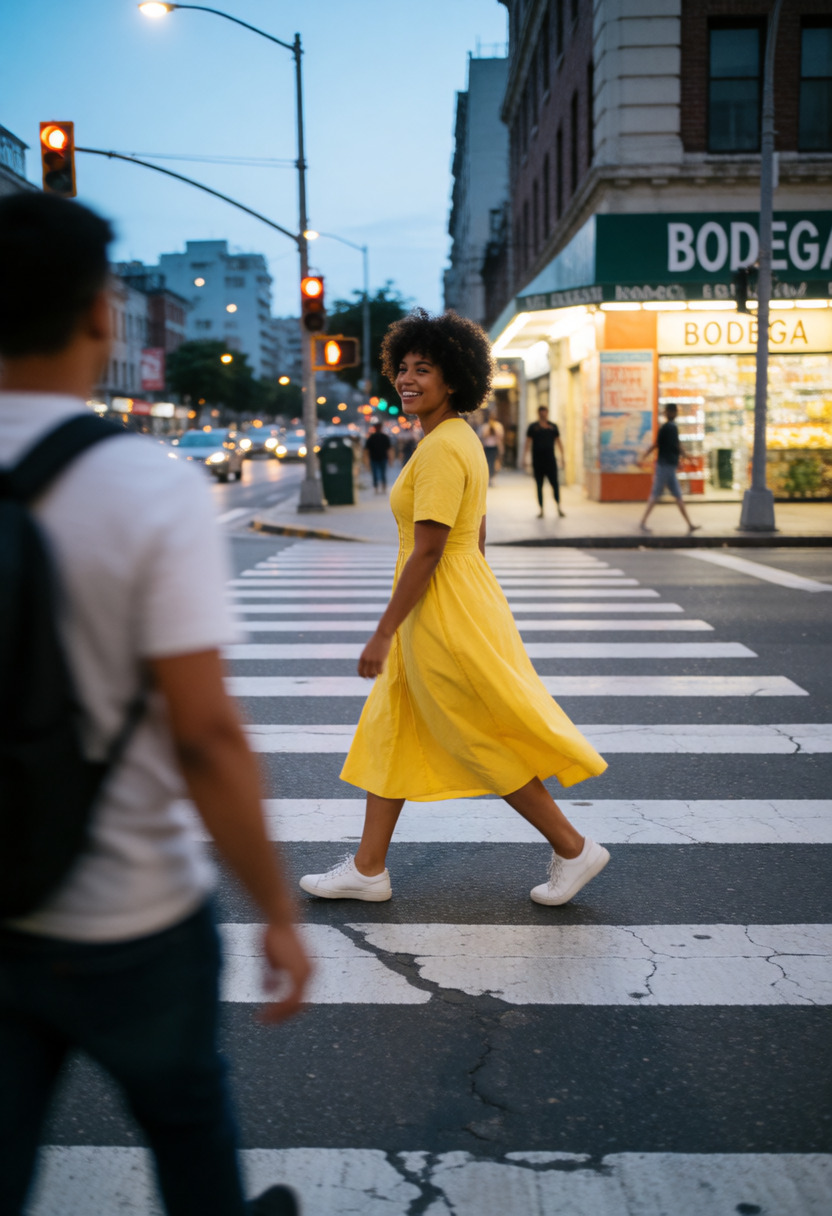 Art direction
 Professional <-> Amateur
Negative values produce clean, professional-quality images, with the strongest effect around -2.
10 examples · Recommended -2 to +2 →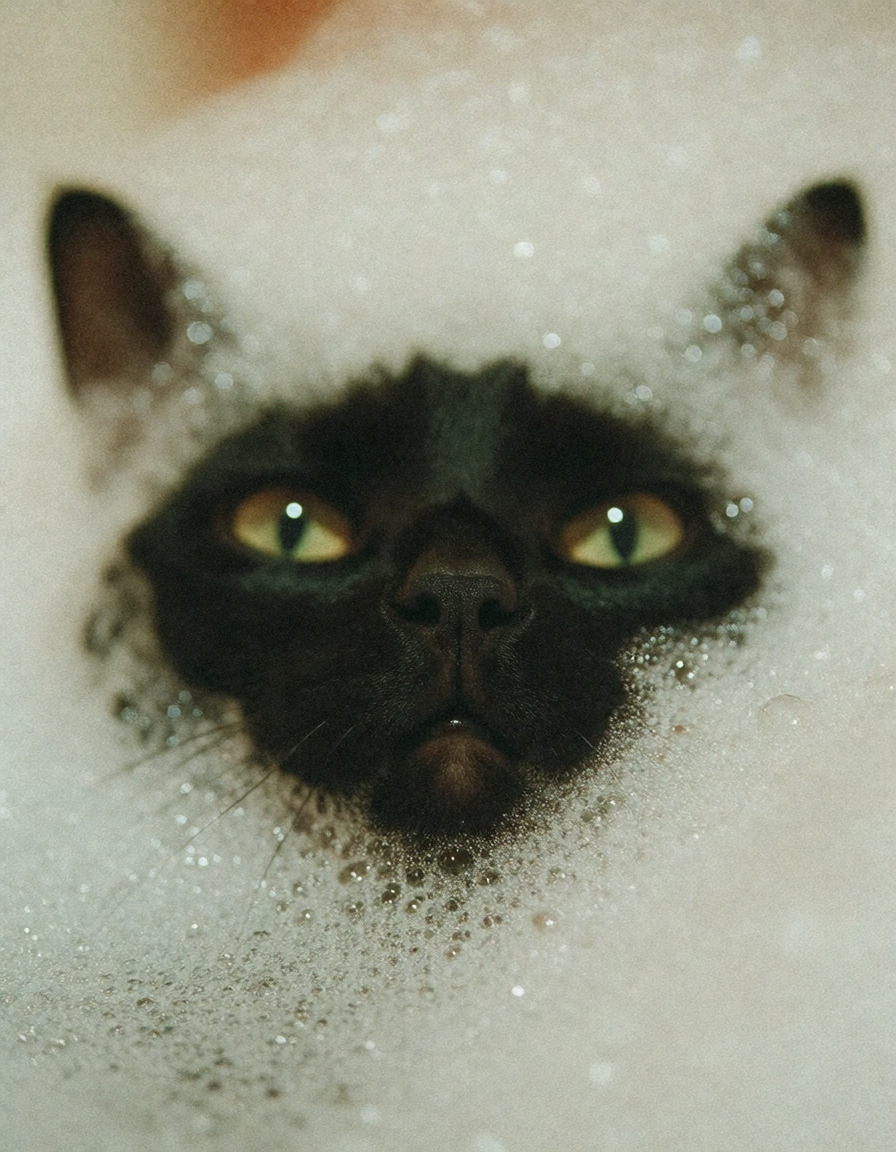 Art direction
 Purple Grainy
Bakes in the post-processing pass the author would otherwise apply by hand: film grain, softened edges, and a muted, moody grade that pulls saturation d…
14 examples · Recommended -1 to +1.5 →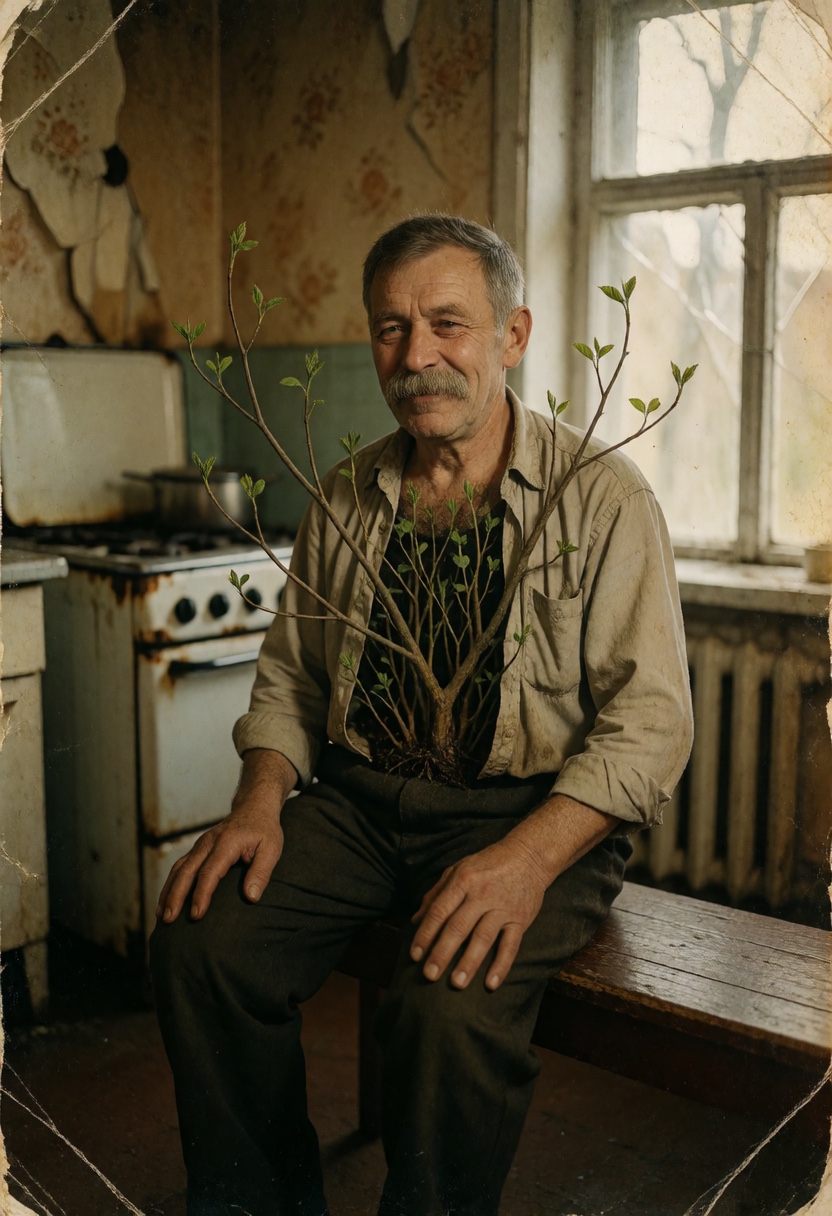 18+ opt-in · Popular community fine-tunes
 Aberrant
Add a controlled industrial body-horror edge with grit, scars, exposed machinery, and biomechanical detail while preserving the original subject.
9 examples · Recommended +0.2 to +1.5 →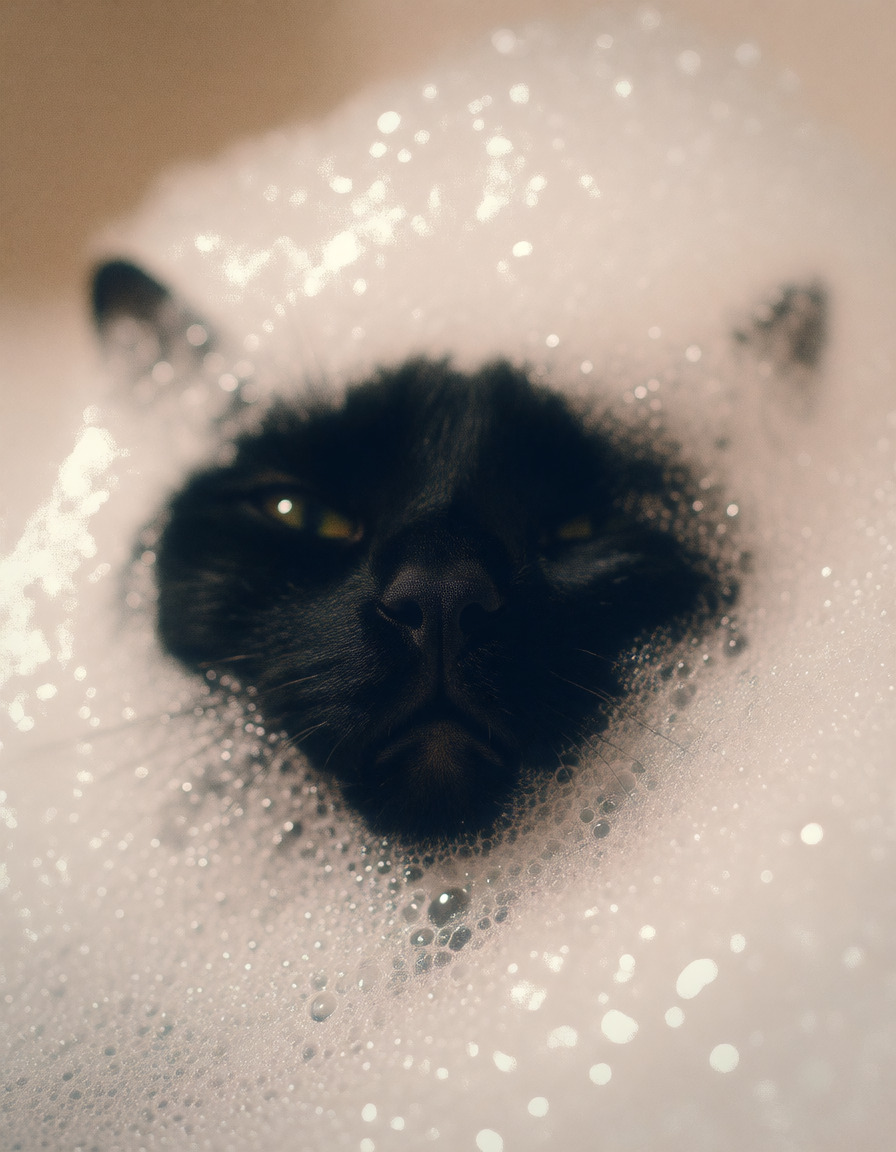 Popular community fine-tunes
 BloomGirls UltraRealism
A full realism finetune rather than a slider.
12 examples · Recommended +0.4 to +1 →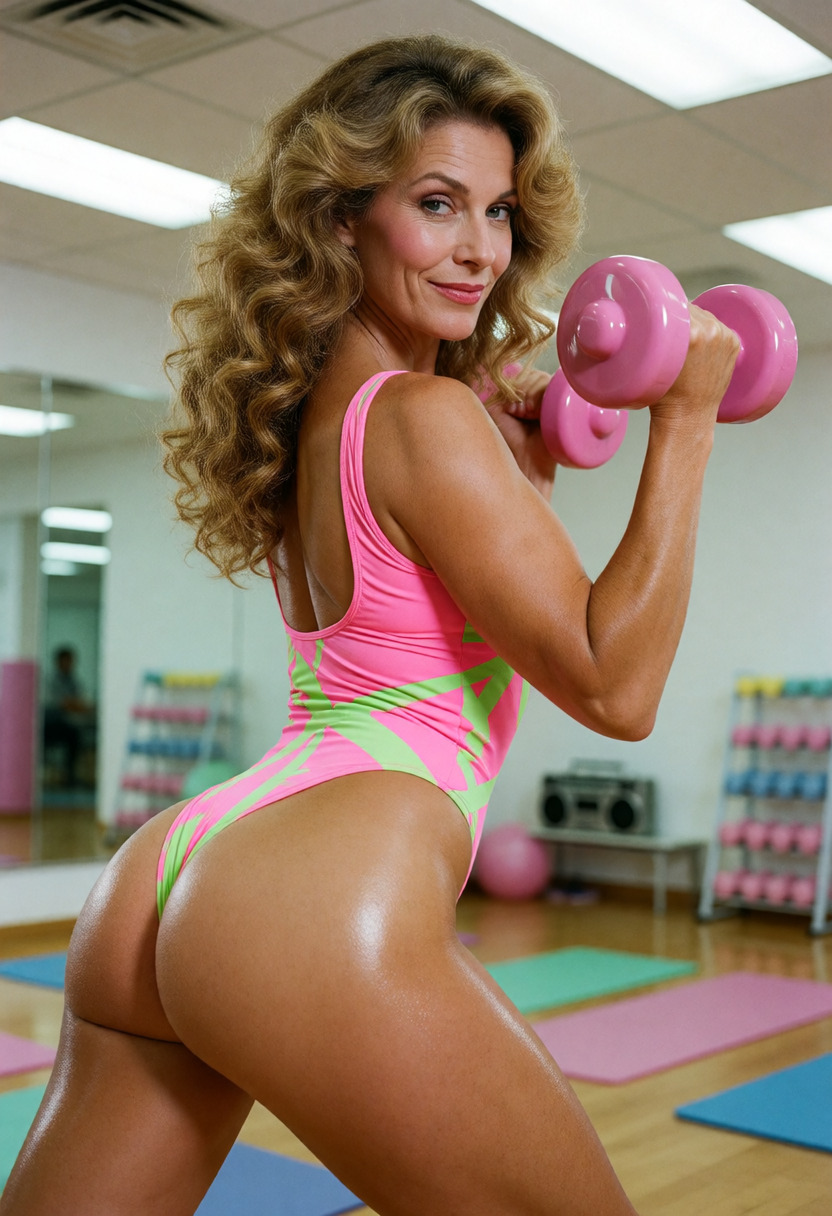 18+ opt-in · Popular community fine-tunes
 Mystic X
An opt-in mature-theme Krea 2 fine-tune with broader subject coverage and improved skin and texture rendering at strengths up to +1.
5 examples · Recommended 0 to +1 →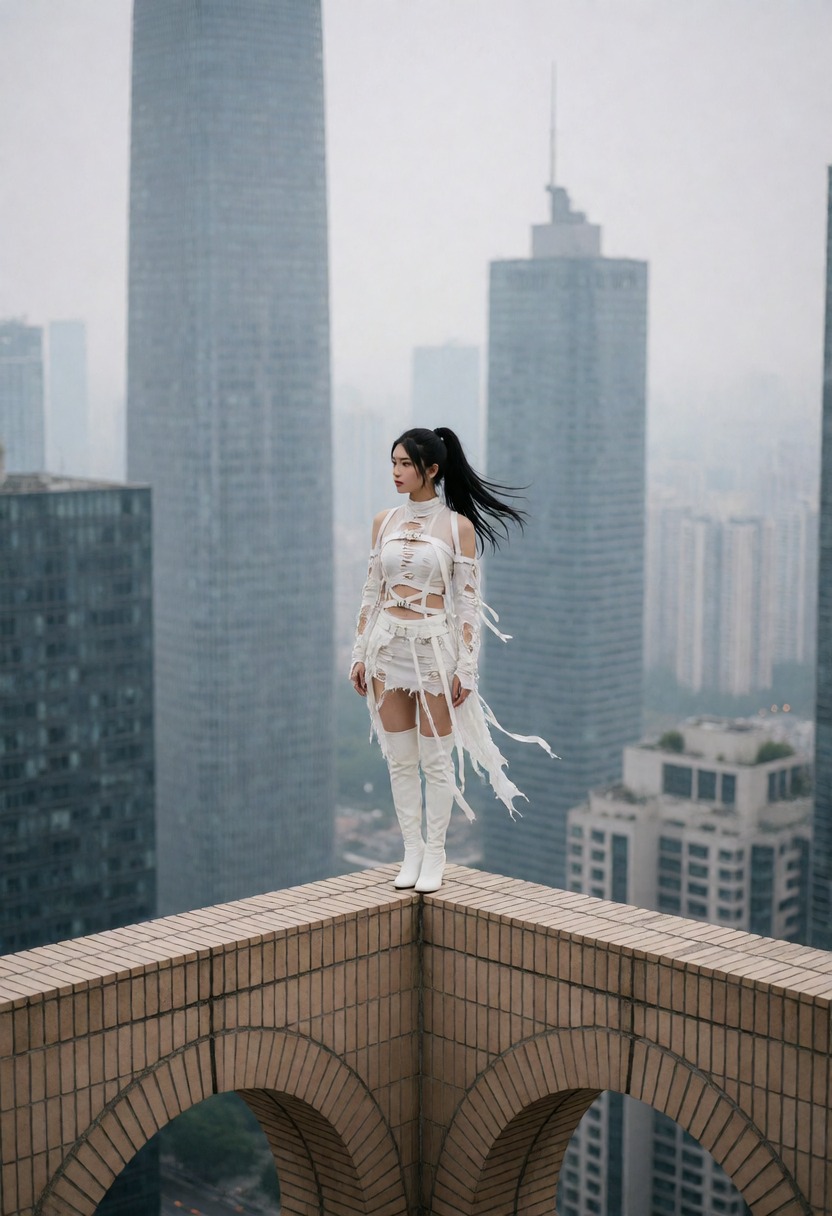 18+ opt-in · Popular community fine-tunes
 Realism Engine v3
A popular Krea 2 concept and realism fine-tune that adds broader subject knowledge and more photographic rendering for private, opt-in creativity.
7 examples · Recommended +0.5 to +1 →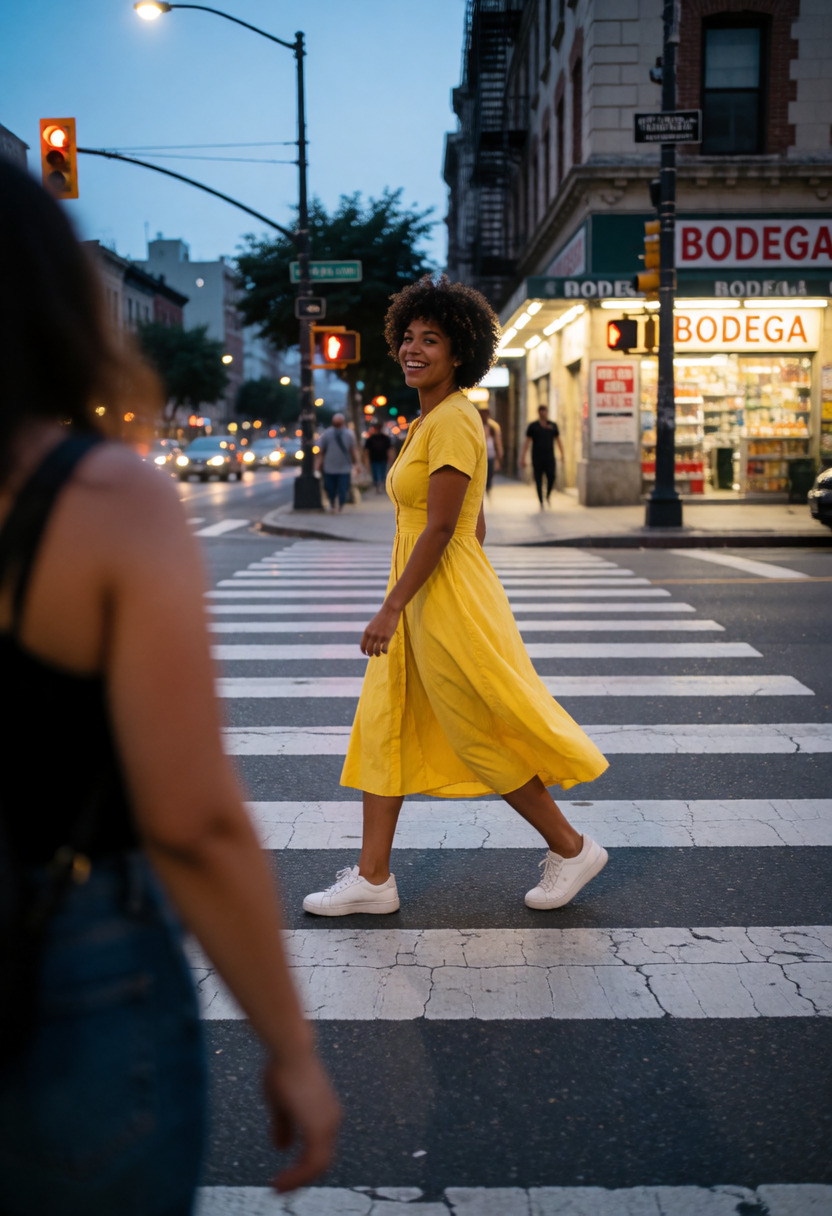 Character
 Chest Size
A positive value increases character chest size, a negative value decreases it.
7 examples · Recommended -2 to +4 →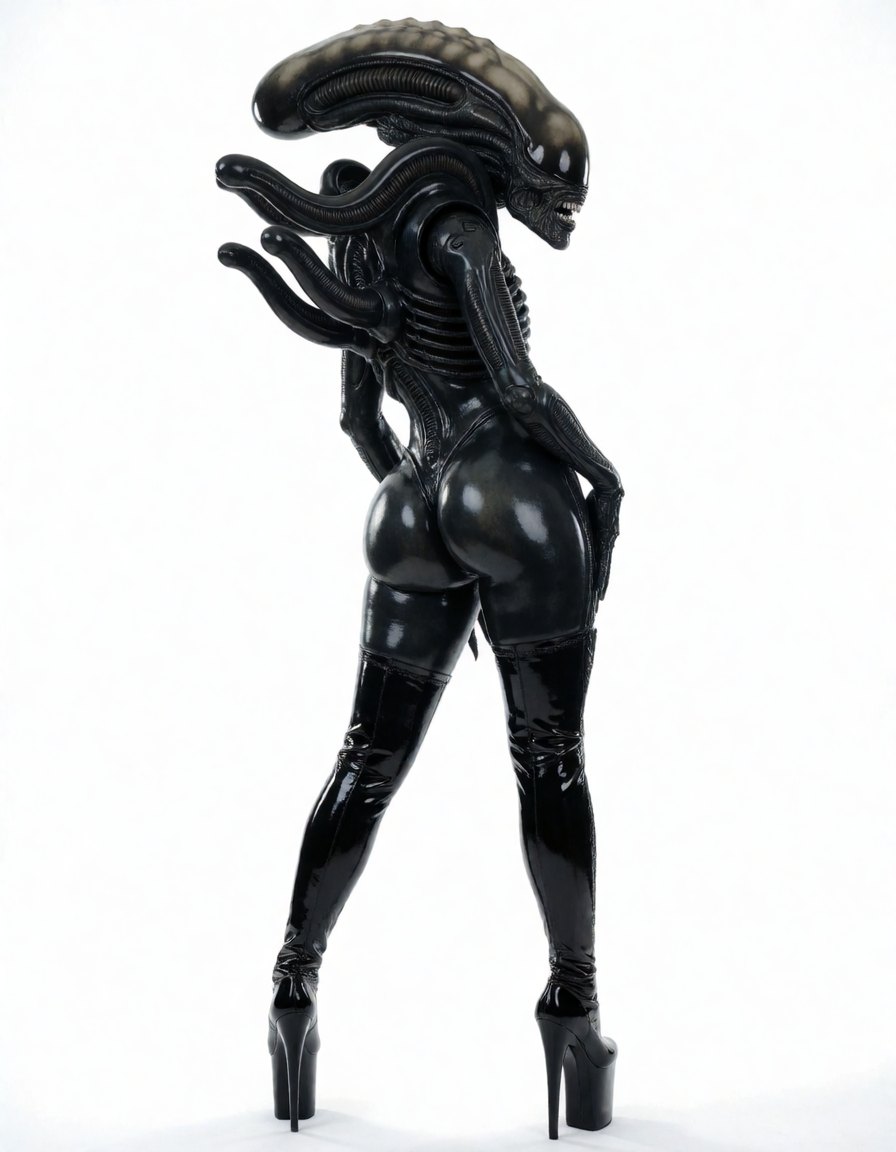 Character
 Figure
A community concept slider for body shape.
18 examples · Recommended +0.7 to +1 →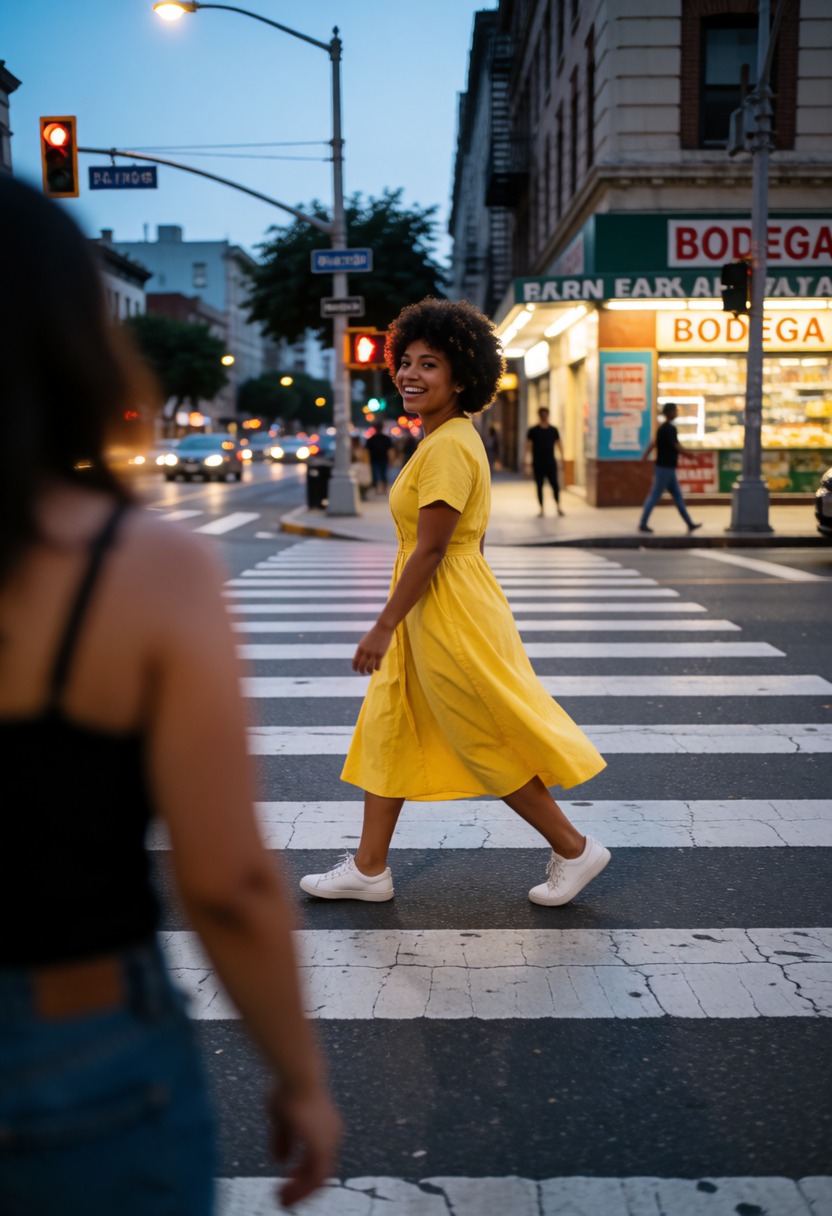 Character
 Height
Adjusts apparent character height while preserving adult age cues.
7 examples · Recommended -3 to +3 →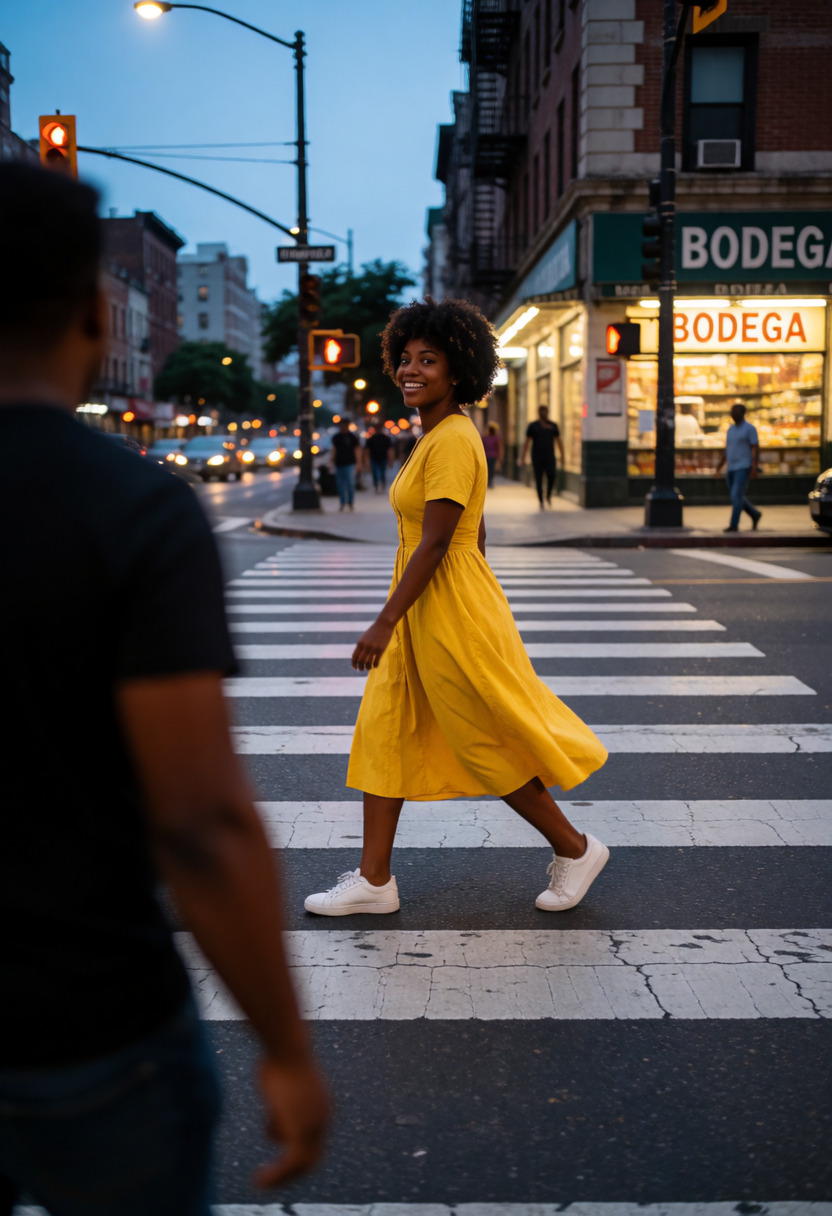 Character
 Skin Tone
Shifts subject skin tone.
5 examples · Recommended -1.5 to +1.5 →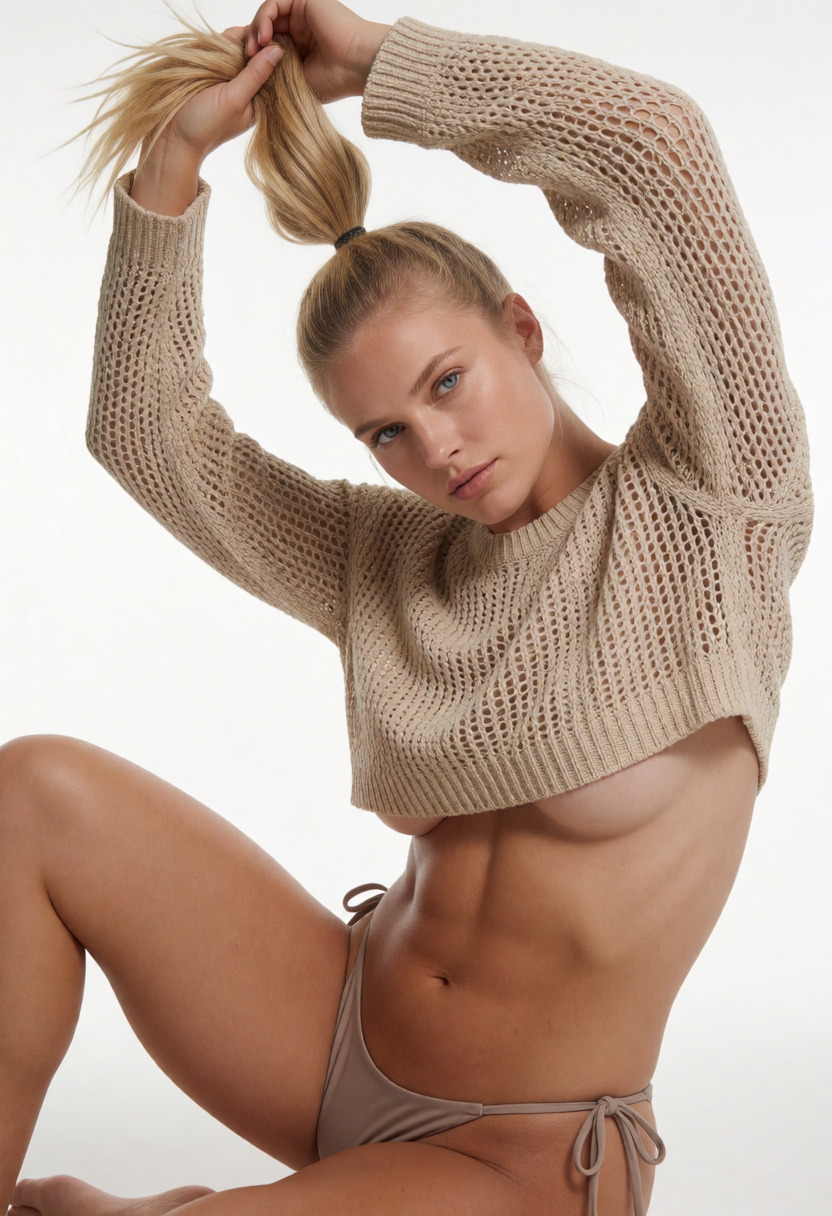 Character
 Weight
A positive value increases character weight, a negative value decreases it.
5 examples · Recommended -3 to +3 →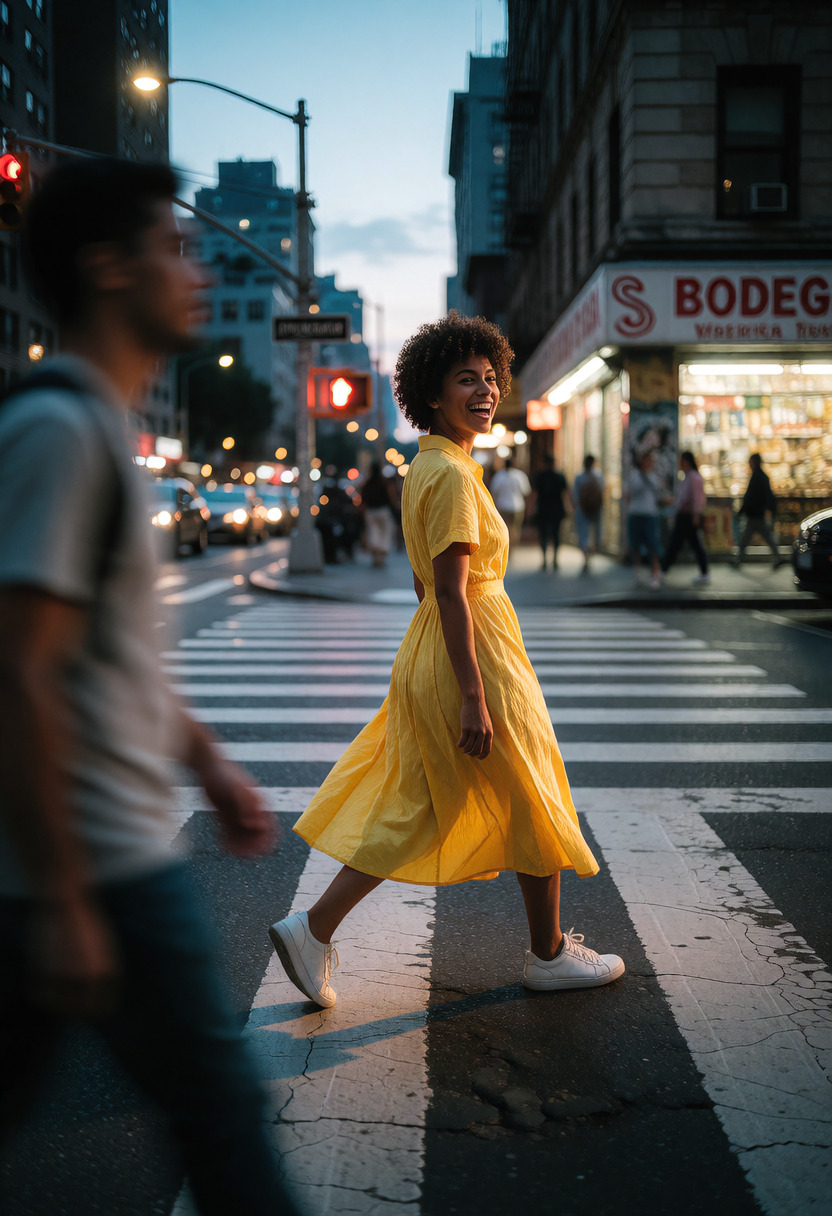
 Detail & composition
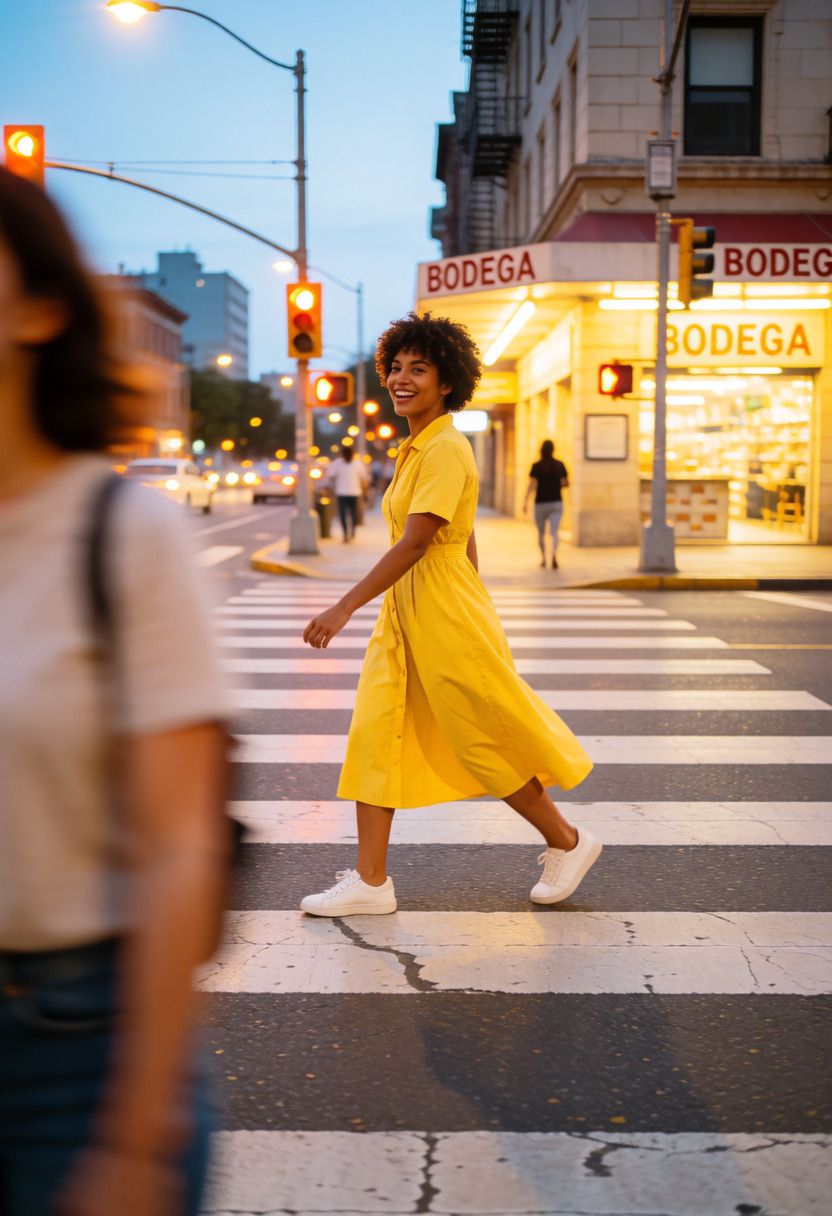
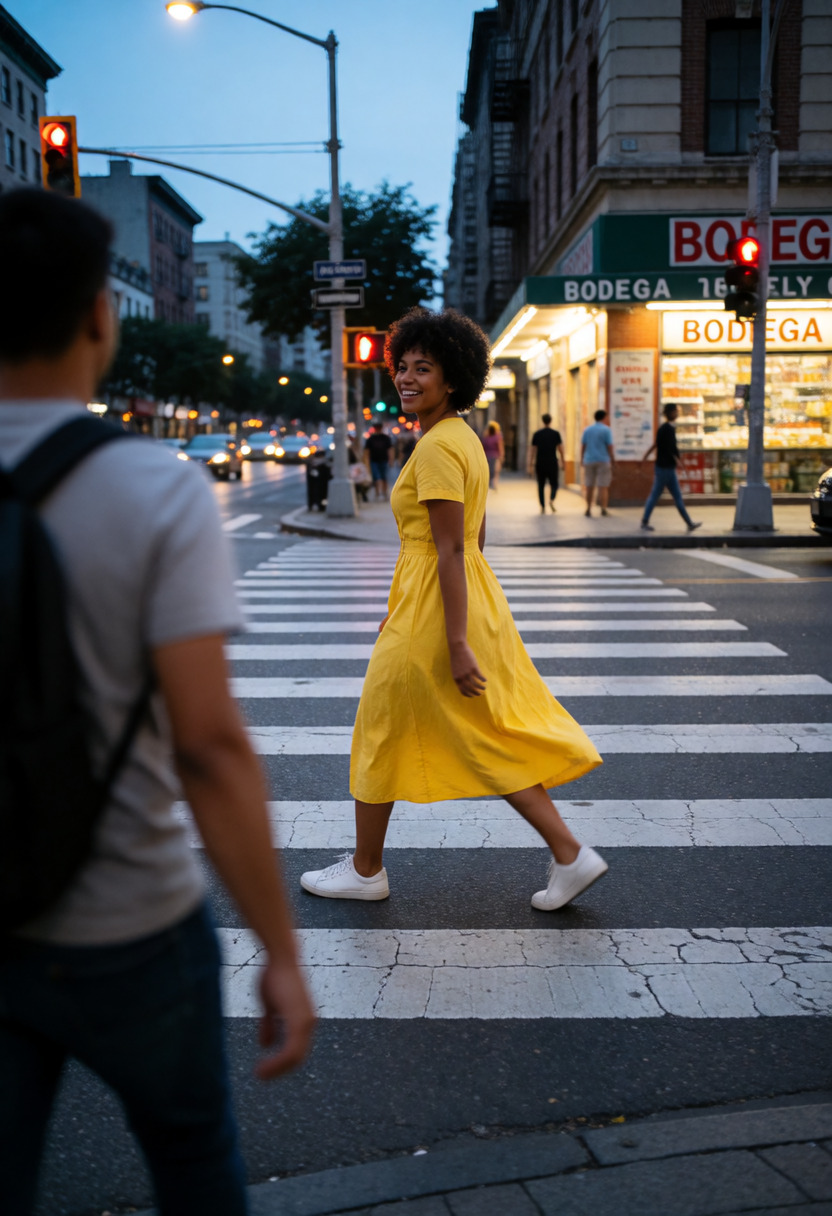
 Detail Enhancer
Enhances the image with fine detail and clarity with minimal change to the image.
6 examples · Recommended -2 to +5 →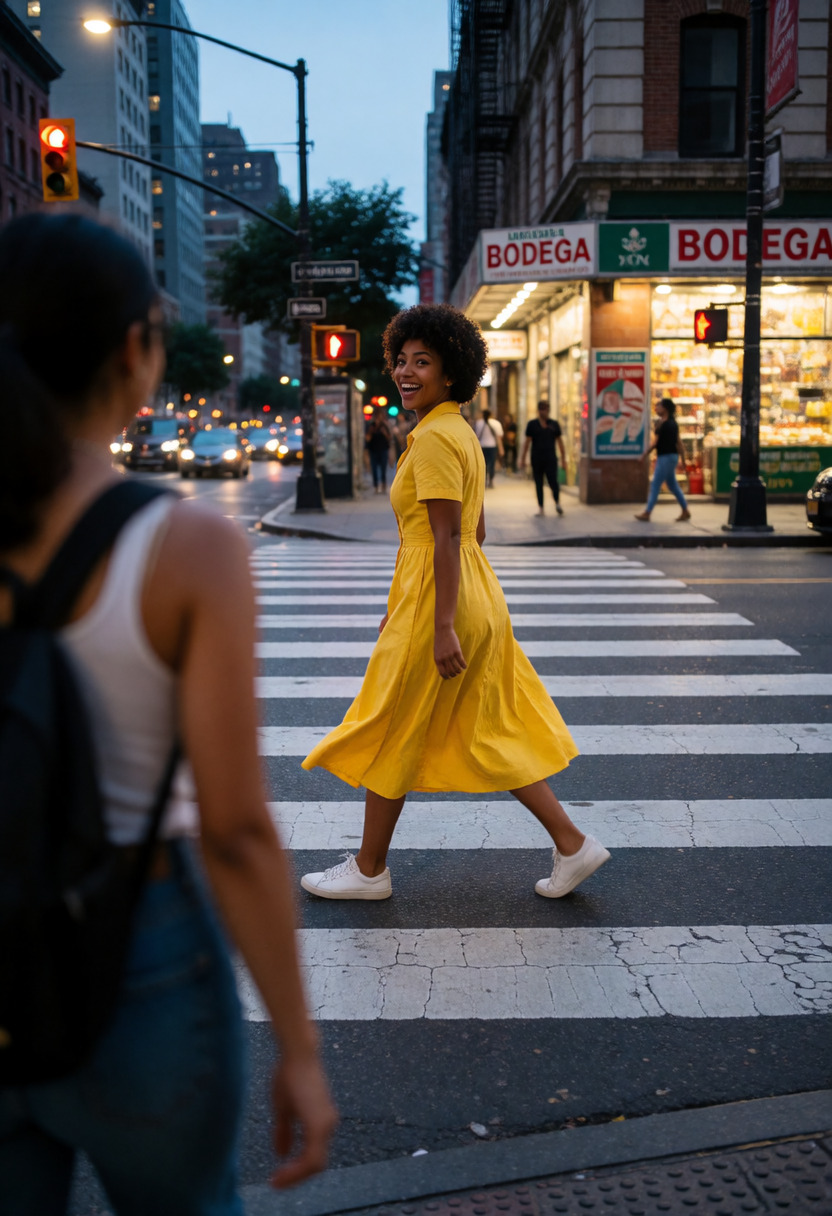 Detail & composition
 Scene Complexity
Adds or removes rich scene detail and clutter based on strength.
7 examples · Recommended -4 to +4 →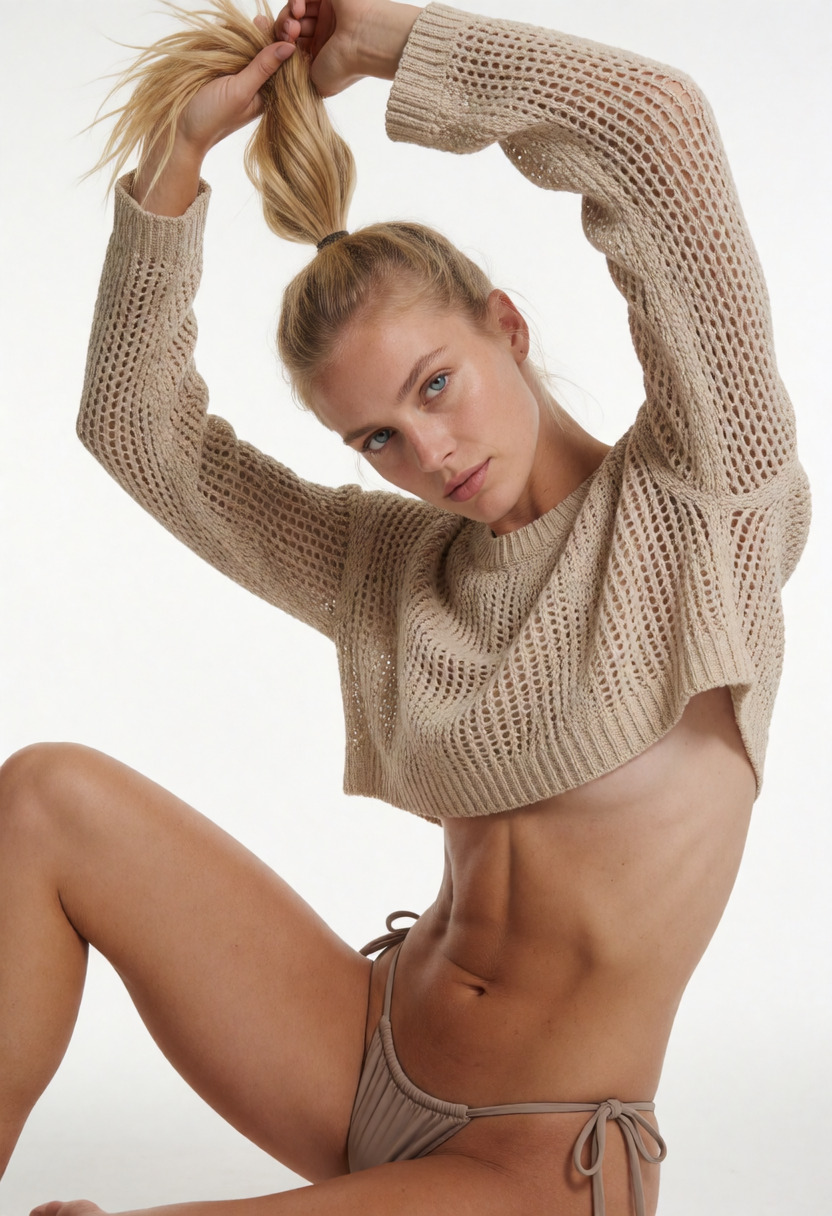 Detail & composition
 Skin Detail
Biases the detail in skin while leaving the rest of the image untouched.
6 examples · Recommended -0.5 to +3 →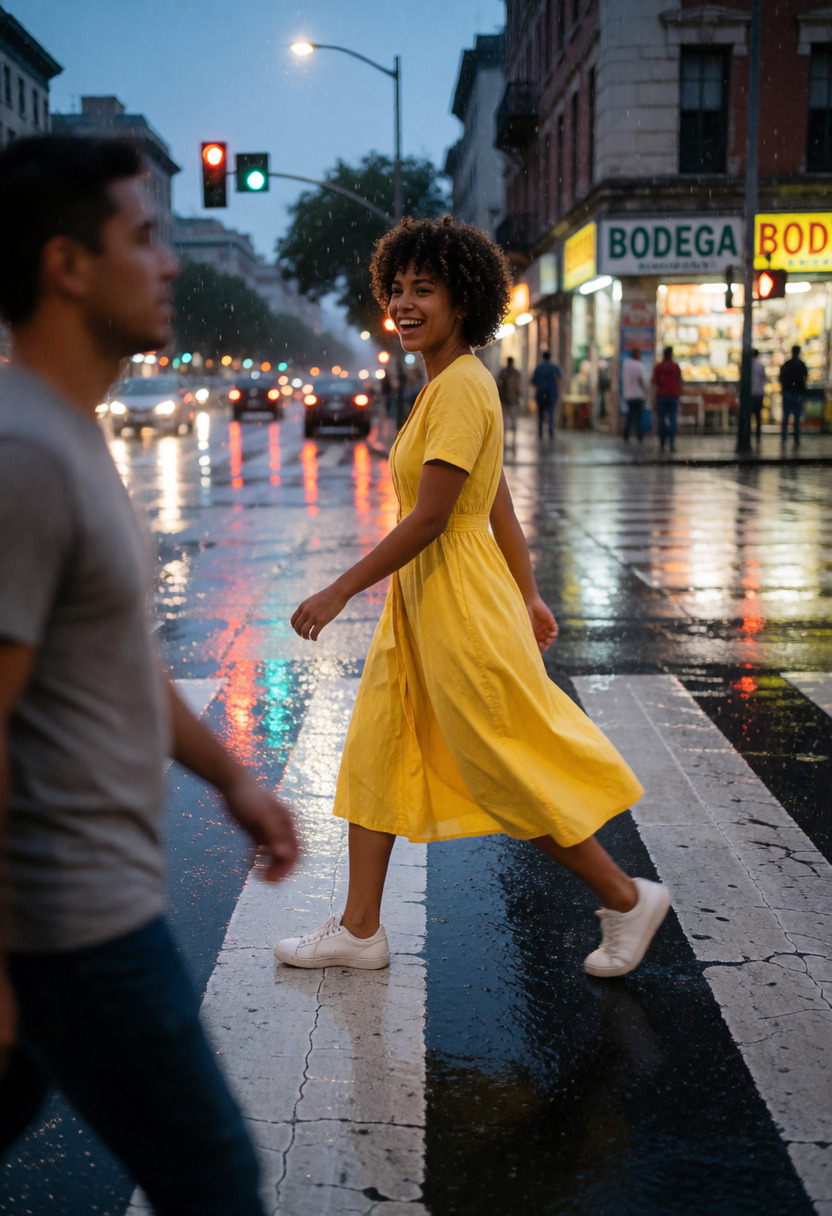 Detail & composition
 Wetness
Biases how damp clothing, hair, skin, and the overall scene is.
7 examples · Recommended -3 to +3 →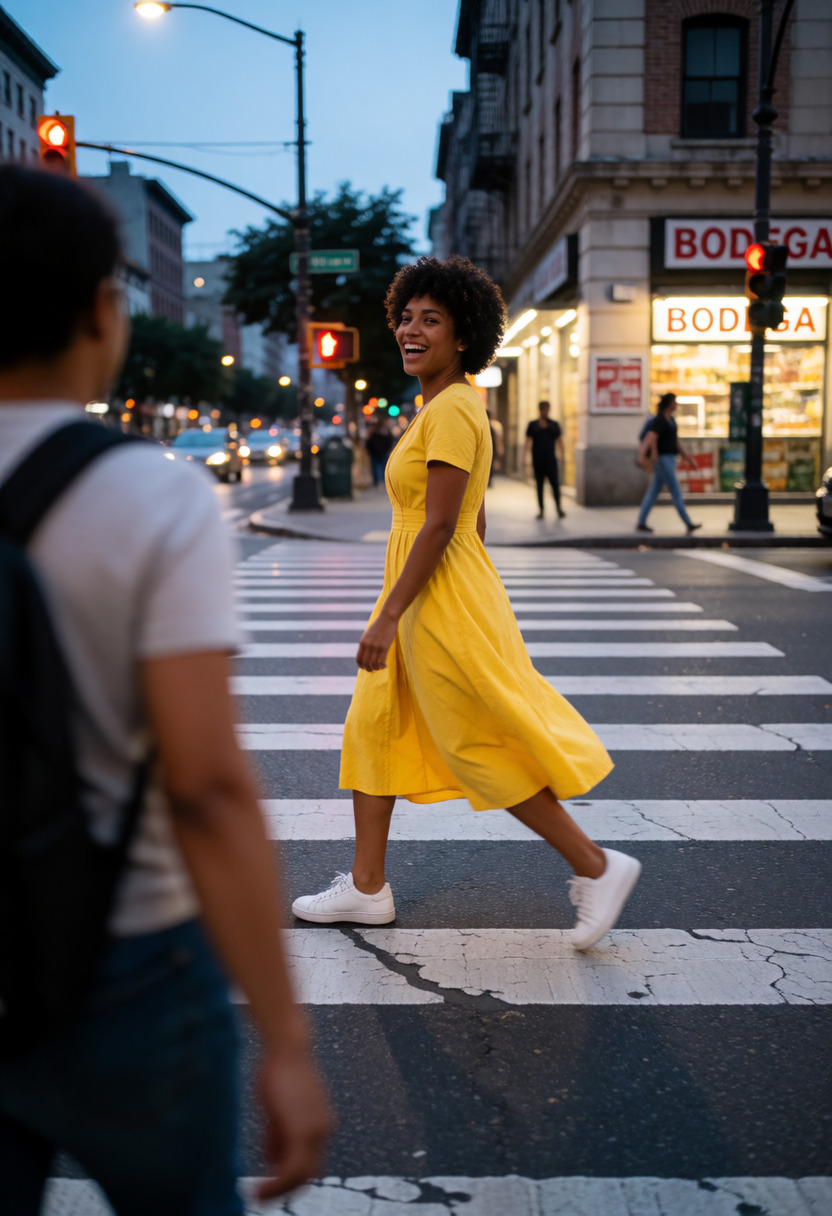 Detail & composition
 Zoom
Pure zoom, not a wide-angle slider.
7 examples · Recommended -5 to +5 →