What this LoRA does
This community LoRA is designed to steer the model away from its preferred normalized archetypes so you can generate with more creative control. It significantly improves prompt adherence, expressive emotions, realistic anatomy, and support for artistic nudity, horror, and mature themes. Use the lowest strength that works—higher values can introduce artifacts and reduce image quality. 1, 2, and 100 are the most common values. The lighter of the two variants; reach for the 3-vector version when this is not enough.
The five labelled sets below are illustrative tests, not five separate controls or a complete capability list. Filter Bypass has one strength control and broadly helps Krea 2 honor prompt details—from benign specifics such as expression, gaze, pose, action, framing, clothing, objects, counts, relationships, and scene details to unusual or mature concepts. The result still depends on the prompt and seed.
How to use Krea 2 Filter Bypass — 2-Vector
- Open the preloaded Sogni setup.The button below opens Krea 2 Turbo with this LoRA already attached, even when you need to sign in first.
- Review the selected LoRA.It is loaded at the catalog default below. No download, install, search, or ComfyUI setup is required.
- Start at +1 and adjust.The recommended range is +1 to +2. Use the lowest strength that produces the effect you want.
Examples
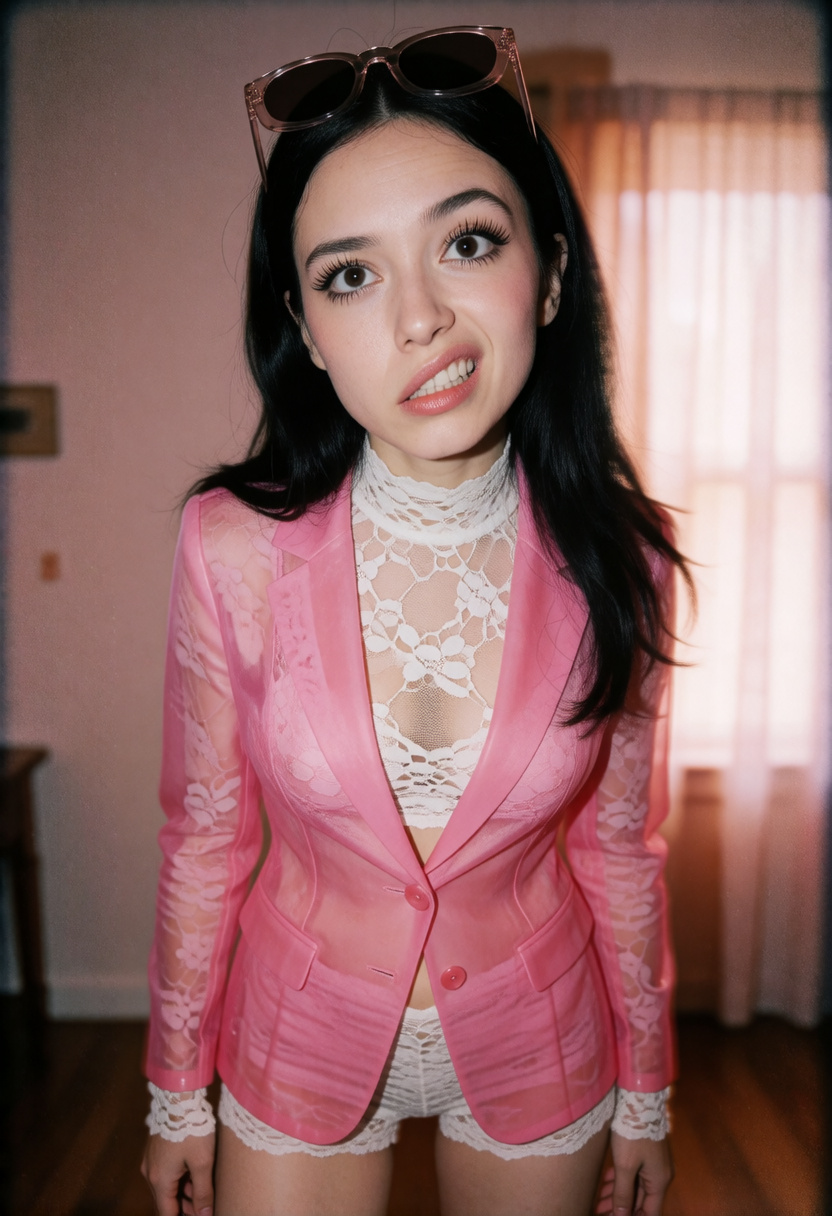
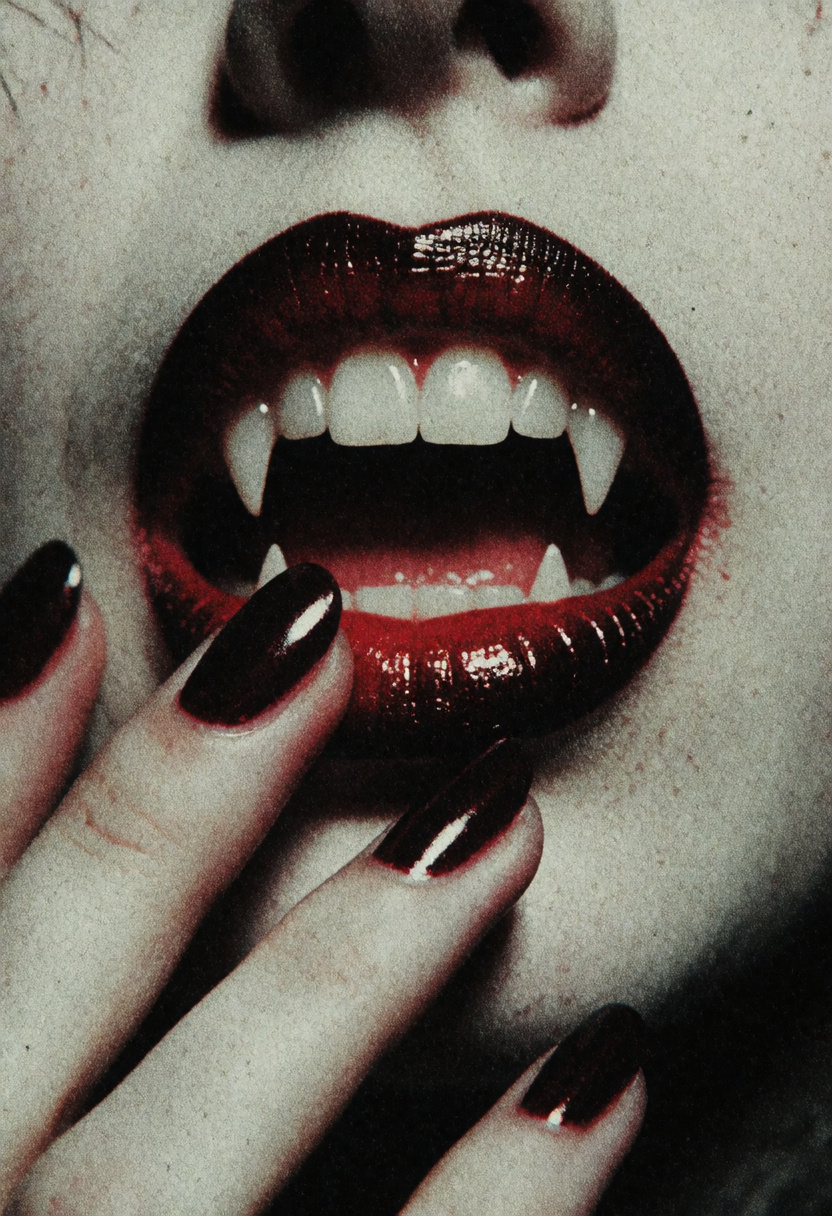
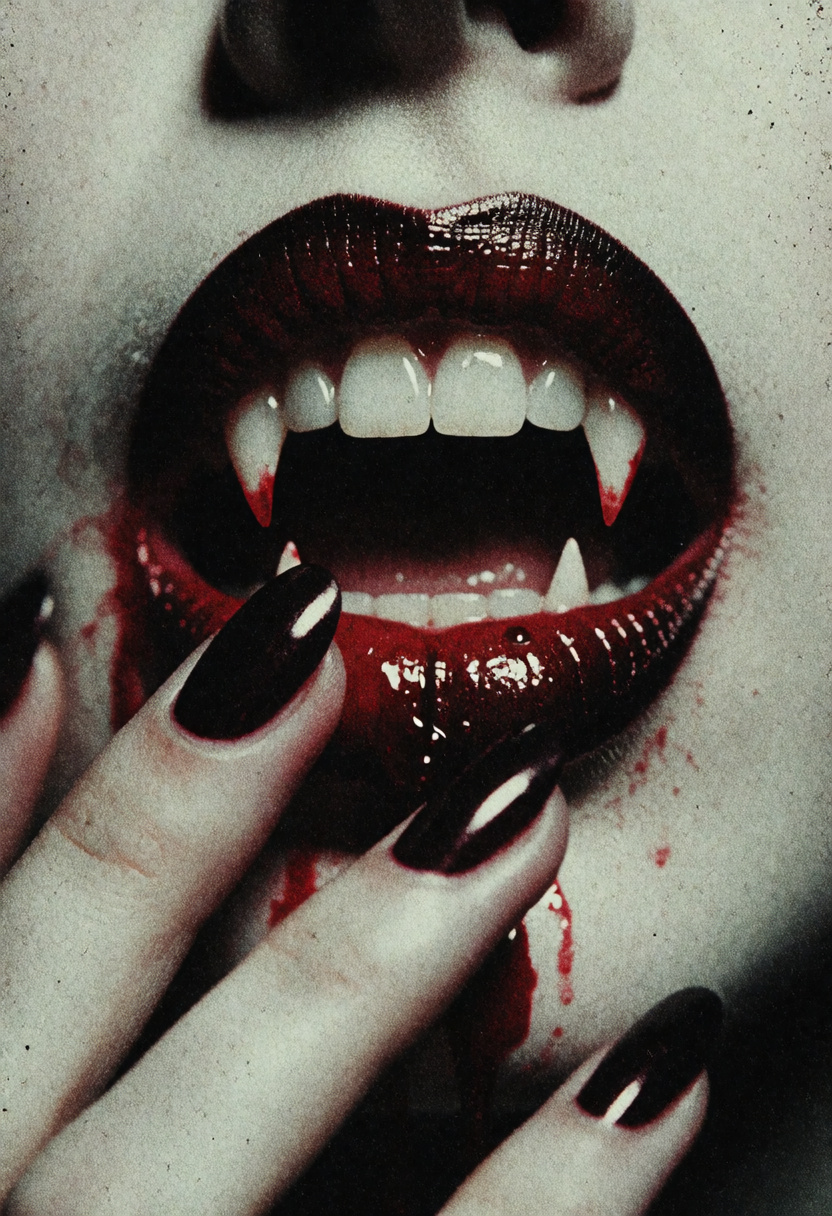
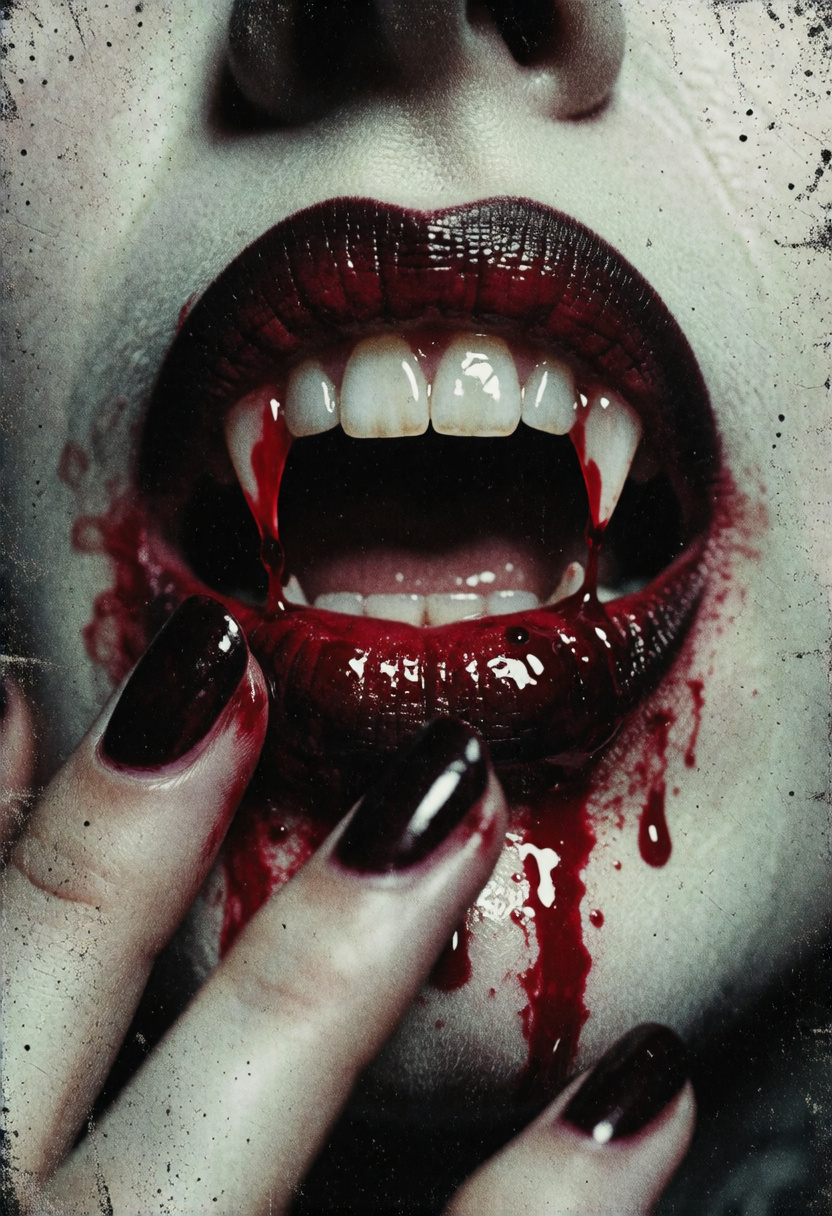
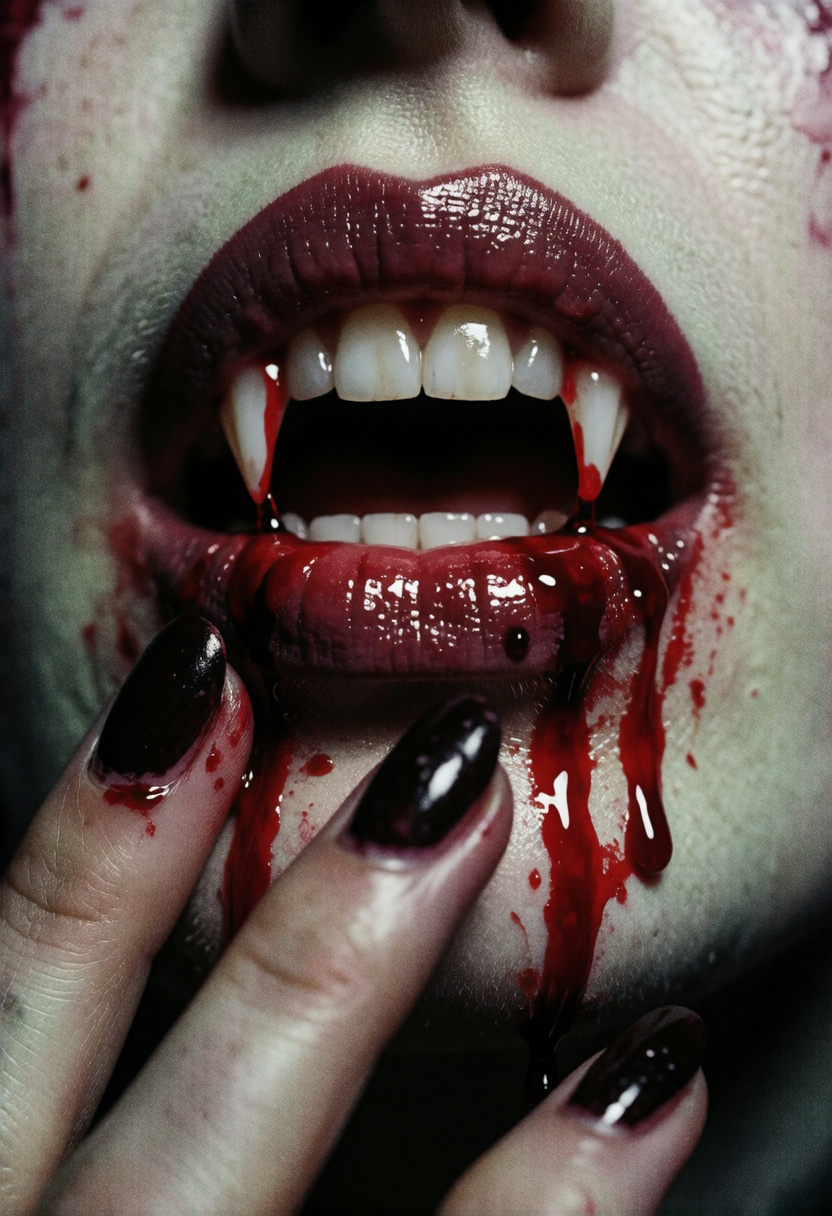
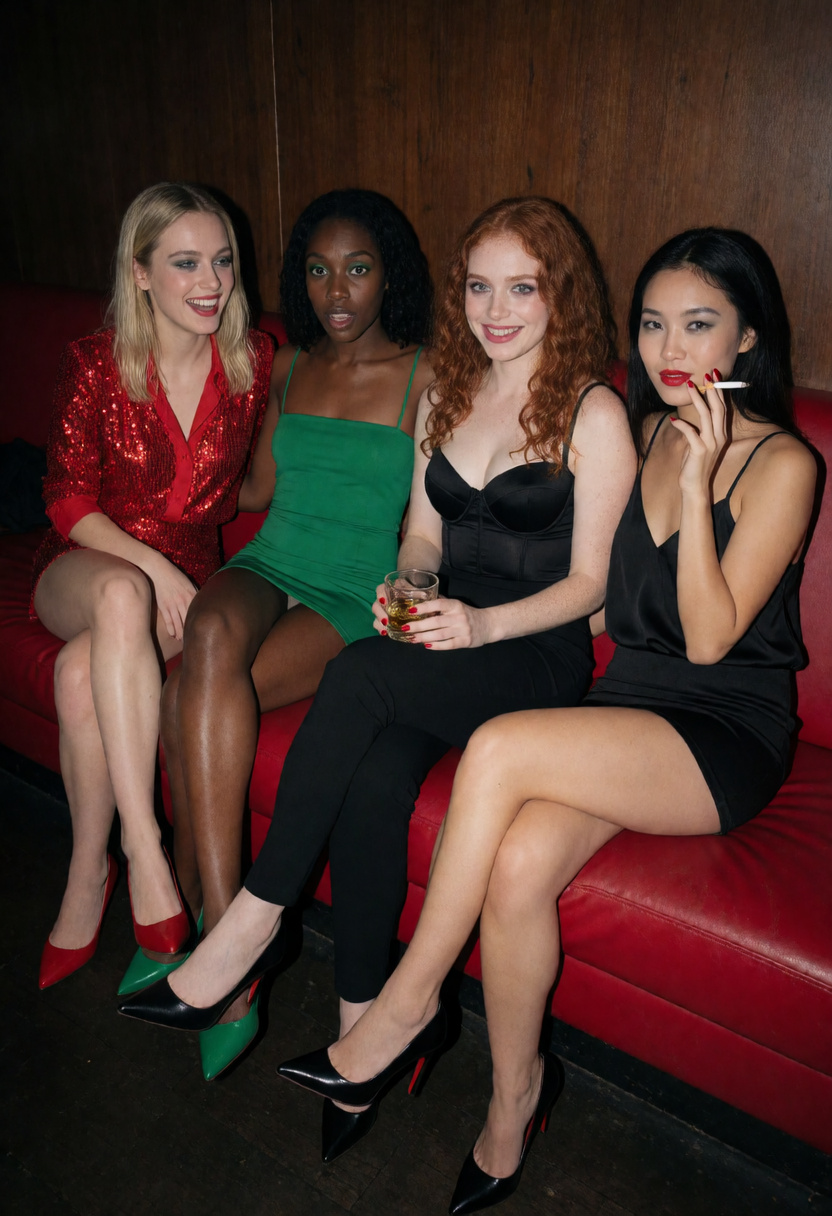
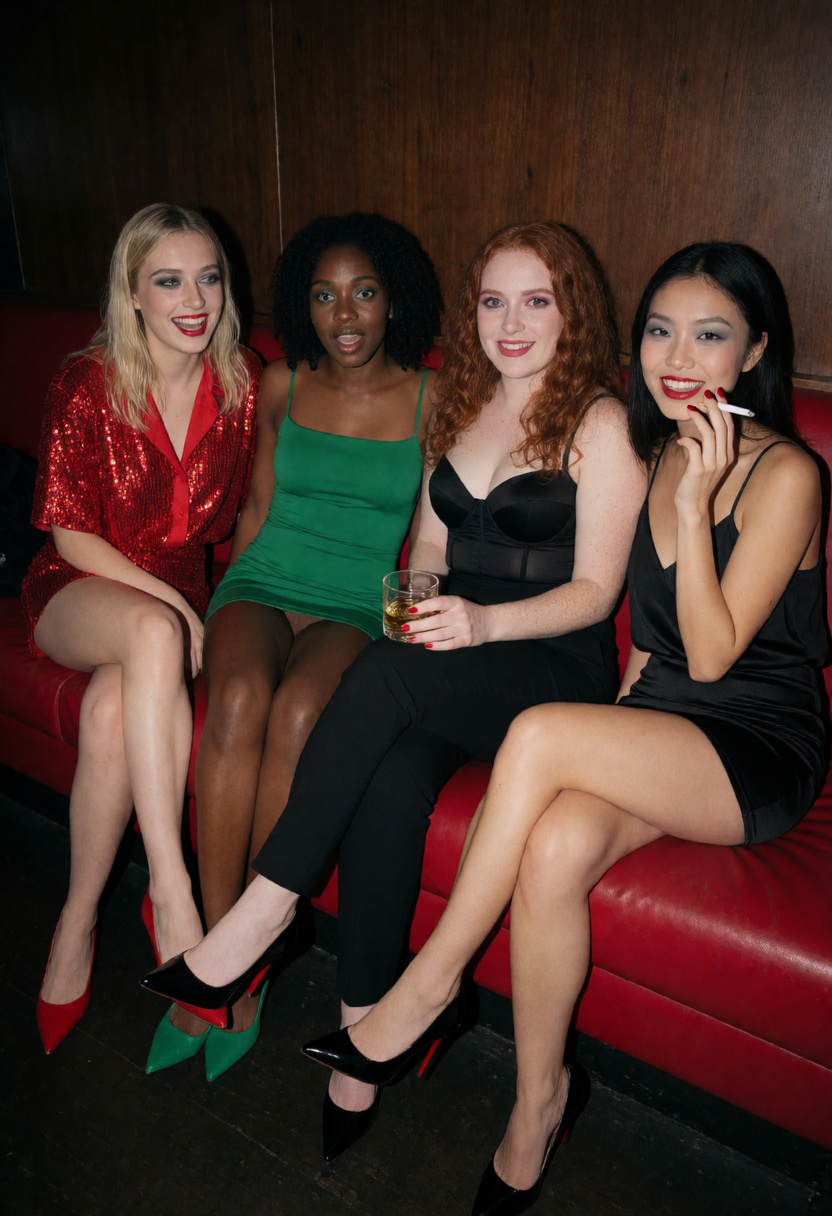
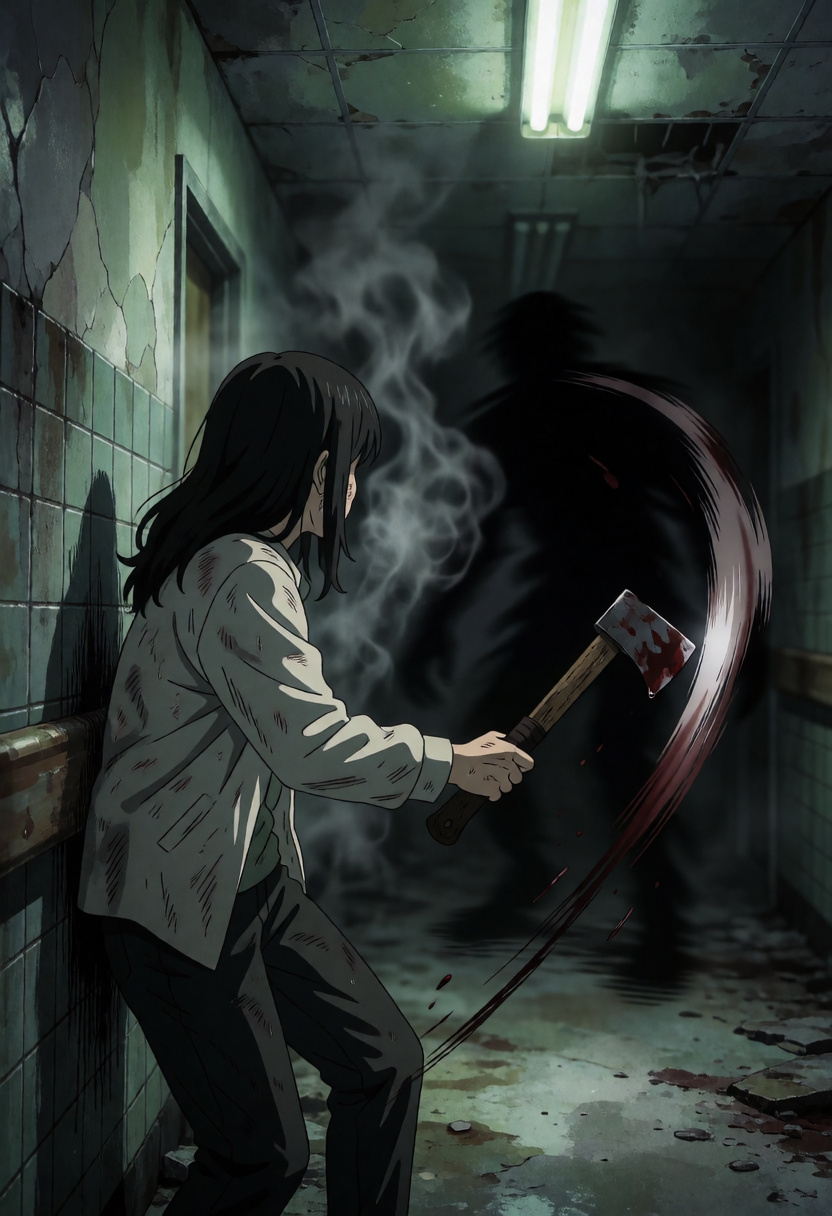
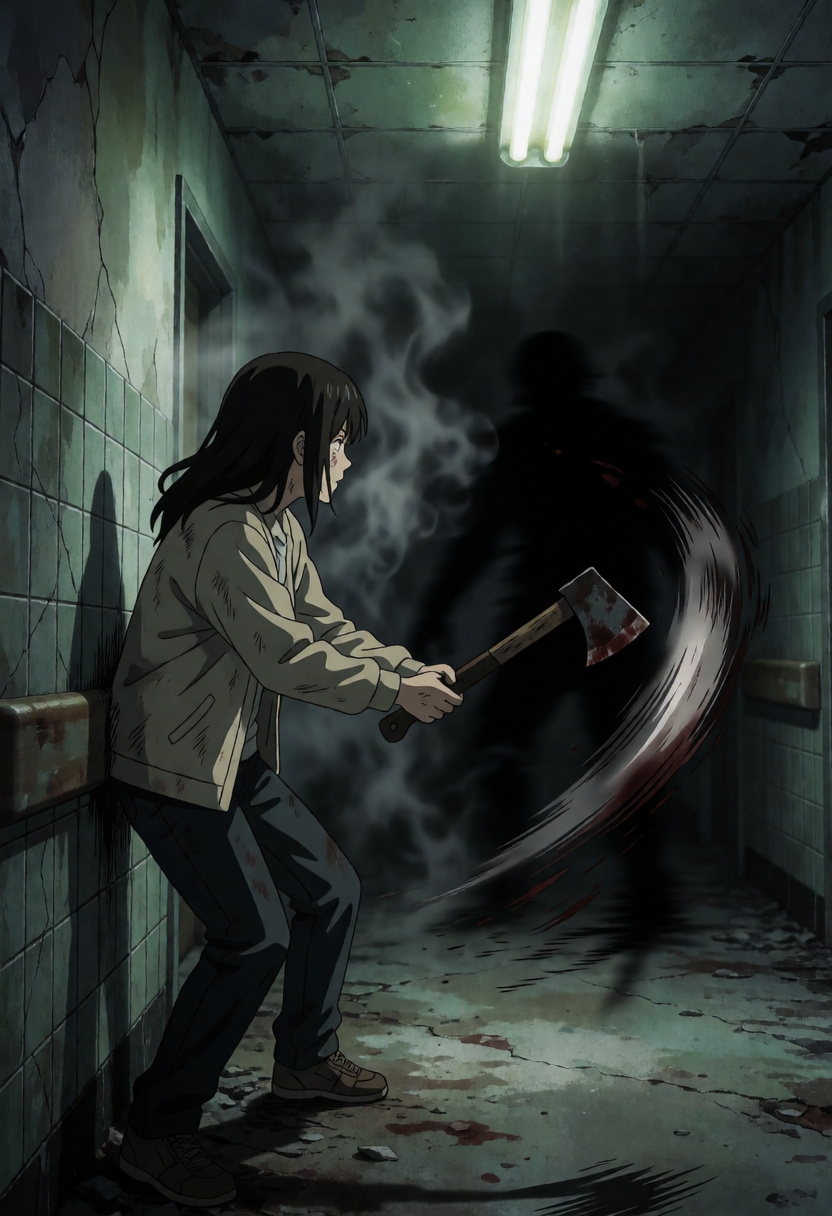
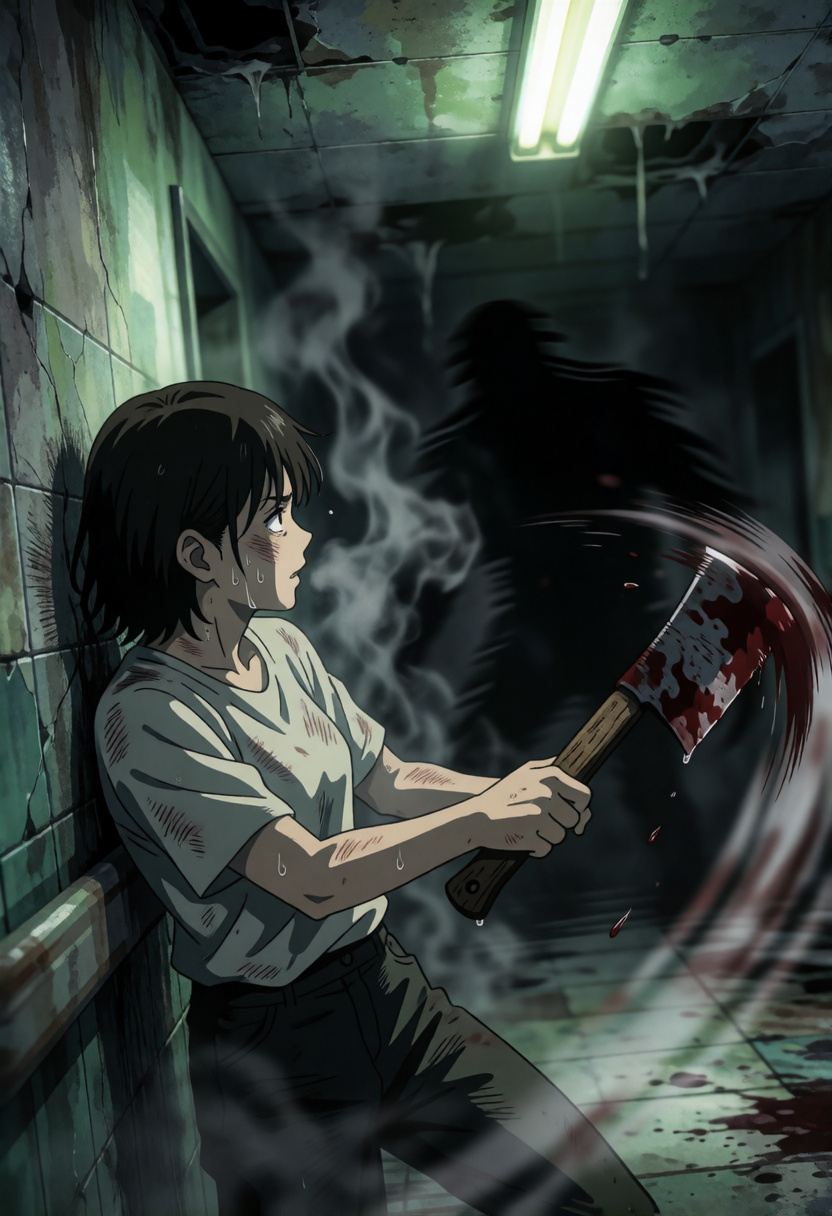
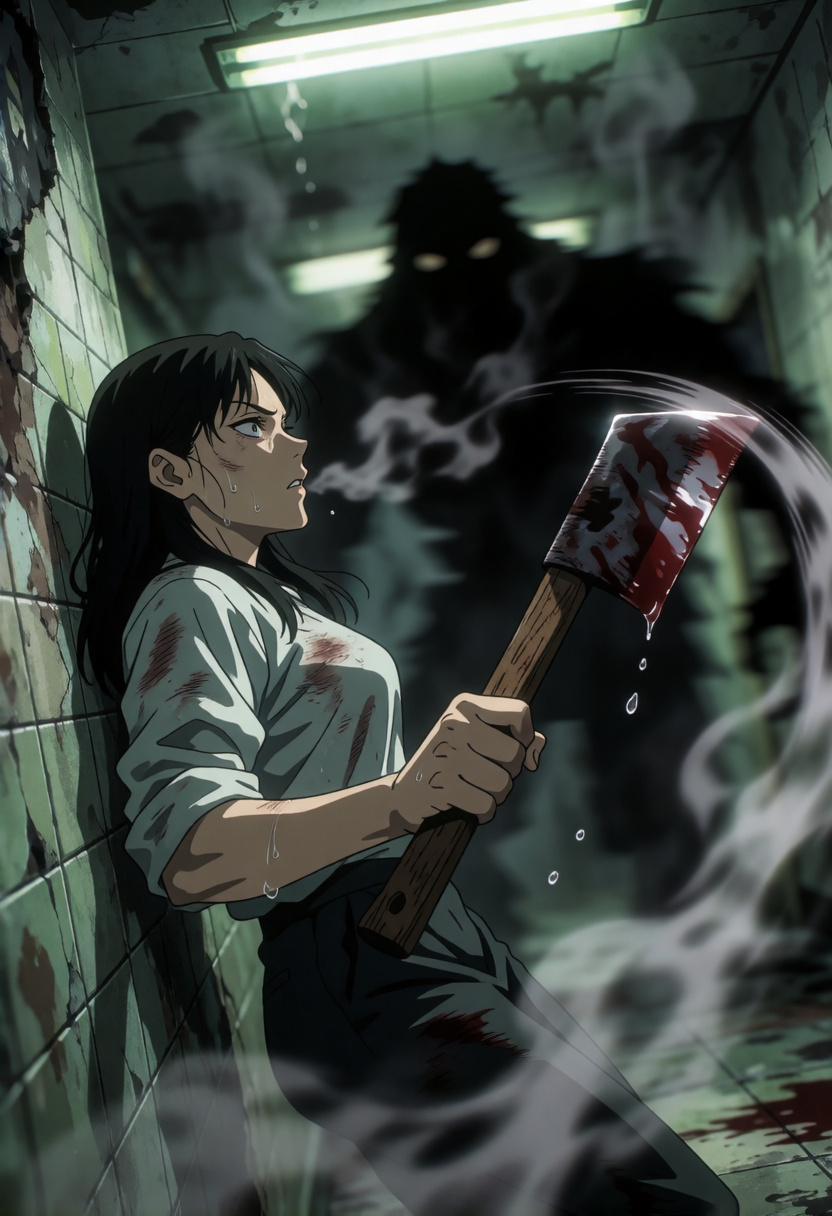
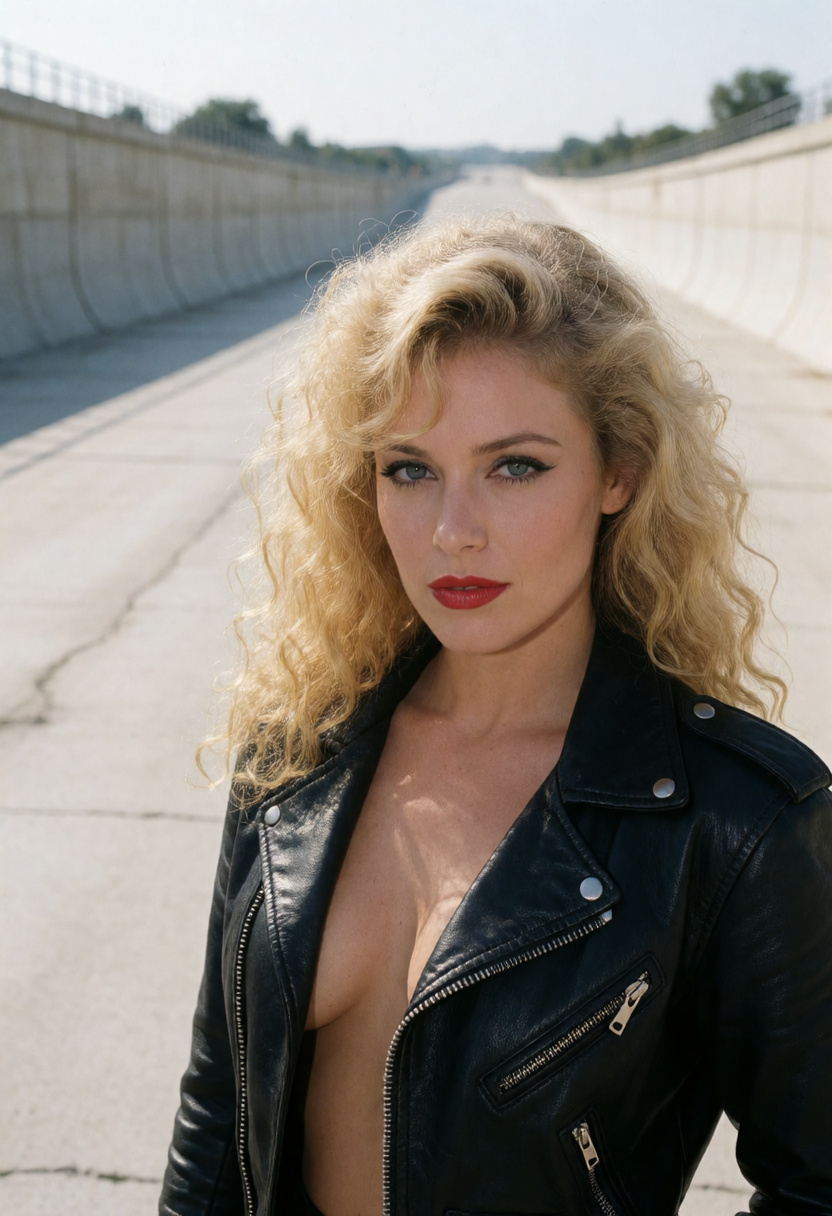
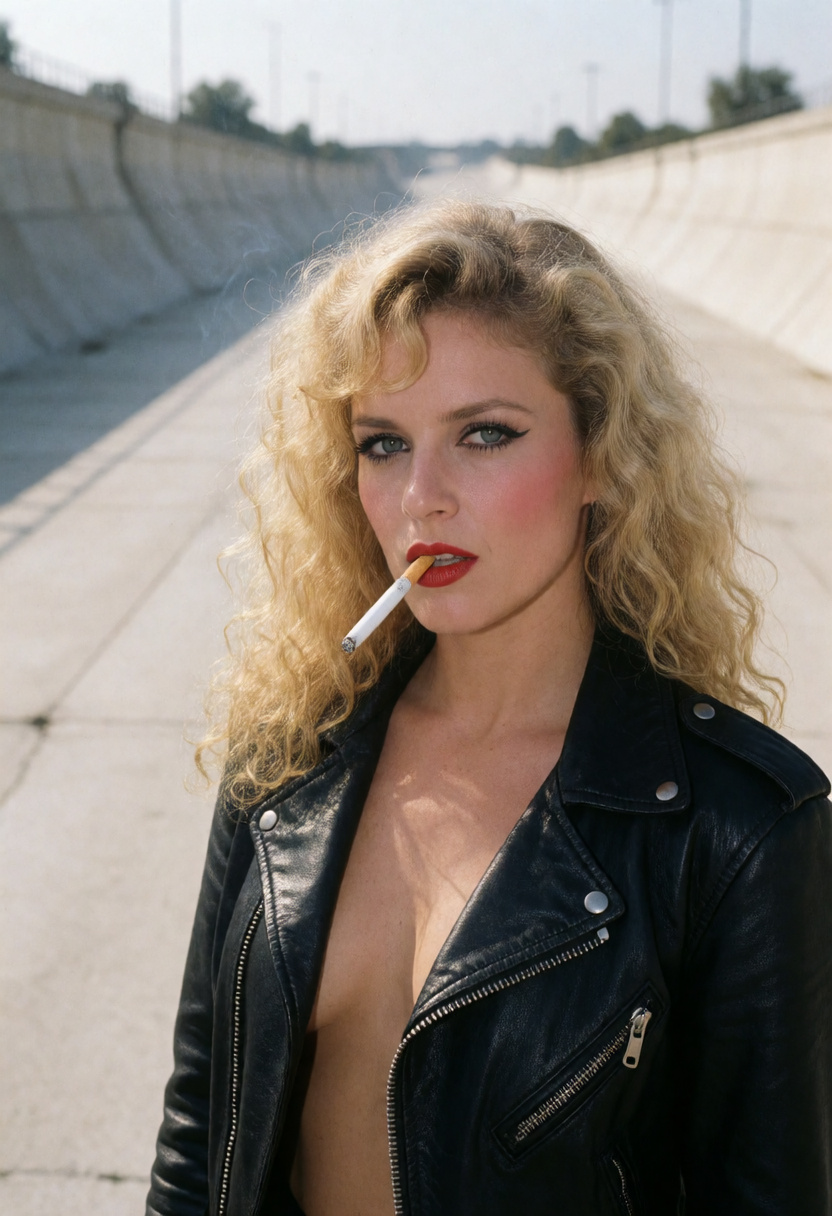
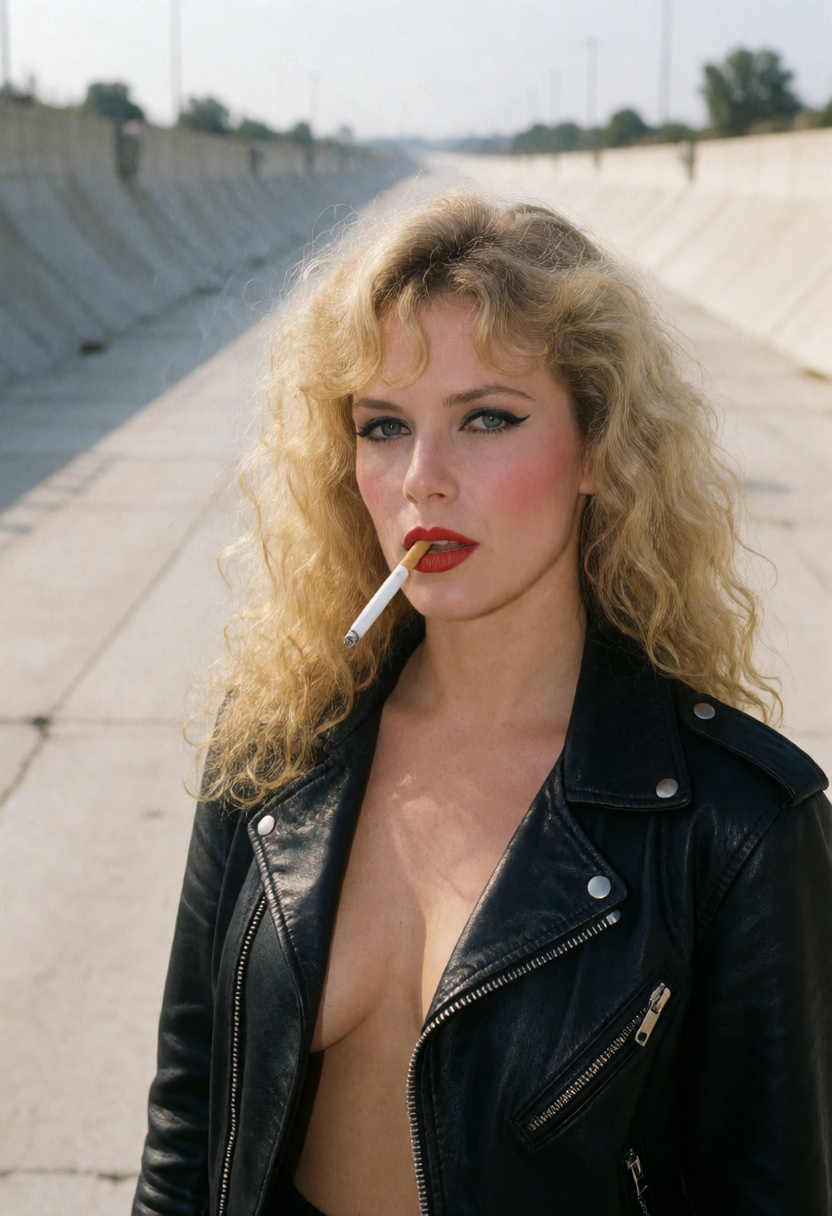
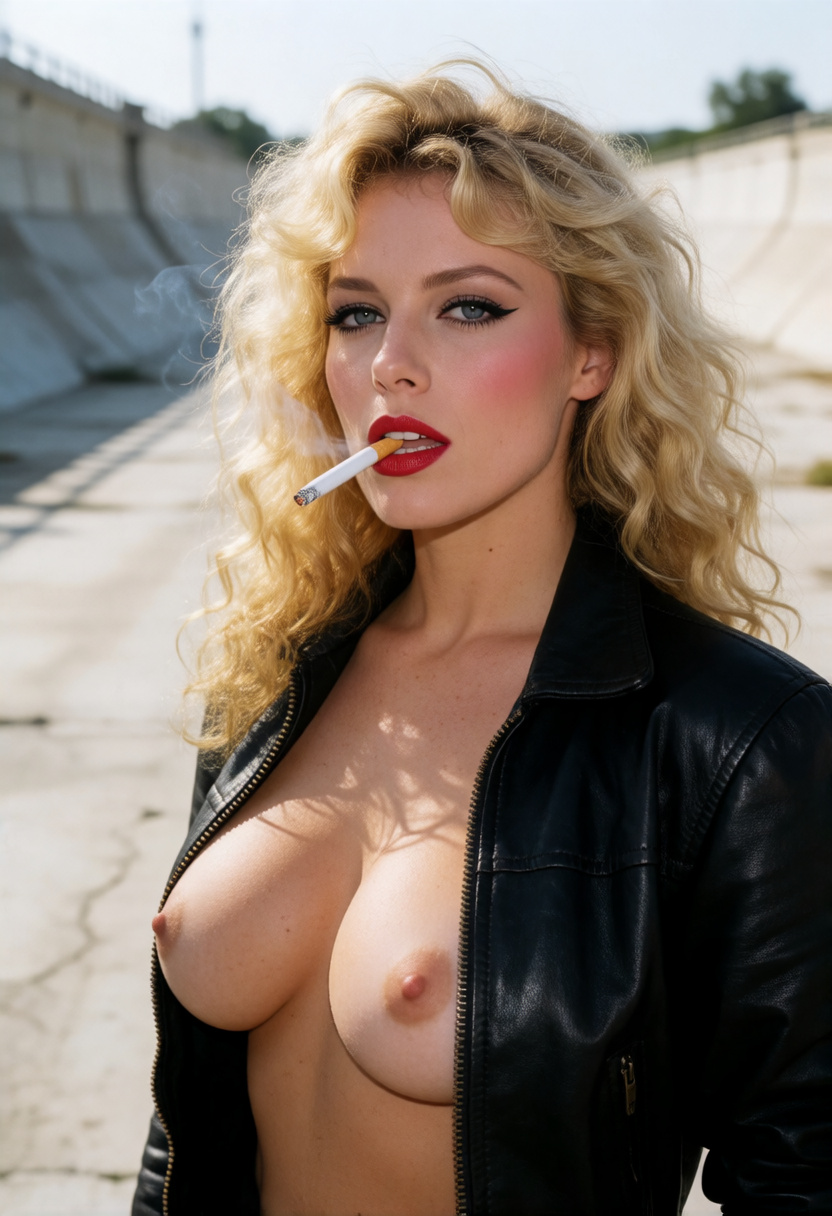
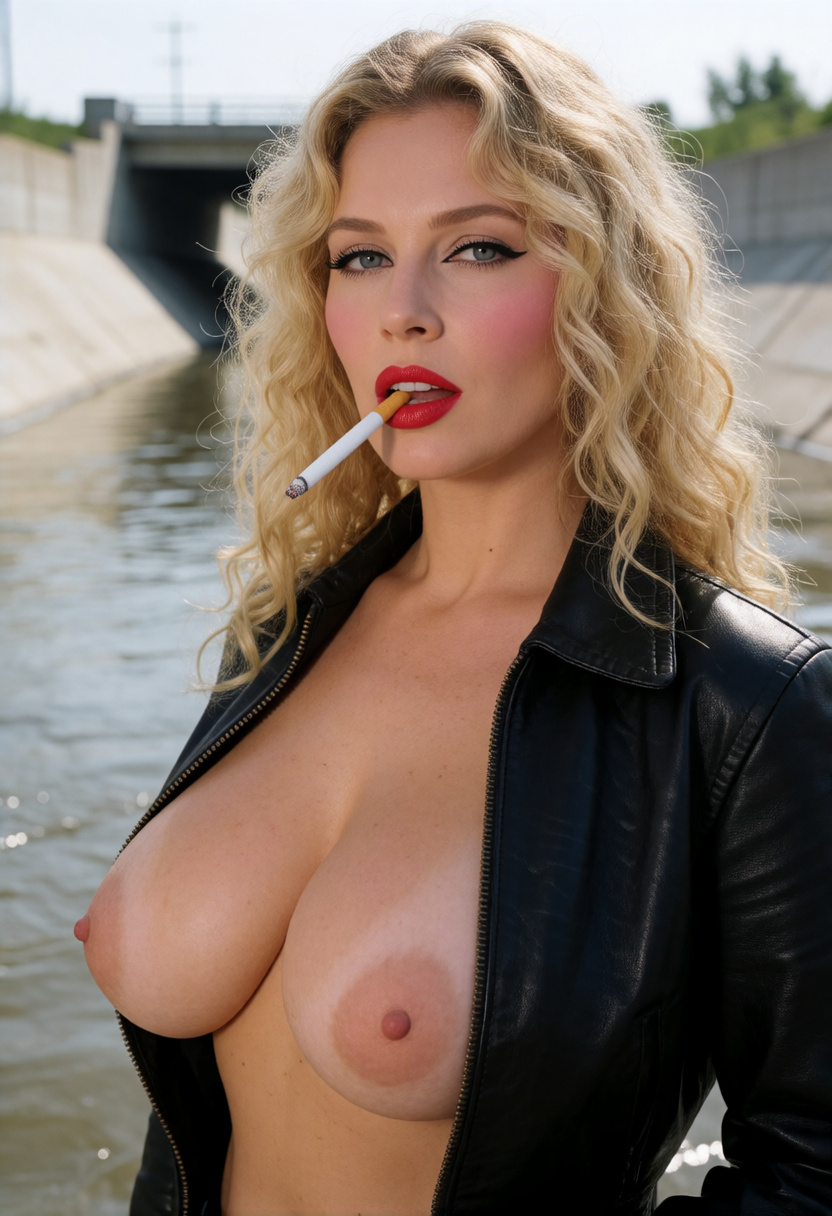
These 25 images are controlled demonstrations of five prompts, not the boundaries of the LoRA. Each row tests a different prompt and changes only LoRA strength across its frames; the row headings describe demonstrated outcomes, not separate controls. Mature examples remain blurred until a signed-in user 18 or older explicitly chooses to show them.
More responsive to expressions / emotion
Use this prompt →



More responsive to blood or horror
Use this prompt →
More responsive to body diversity
Use this prompt →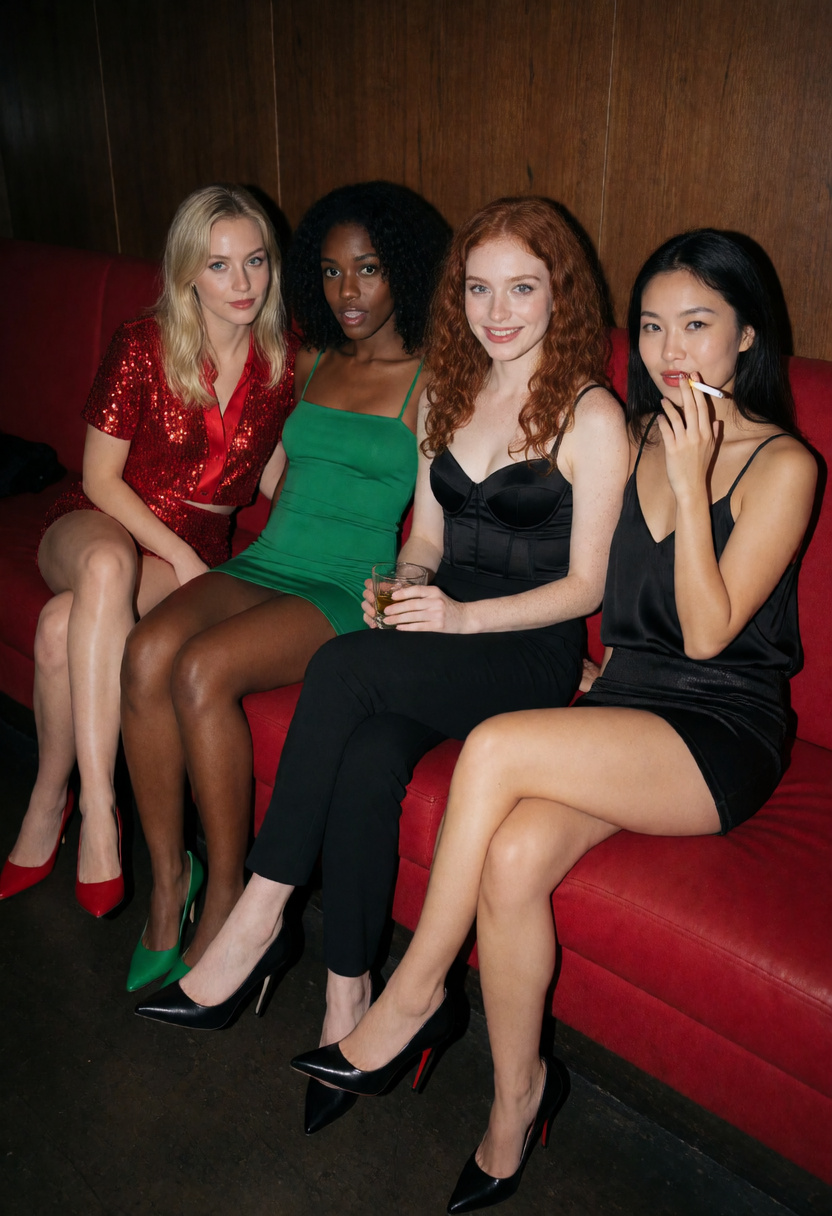


More responsive to action / drama
Use this prompt →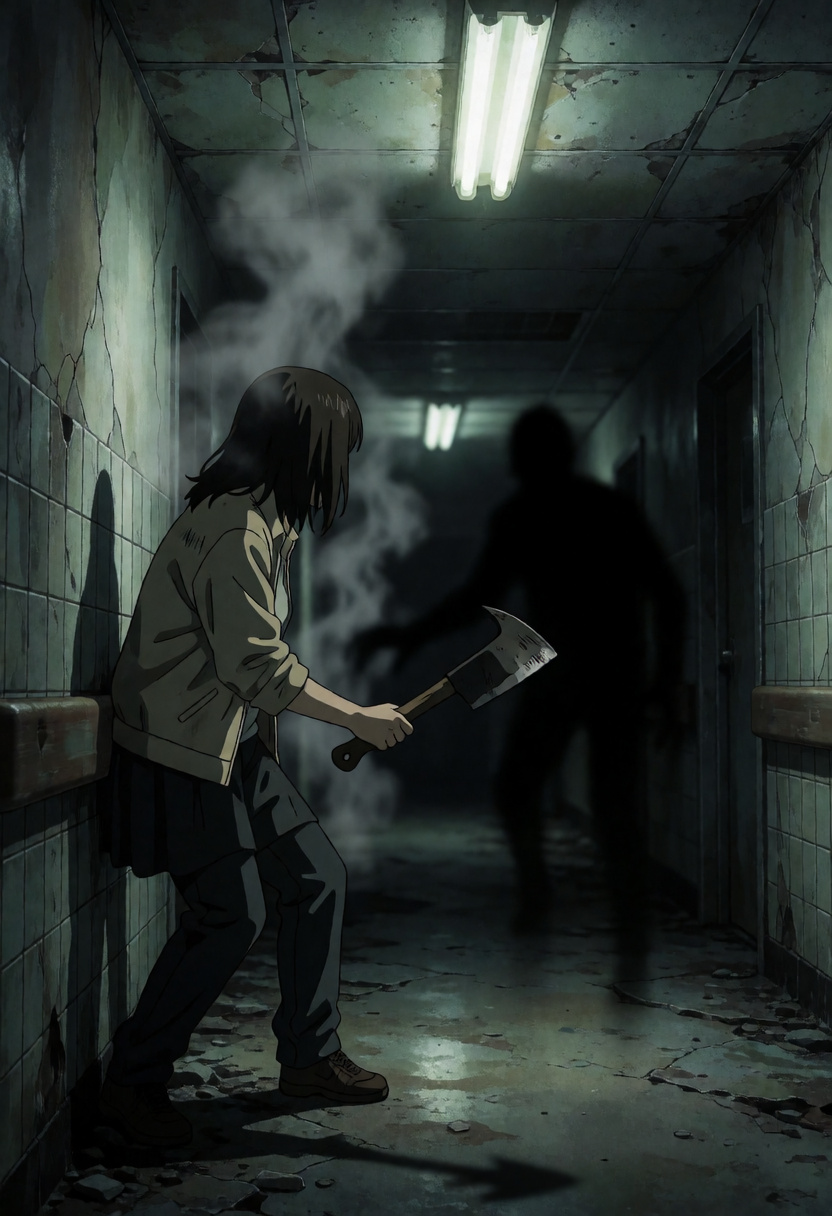
More responsive to nudity
Compatible model guides
This LoRA is available with every Krea 2 workflow below. Follow a model link for its examples, settings, pricing, and direct Sogni Create launch.
krea2_turbo_fp8_scaledView model guide →Krea 2 Identity Edit v1.2krea2_identity_edit_v1_2View model guide →Dark Beast Krea 2 v3dark_beast_krea2_fp8View model guide →Dark Beast Krea 2 Identity Edit v1.2dark_beast_krea2_identity_edit_v1_2View model guide →Sogni Krea 2 Identity Edit v0.3 Alphakrea2_identity_edit_sogni_v0_3_alphaView model guide → Questions about Krea 2 Filter Bypass — 2-Vector
What does Krea 2 Filter Bypass — 2-Vector do?
Improve Krea 2 prompt adherence across everyday and highly specific instructions—not just the five demonstrations below. Start at +1; switch to 3-vector only if needed.
What strength should I use for Krea 2 Filter Bypass — 2-Vector?
Start at +1. The recommended range is +1 to +2; use the lowest strength that gives you the effect you want.
Which models work with Krea 2 Filter Bypass — 2-Vector?
Krea 2 Filter Bypass — 2-Vector is available on Krea 2 Turbo, Krea 2 Identity Edit v1.2, Dark Beast Krea 2 v3, Dark Beast Krea 2 Identity Edit v1.2, Sogni Krea 2 Identity Edit v0.3 Alpha.
Are the five Filter Bypass example groups a complete list of what it improves?
No. They are controlled demonstrations of a few visible prompt-adherence failures, not separate controls or the limits of the LoRA. Filter Bypass broadly helps Krea 2 honor benign and highly specific prompt details; the one LoRA setting varied in each comparison row is strength.
Should I use the 2-vector and 3-vector Filter Bypass LoRAs together?
No. Treat them as alternative strengths of the same tool: start with 2-vector, then switch to 3-vector only when 2-vector is not strong enough. Stacking is possible, but it is not the recommended workflow.