What this LoRA does
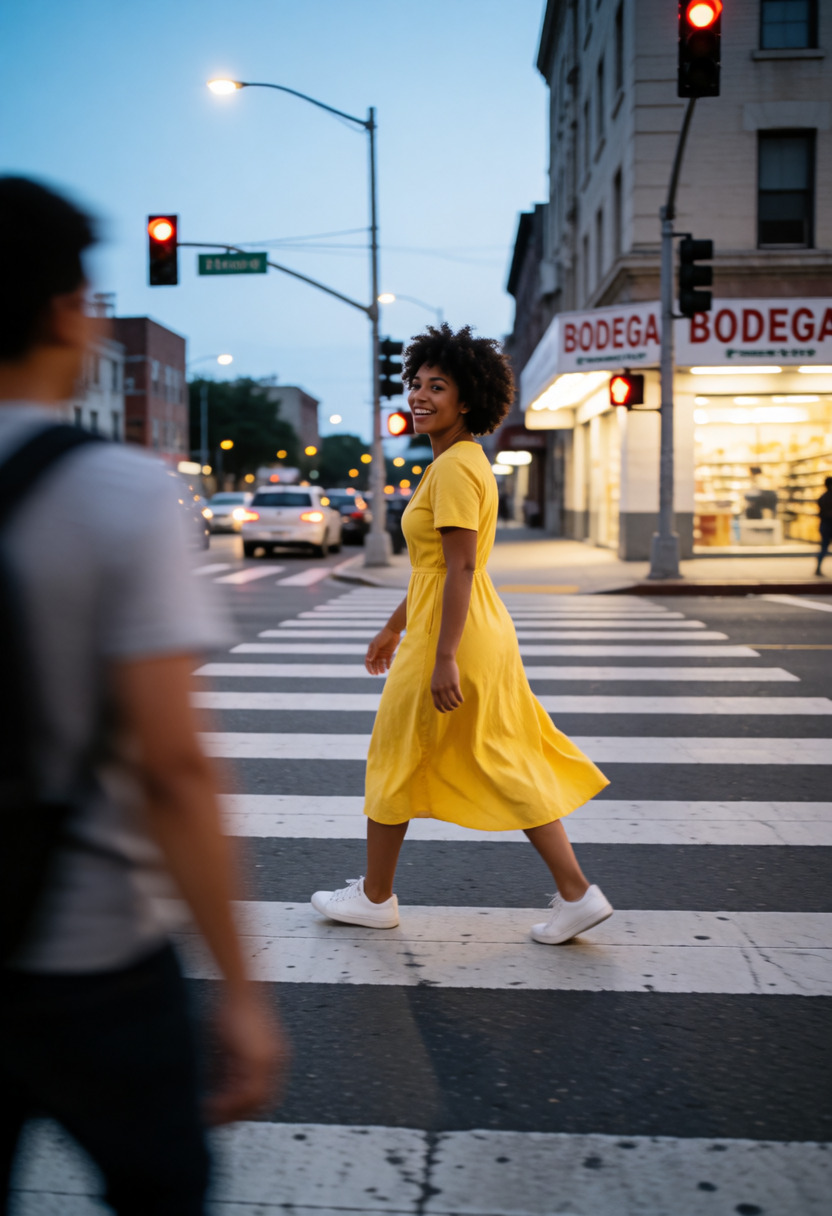
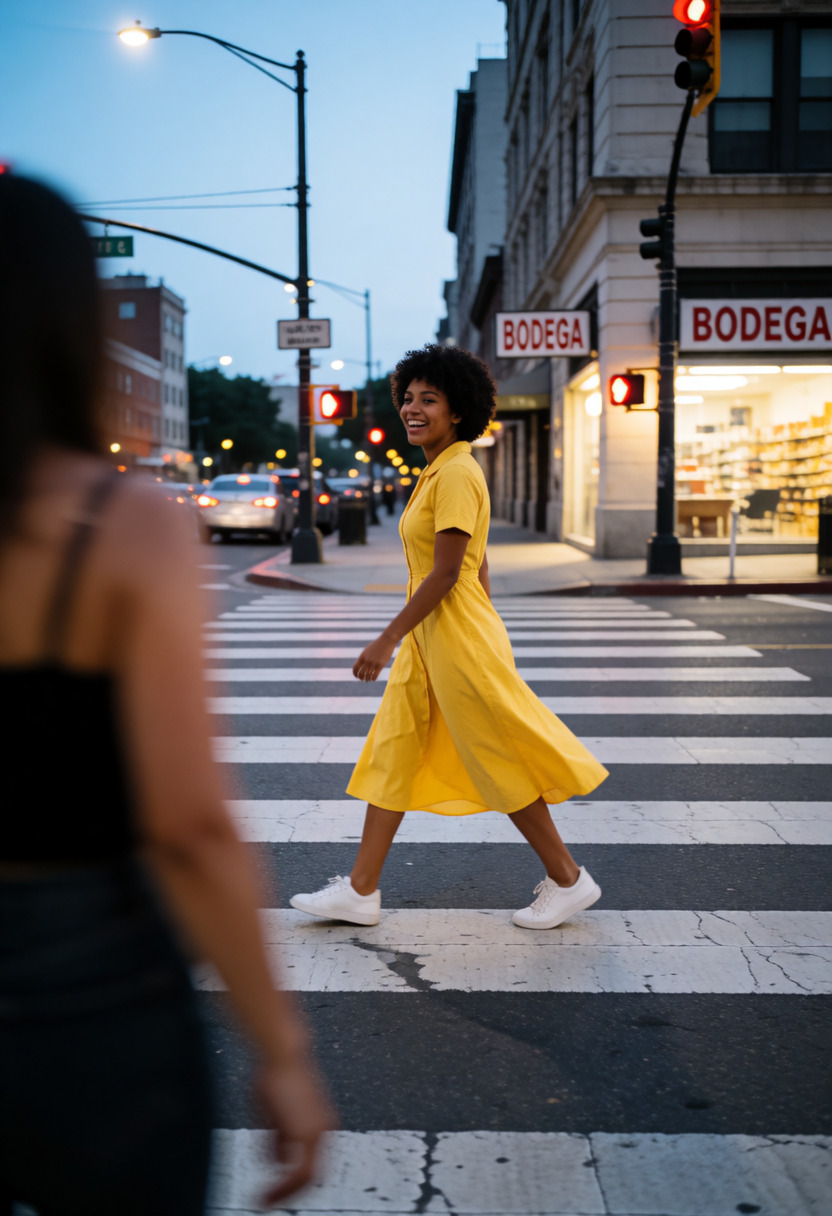
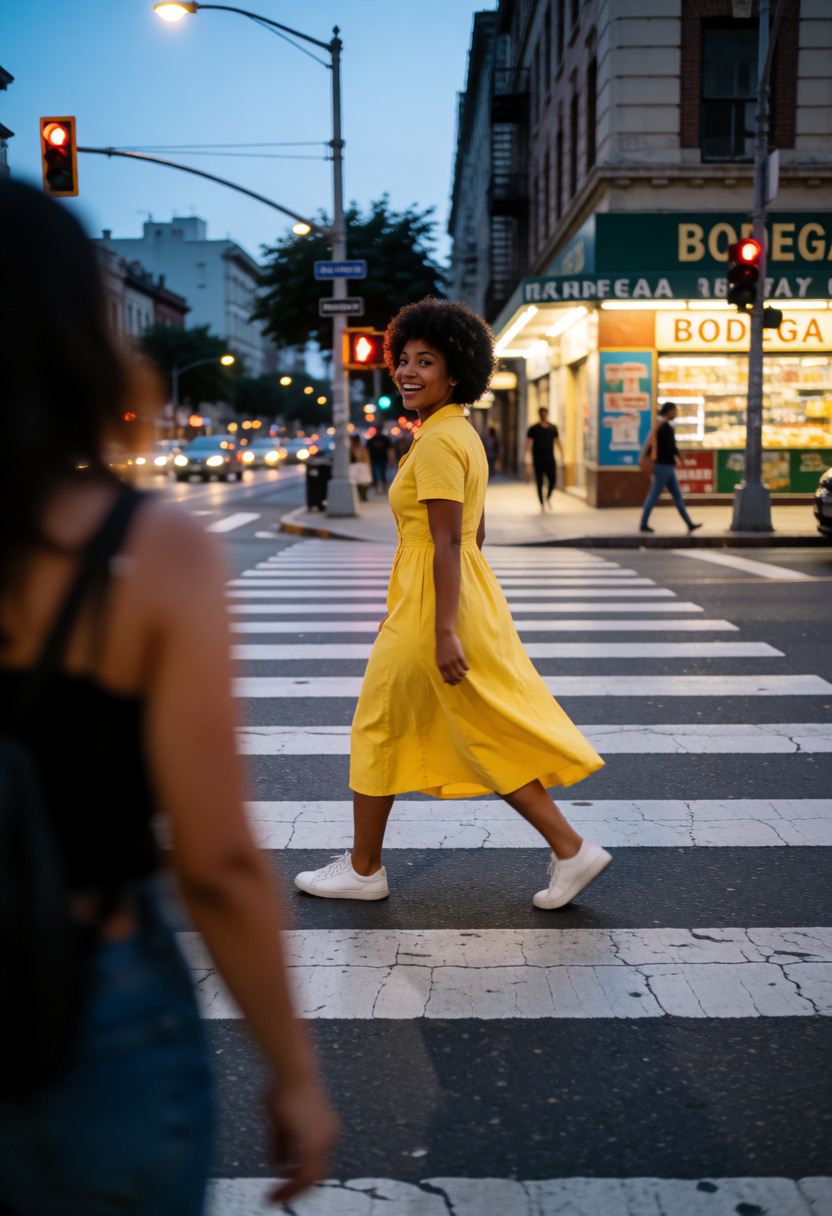
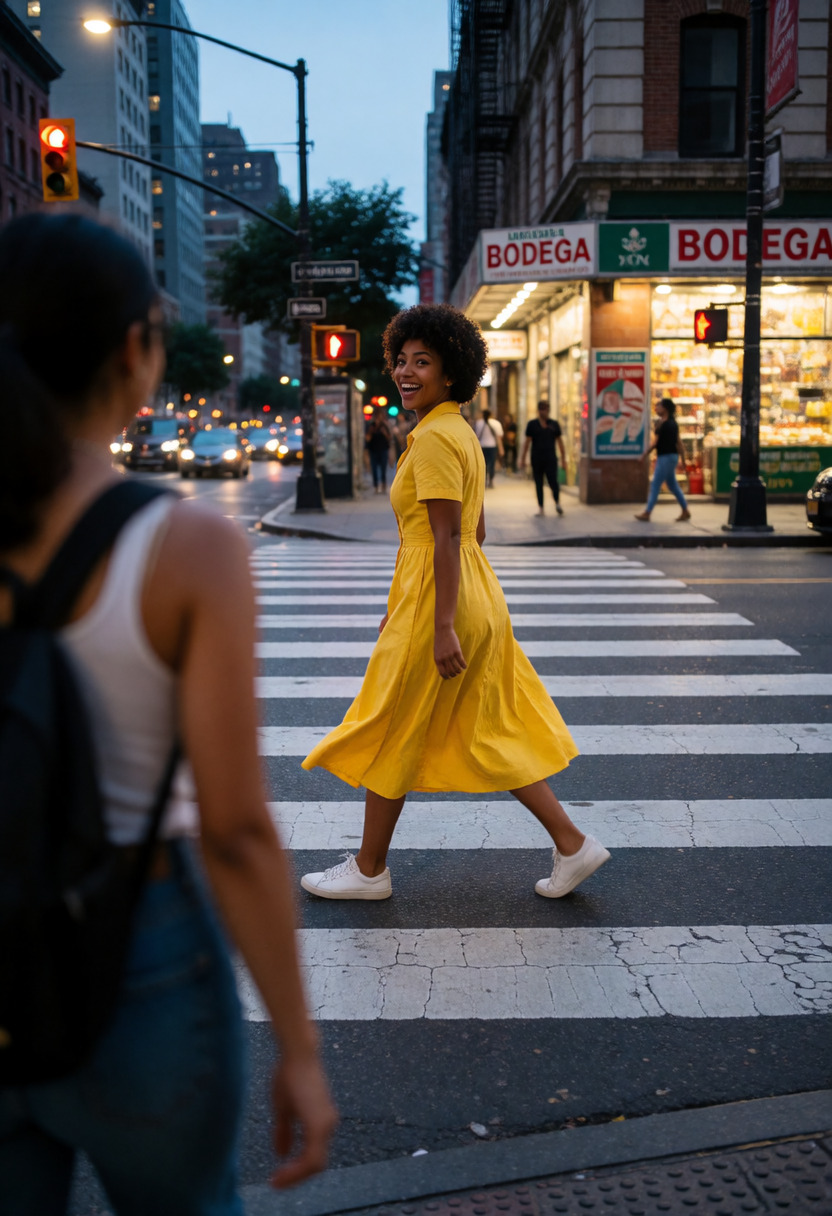
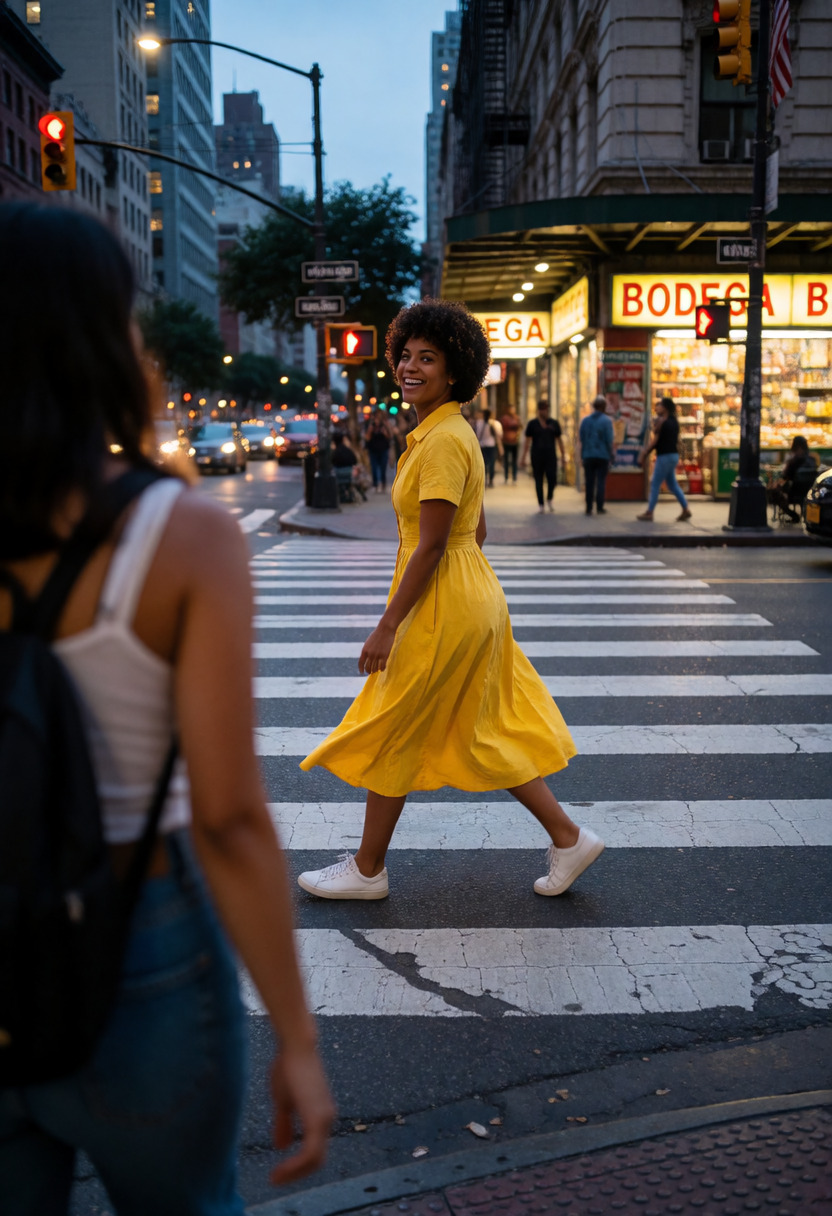
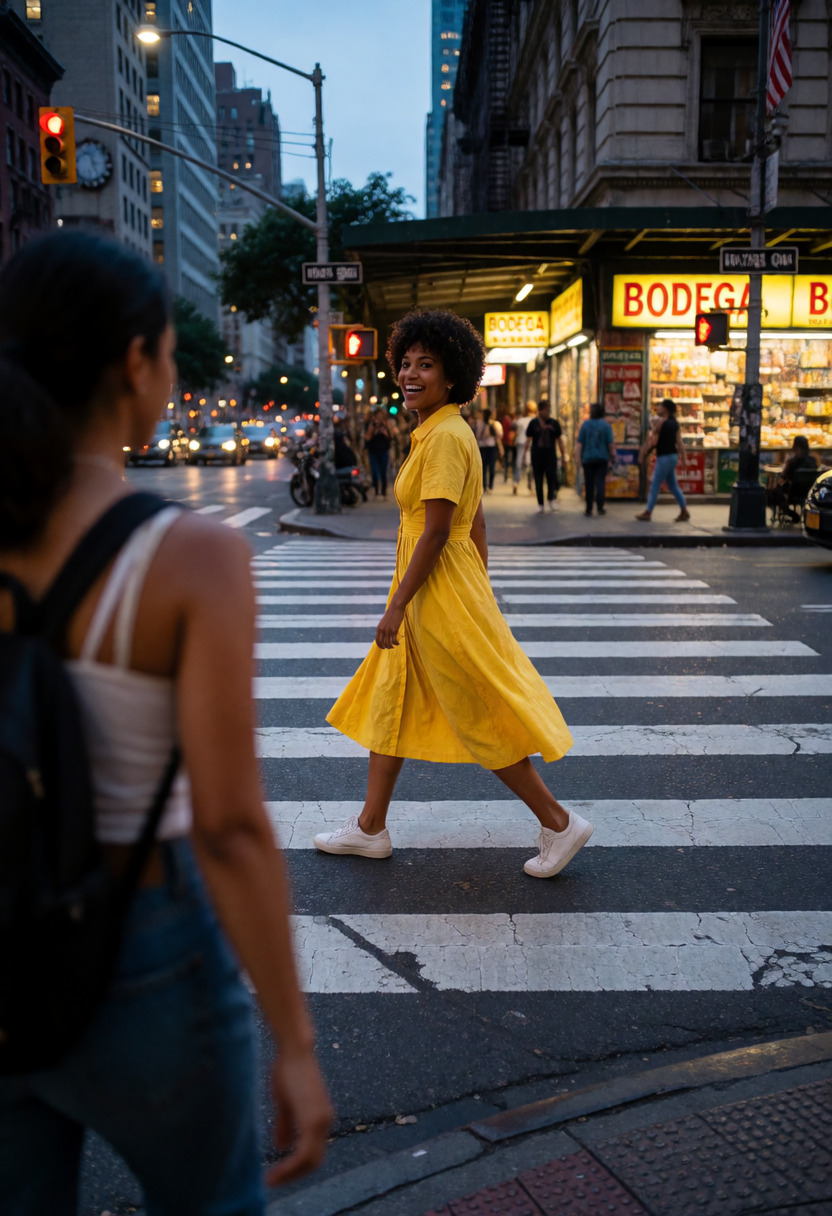
Adds or removes rich scene detail and clutter based on strength. This LoRA enhances the image with new details and objects. Recommended range: -4 to 4 for short prompts or detailed scenes, -6 to 6 for portraits or simple scenes.
How to use Scene Complexity
- Open the preloaded Sogni setup.The button below opens Krea 2 Turbo with this LoRA already attached, even when you need to sign in first.
- Review the selected LoRA.It is loaded at the catalog default below. No download, install, search, or ComfyUI setup is required.
- Start at +1 and adjust.The recommended range is -4 to +4. Use the lowest strength that produces the effect you want.
Examples
All 7 catalog examples are included below. Strength comparisons stay in their original order so you can judge the effect without guesswork.
Strength comparison
Use this prompt →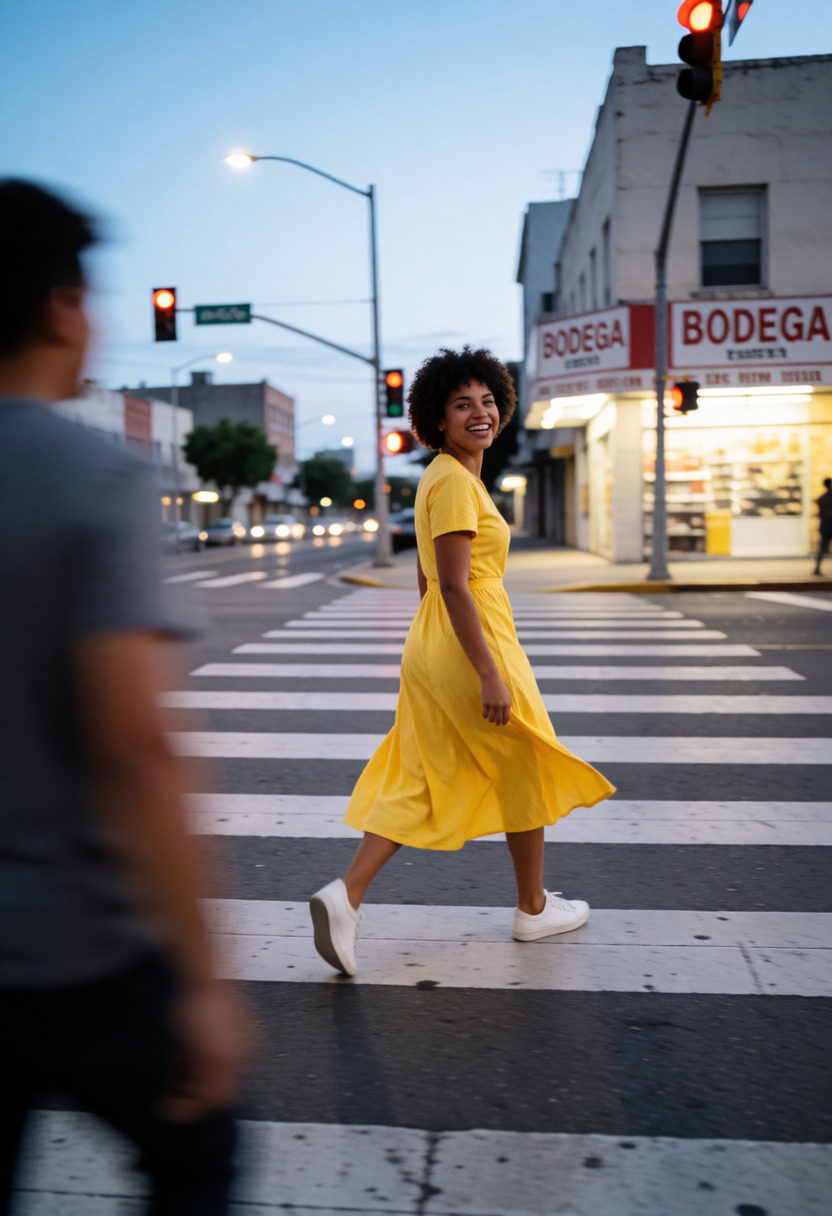
Compatible model guides
This LoRA is available with every Krea 2 workflow below. Follow a model link for its examples, settings, pricing, and direct Sogni Create launch.
krea2_turbo_fp8_scaledView model guide →Krea 2 Identity Edit v1.2krea2_identity_edit_v1_2View model guide →Dark Beast Krea 2 v3dark_beast_krea2_fp8View model guide →Dark Beast Krea 2 Identity Edit v1.2dark_beast_krea2_identity_edit_v1_2View model guide →Sogni Krea 2 Identity Edit v0.3 Alphakrea2_identity_edit_sogni_v0_3_alphaView model guide → Questions about Scene Complexity
What does Scene Complexity do?
Adds or removes rich scene detail and clutter based on strength.
What strength should I use for Scene Complexity?
Start at +1. The recommended range is -4 to +4; use the lowest strength that gives you the effect you want.
Which models work with Scene Complexity?
Scene Complexity is available on Krea 2 Turbo, Krea 2 Identity Edit v1.2, Dark Beast Krea 2 v3, Dark Beast Krea 2 Identity Edit v1.2, Sogni Krea 2 Identity Edit v0.3 Alpha.