What this LoRA does
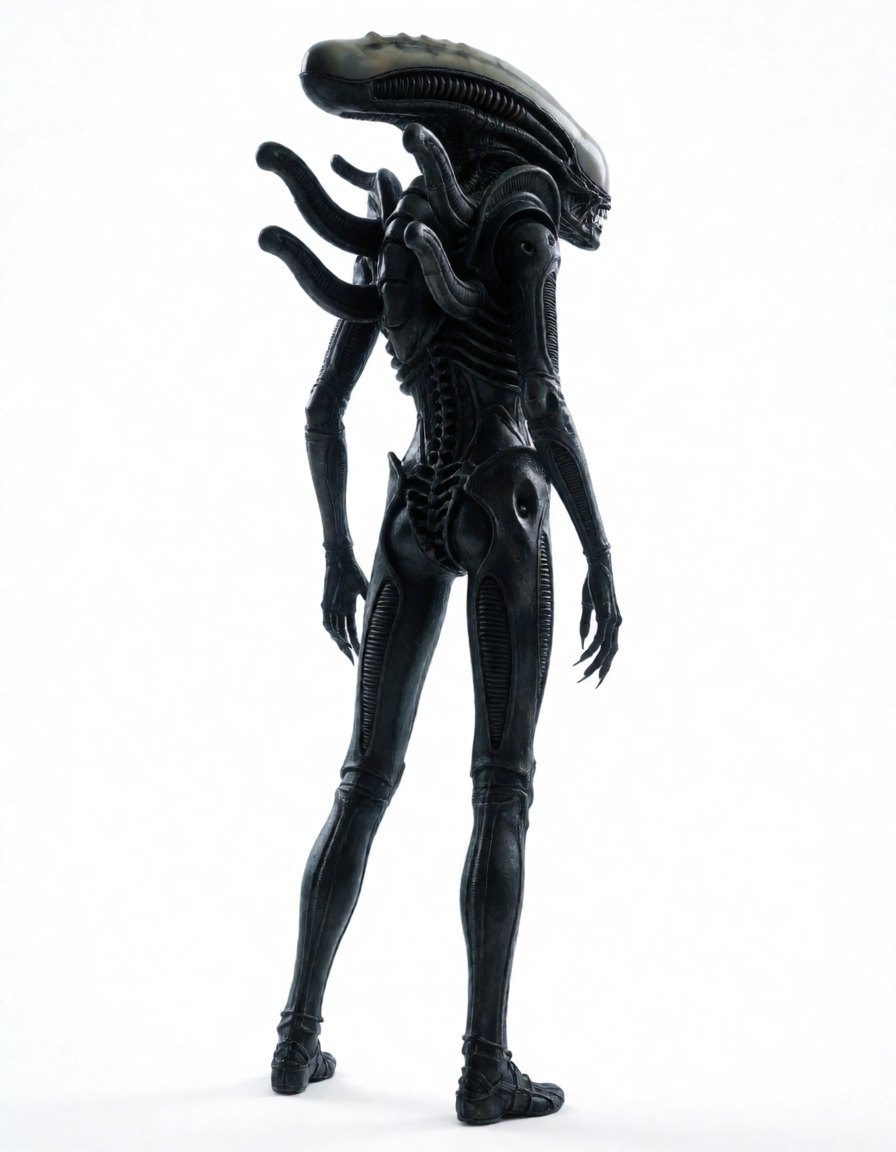
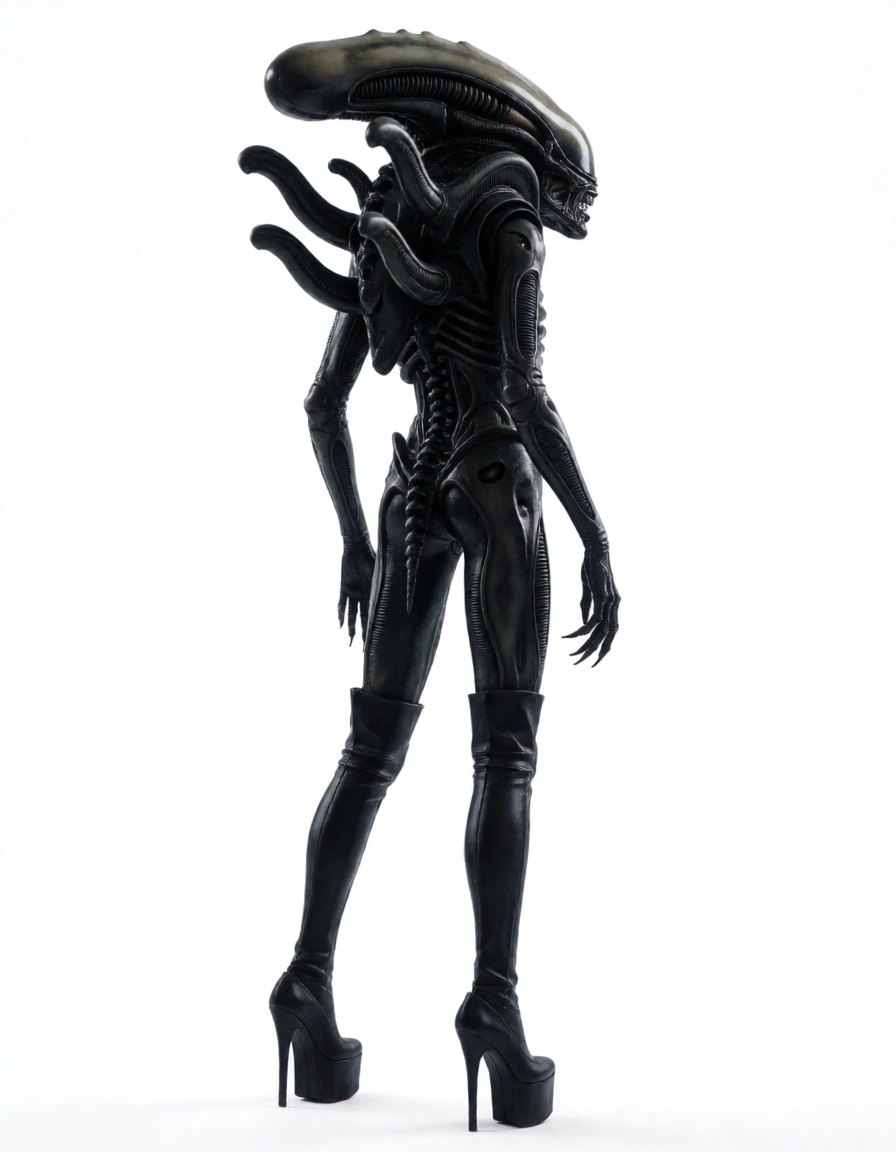
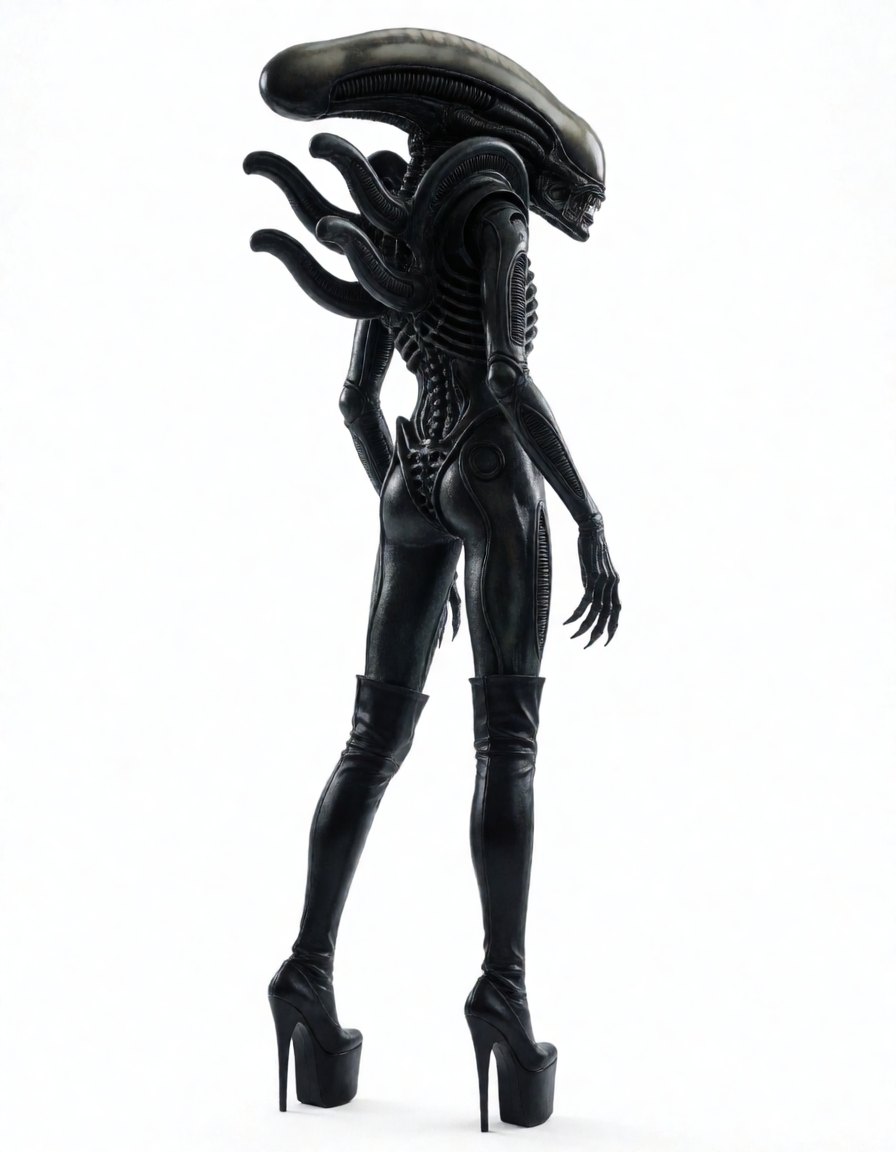
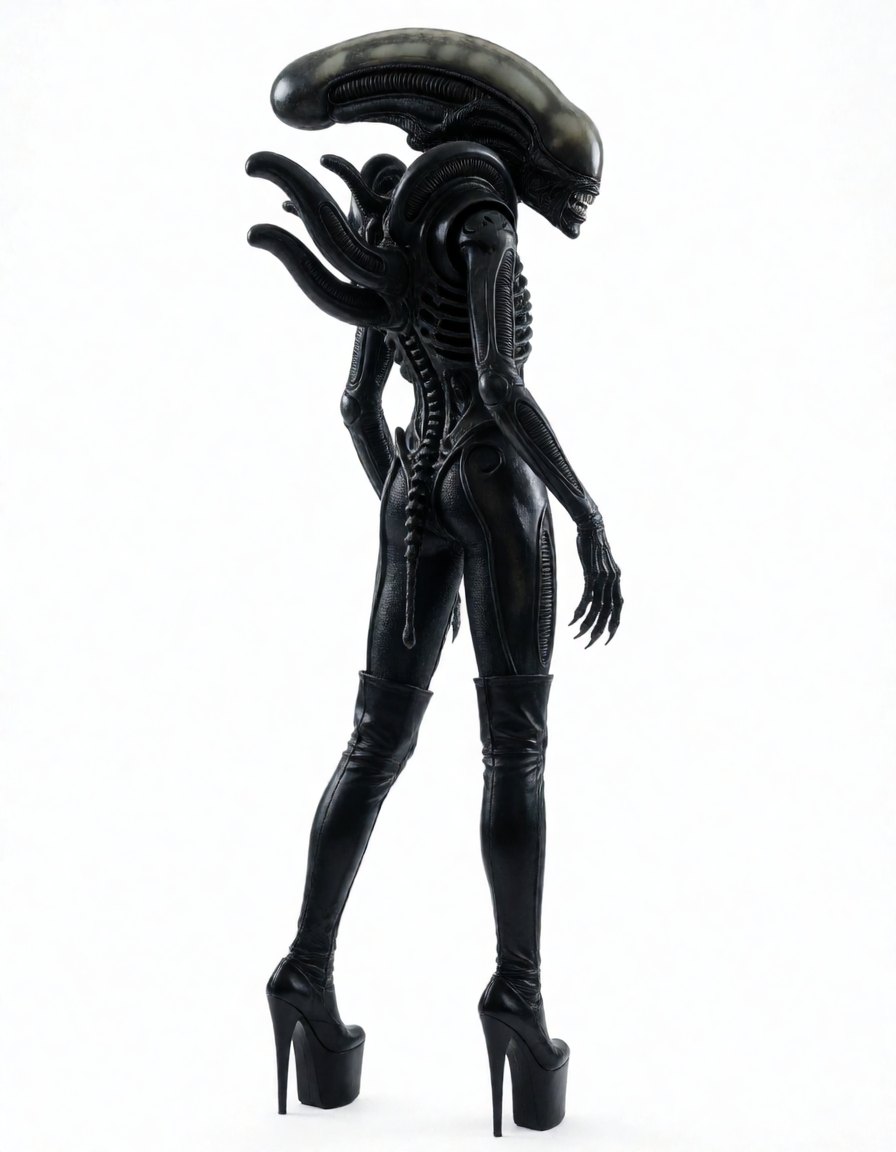
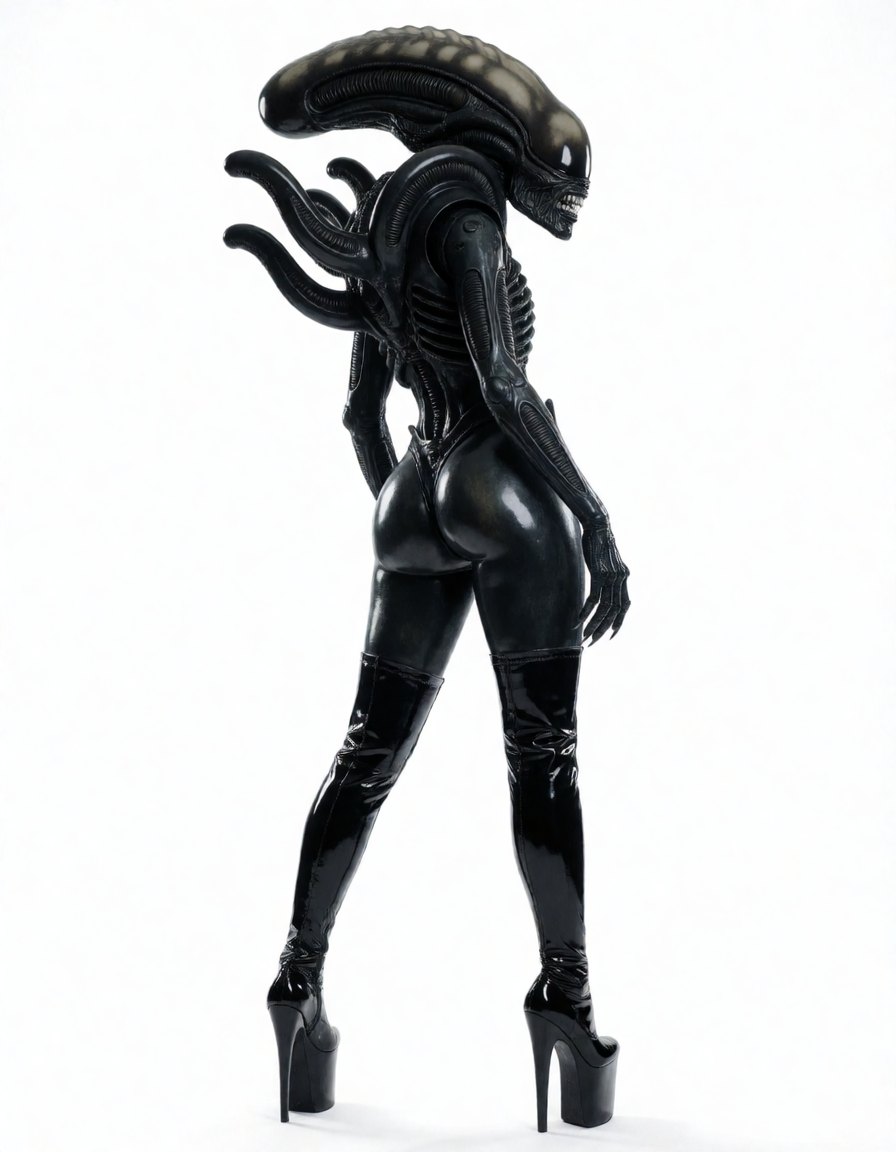
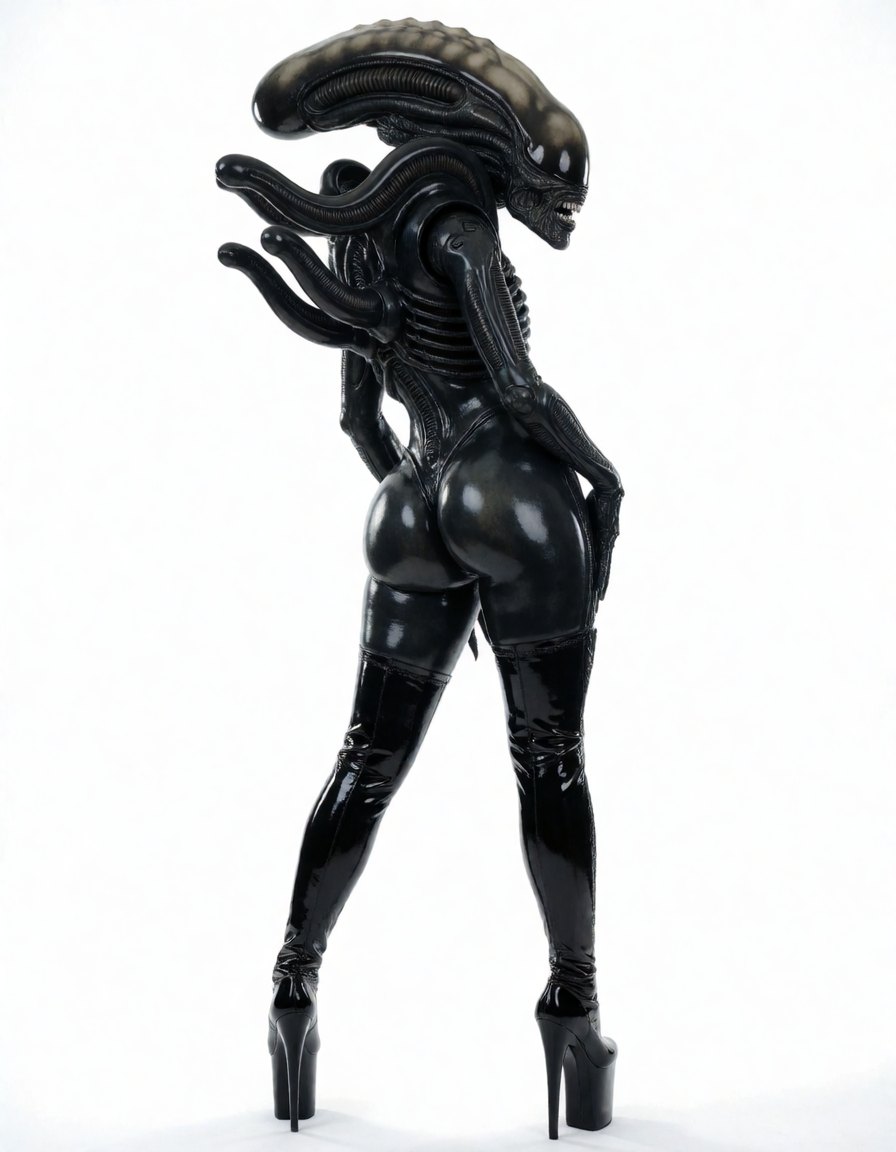
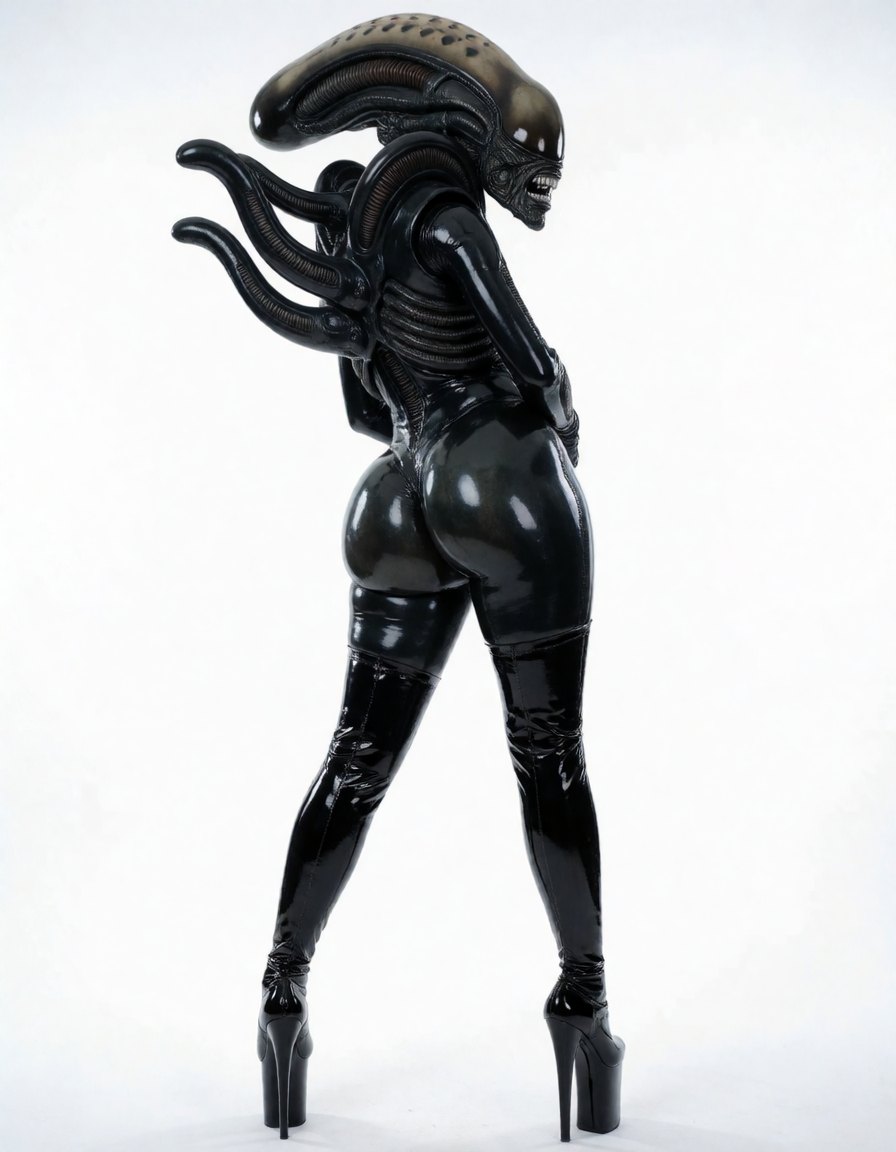
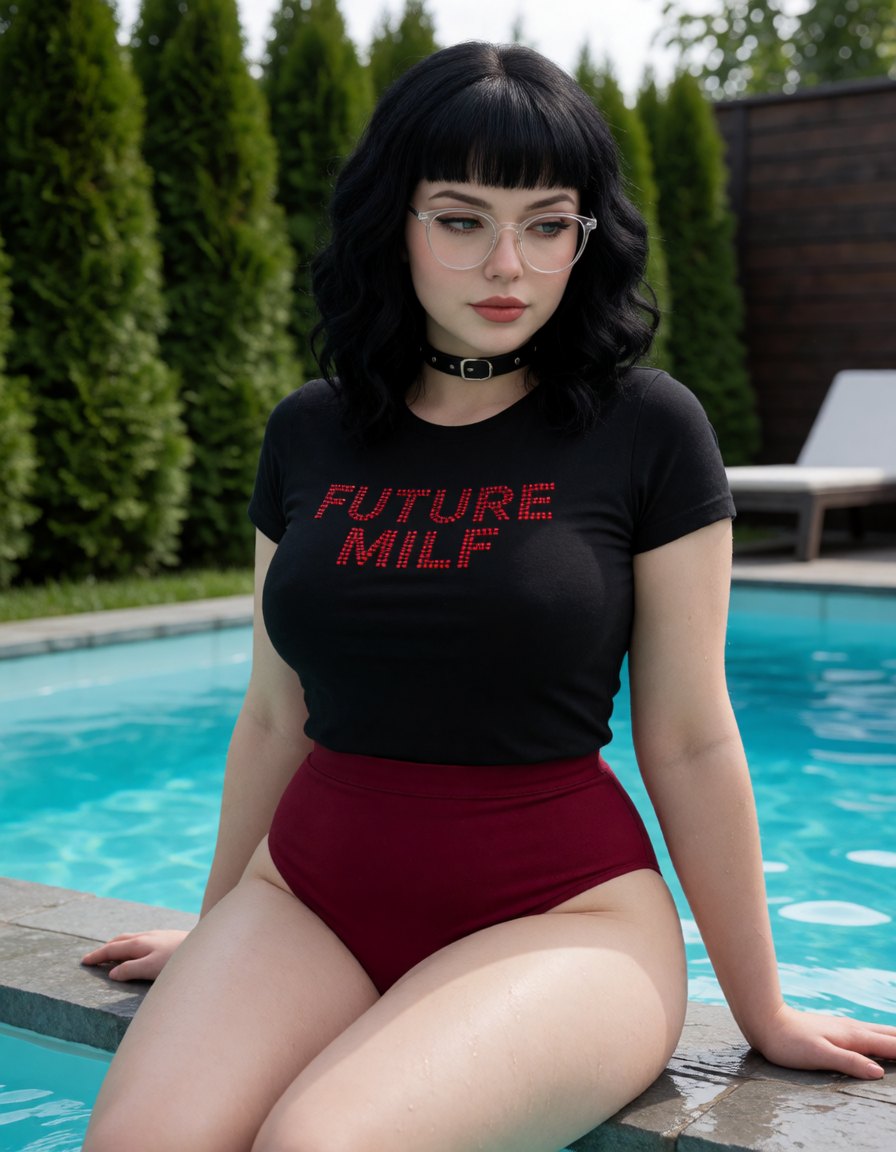
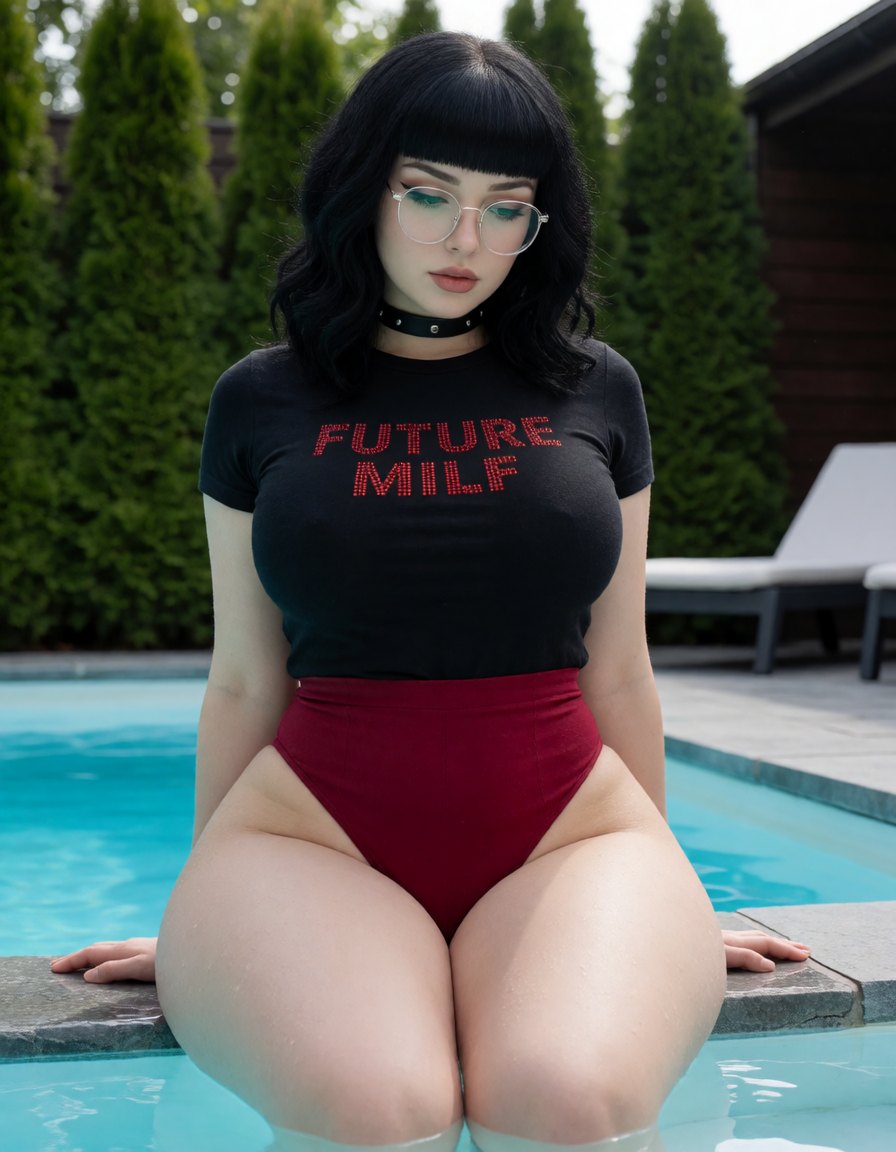
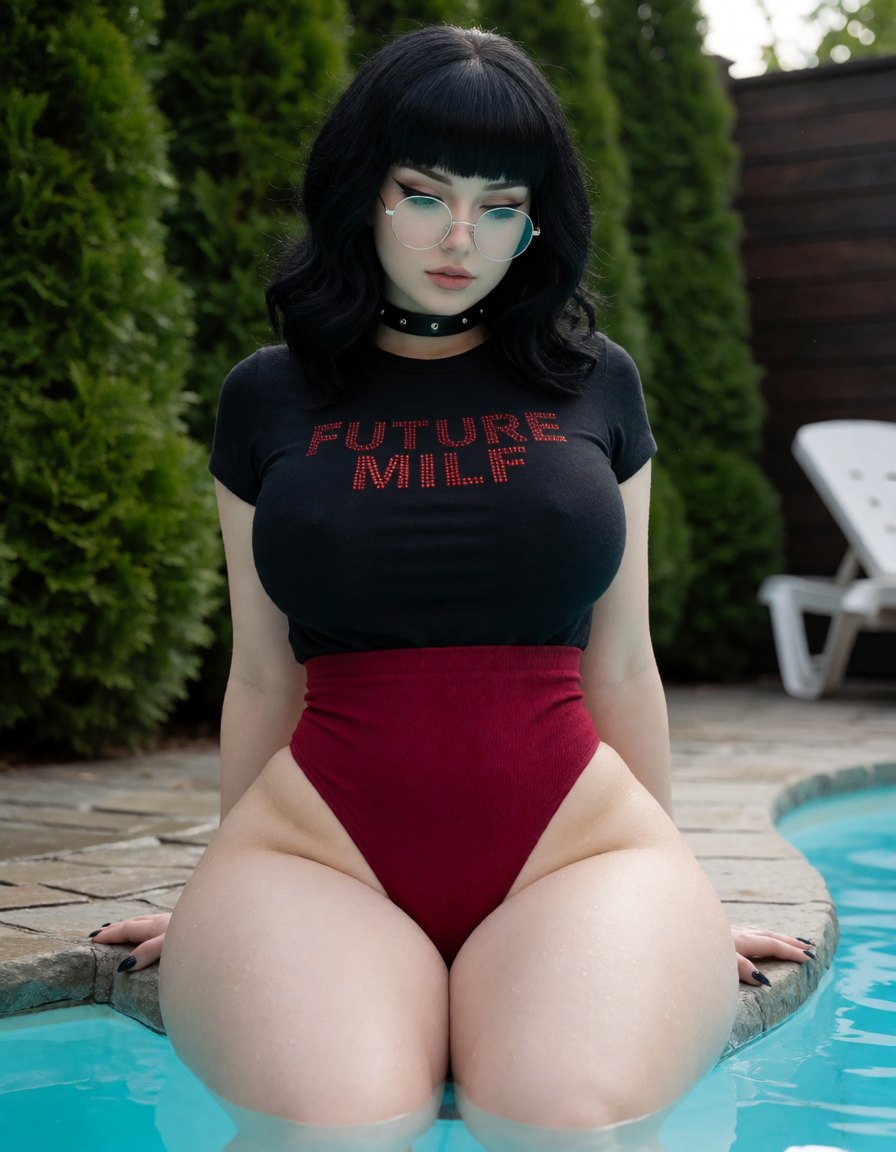
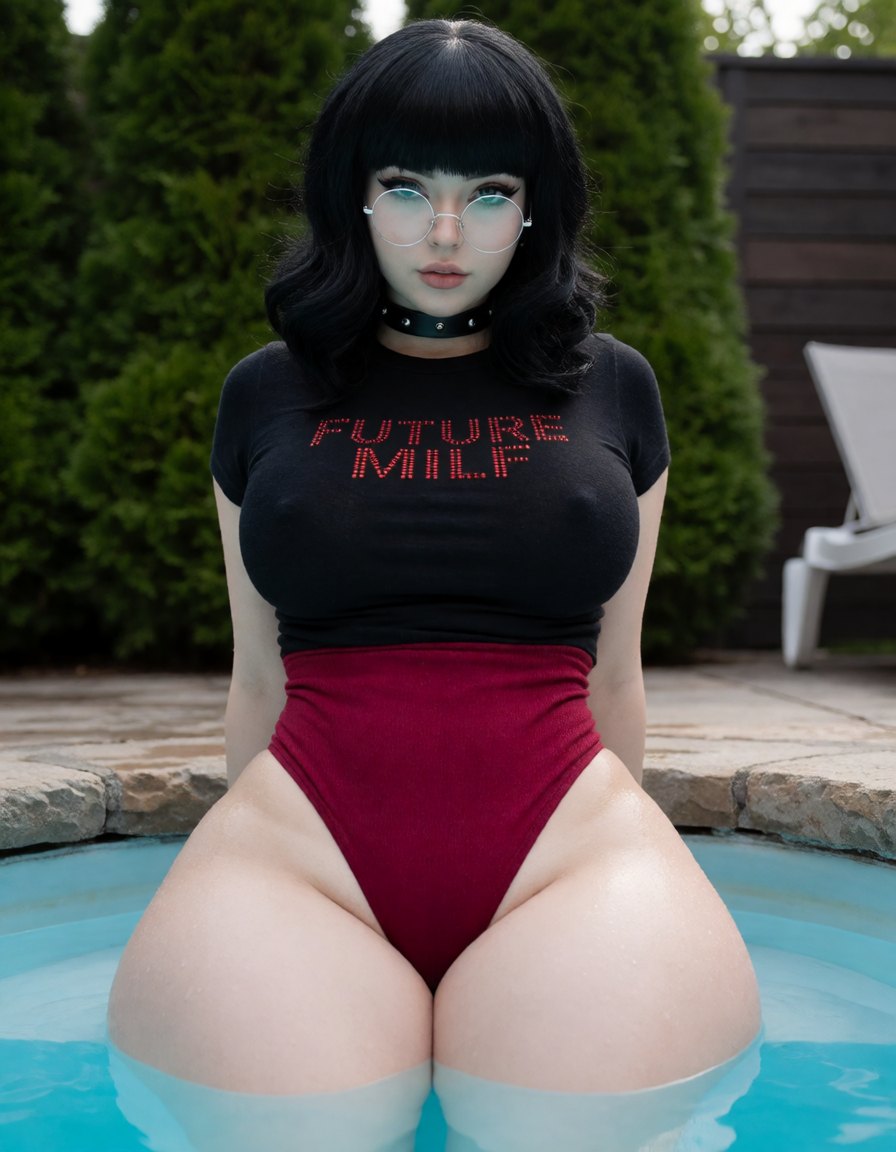
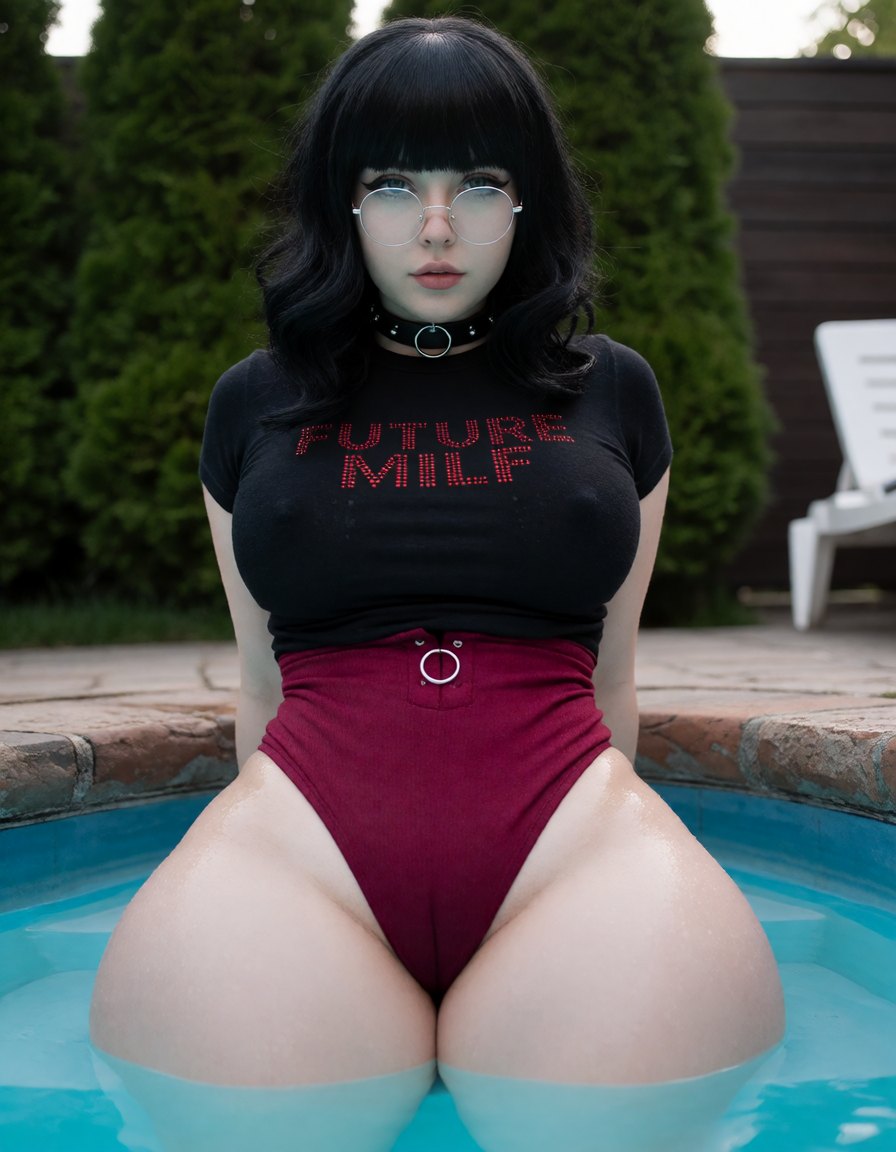
A community concept slider for body shape. Positive values emphasize a pronounced hourglass silhouette by widening the hips while keeping the waist relatively narrow; negative values push toward the opposite proportions. It works without special prompt phrases or companion LoRAs. The author recommends positive strengths from 0.7 to 1.0.
How to use Figure
- Open the preloaded Sogni setup.The button below opens Krea 2 Turbo with this LoRA already attached, even when you need to sign in first.
- Review the selected LoRA.It is loaded at the catalog default below. No download, install, search, or ComfyUI setup is required.
- Start at +0.8 and adjust.The recommended range is +0.7 to +1. Use the lowest strength that produces the effect you want.
Examples
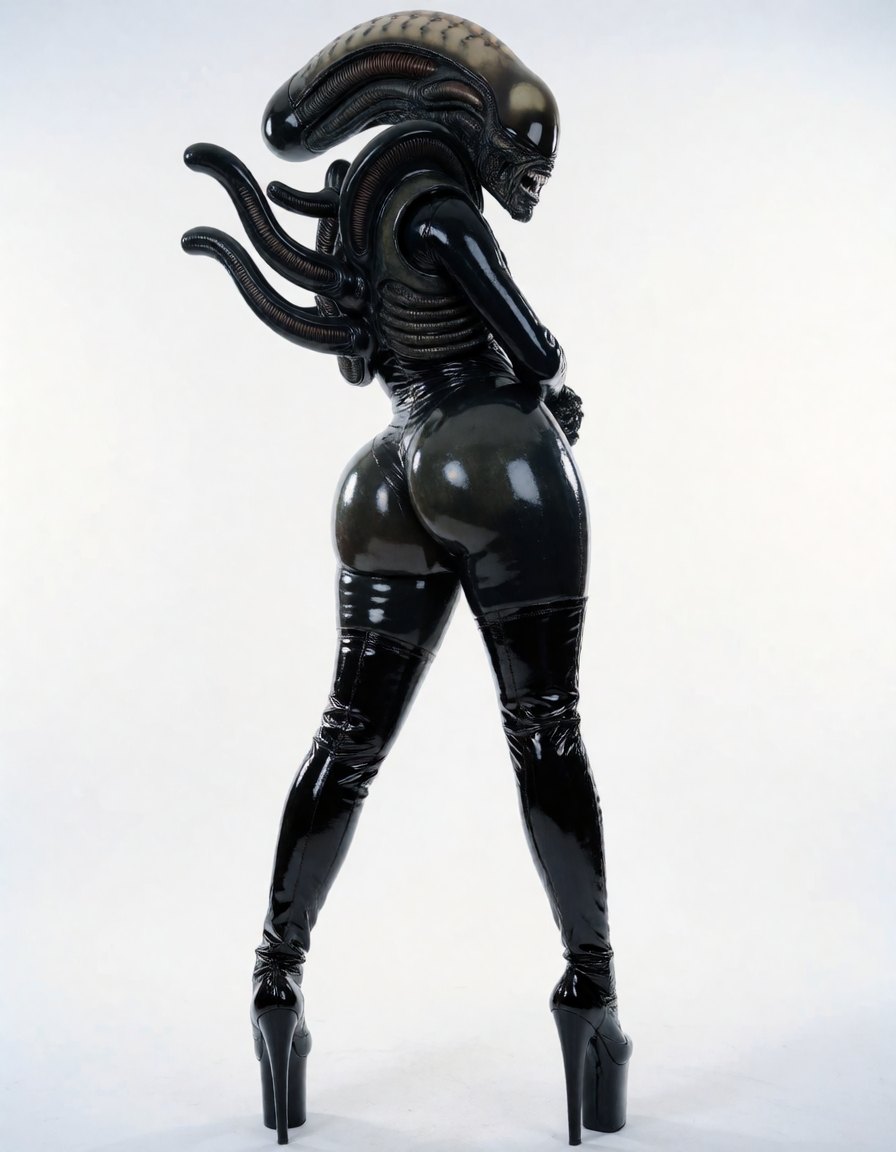
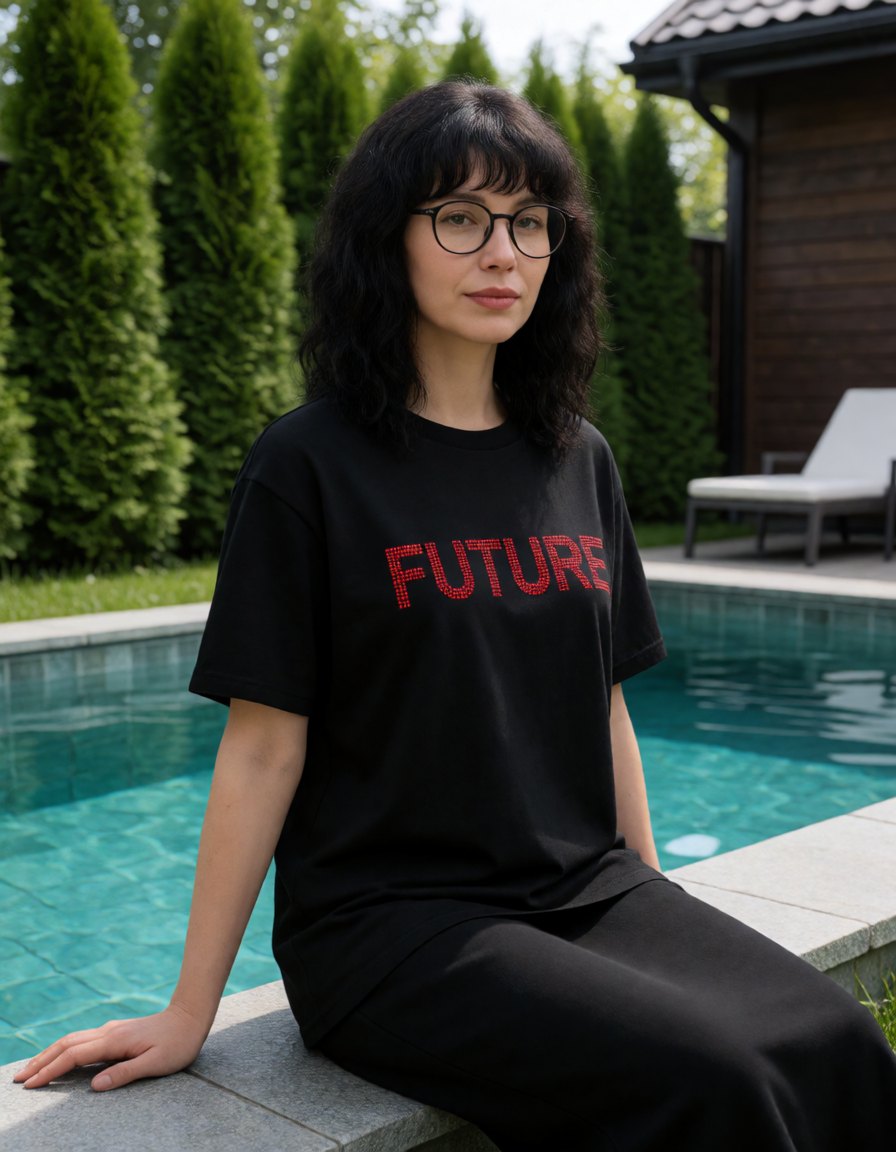
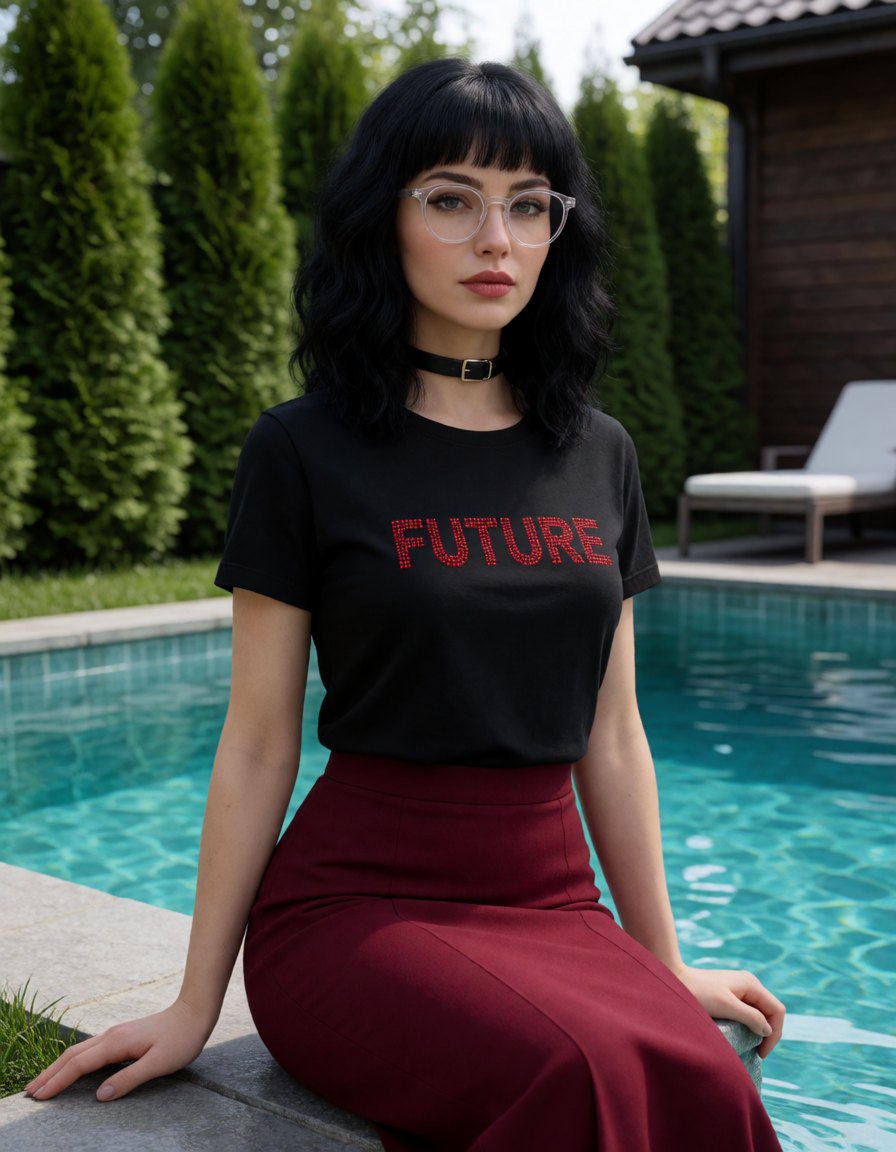
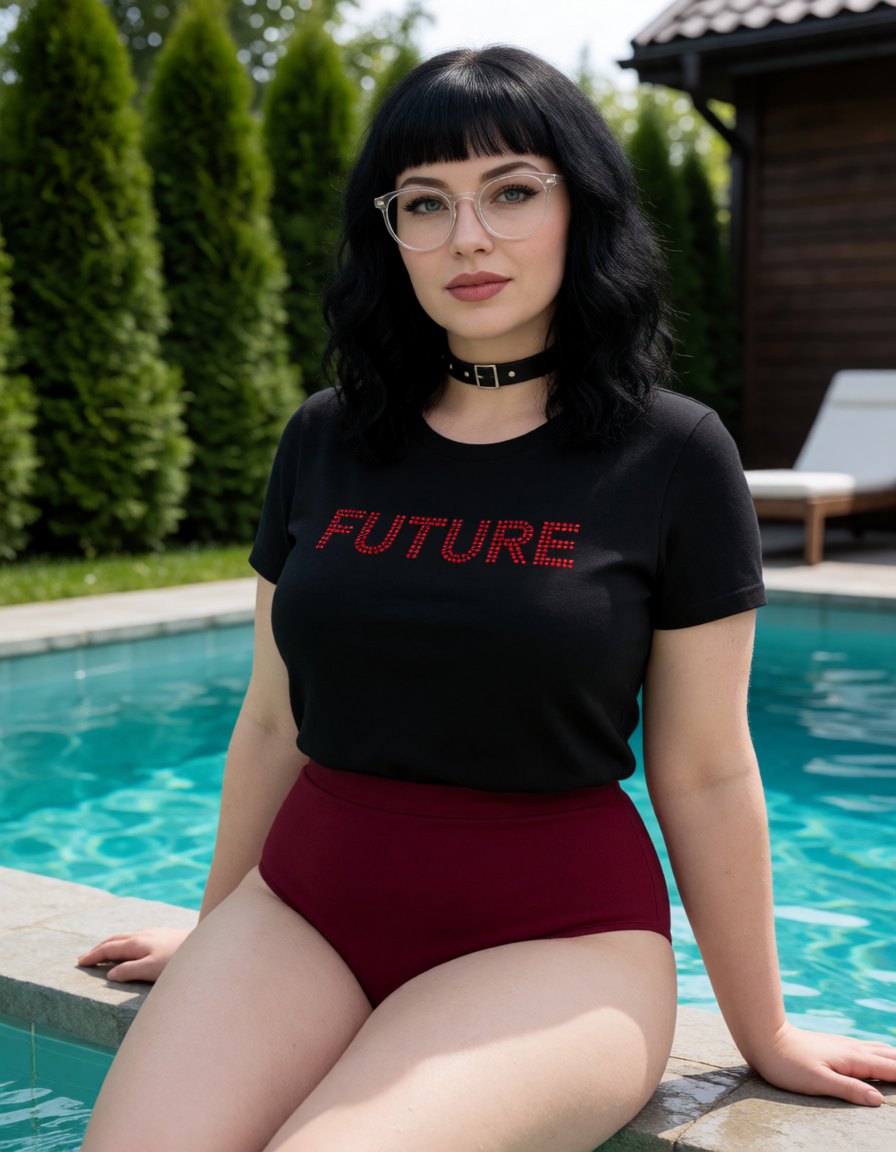
All 18 catalog examples are included below. Each comparison keeps its set together so you can see exactly what strength changes. Mature examples remain blurred until a signed-in user 18 or older explicitly chooses to show them.
Alien rear view · seed 73041
Use this prompt →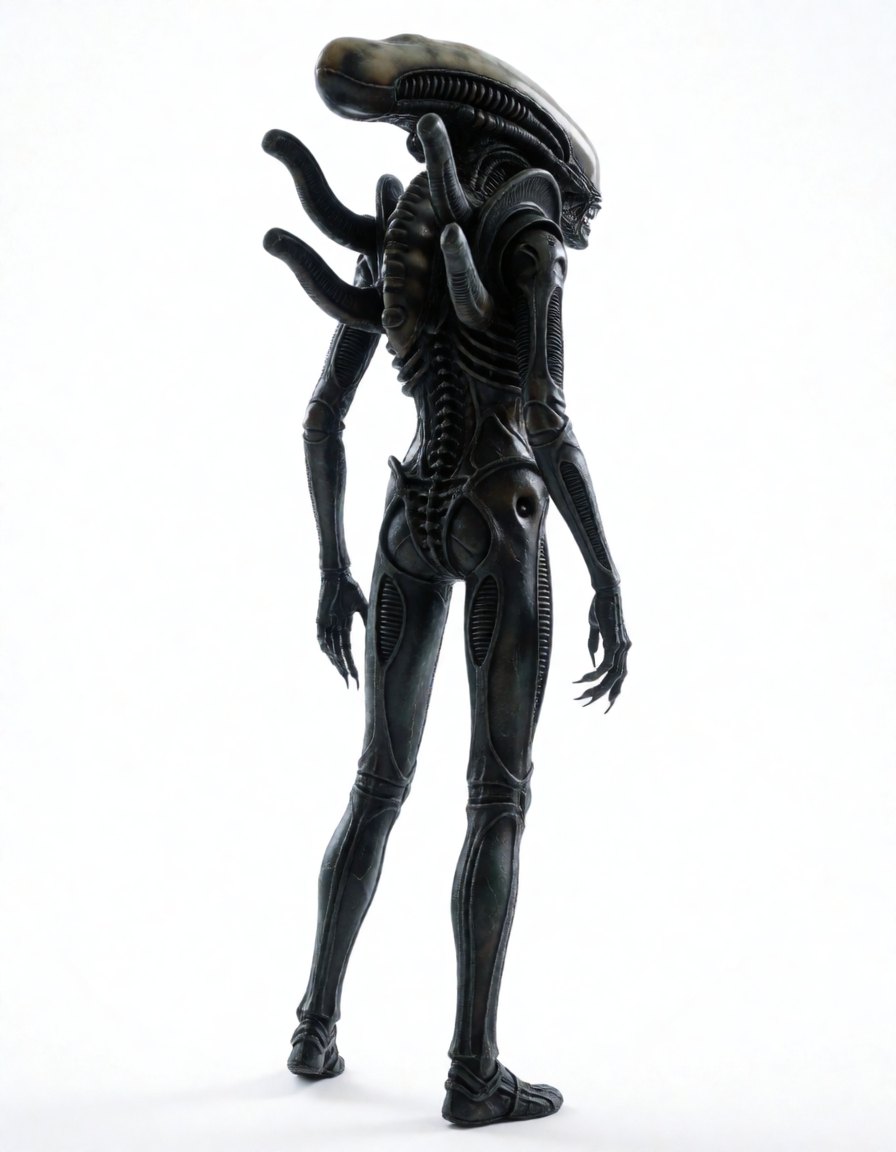
Poolside portrait · seed 73041

Compatible model guides
This LoRA is available with every Krea 2 workflow below. Follow a model link for its examples, settings, pricing, and direct Sogni Create launch.
krea2_turbo_fp8_scaledView model guide →Krea 2 Identity Edit v1.2krea2_identity_edit_v1_2View model guide →Dark Beast Krea 2 v3dark_beast_krea2_fp8View model guide →Dark Beast Krea 2 Identity Edit v1.2dark_beast_krea2_identity_edit_v1_2View model guide →Sogni Krea 2 Identity Edit v0.3 Alphakrea2_identity_edit_sogni_v0_3_alphaView model guide → Questions about Figure
What does Figure do?
A community concept slider for body shape.
What strength should I use for Figure?
Start at +0.8. The recommended range is +0.7 to +1; use the lowest strength that gives you the effect you want.
Which models work with Figure?
Figure is available on Krea 2 Turbo, Krea 2 Identity Edit v1.2, Dark Beast Krea 2 v3, Dark Beast Krea 2 Identity Edit v1.2, Sogni Krea 2 Identity Edit v0.3 Alpha.