Upload one image, get a textured GLB. No GPU, no ComfyUI, no 3D pipeline of your own.
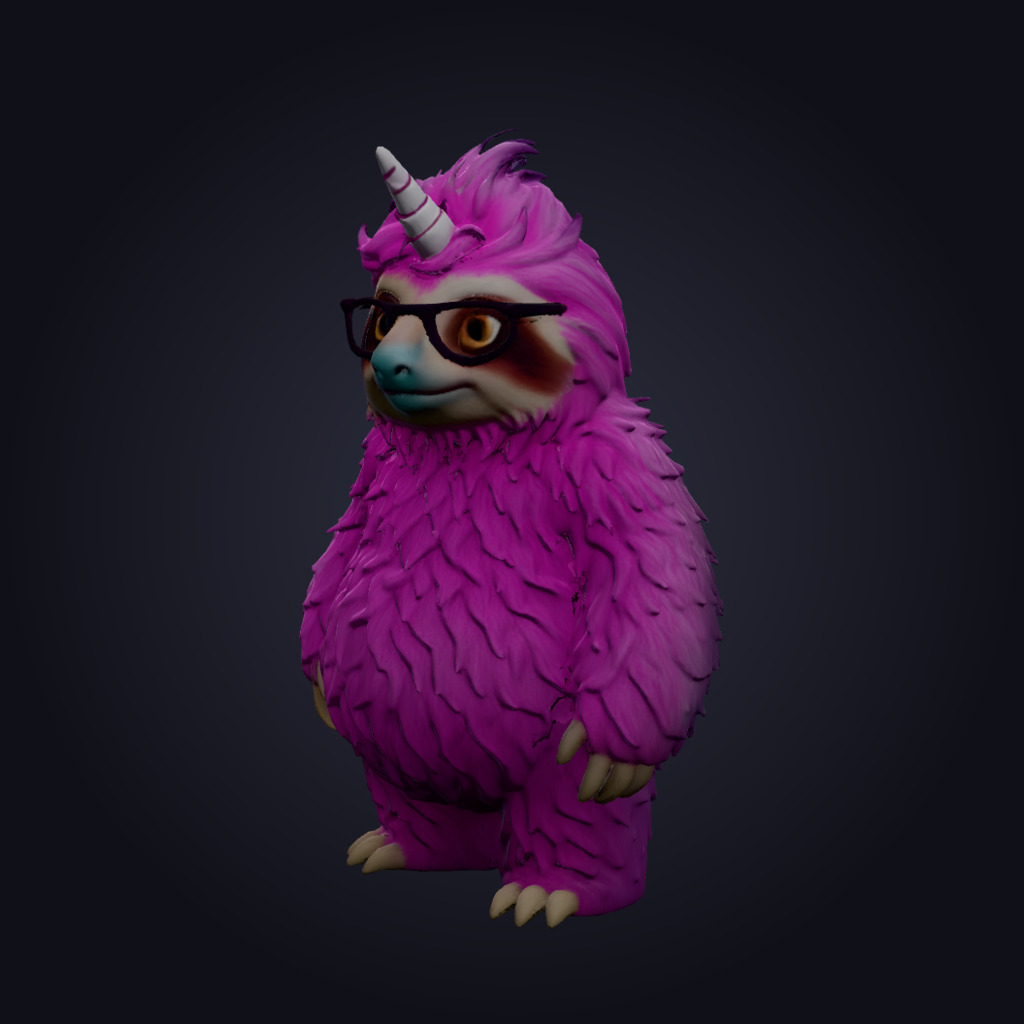
Drag to spin it · this is the real GLB
One image in, a GLB out
What actually happens to your picture
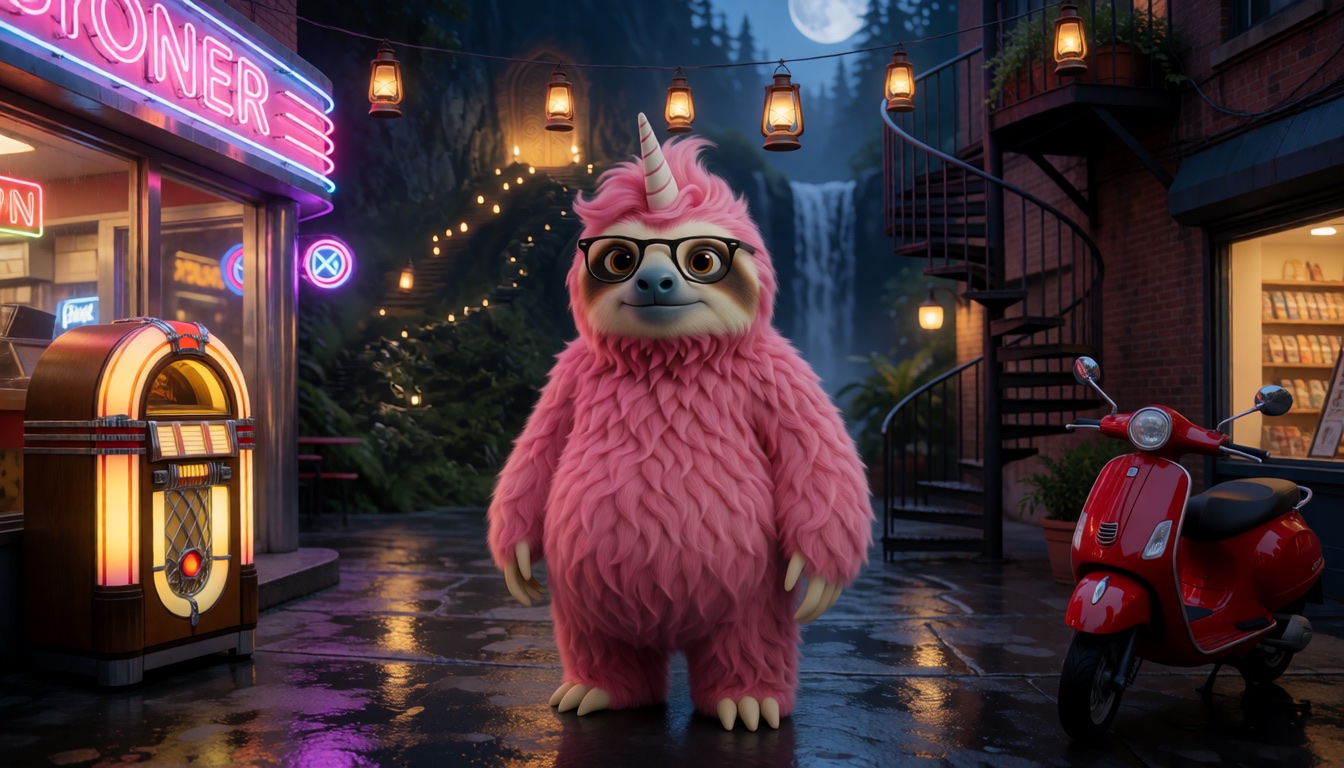
Three frames, one run. You hand Pixal3D a single image and it does the isolating itself — there is no prompt, no mask to paint and no second model to call.
Step 1
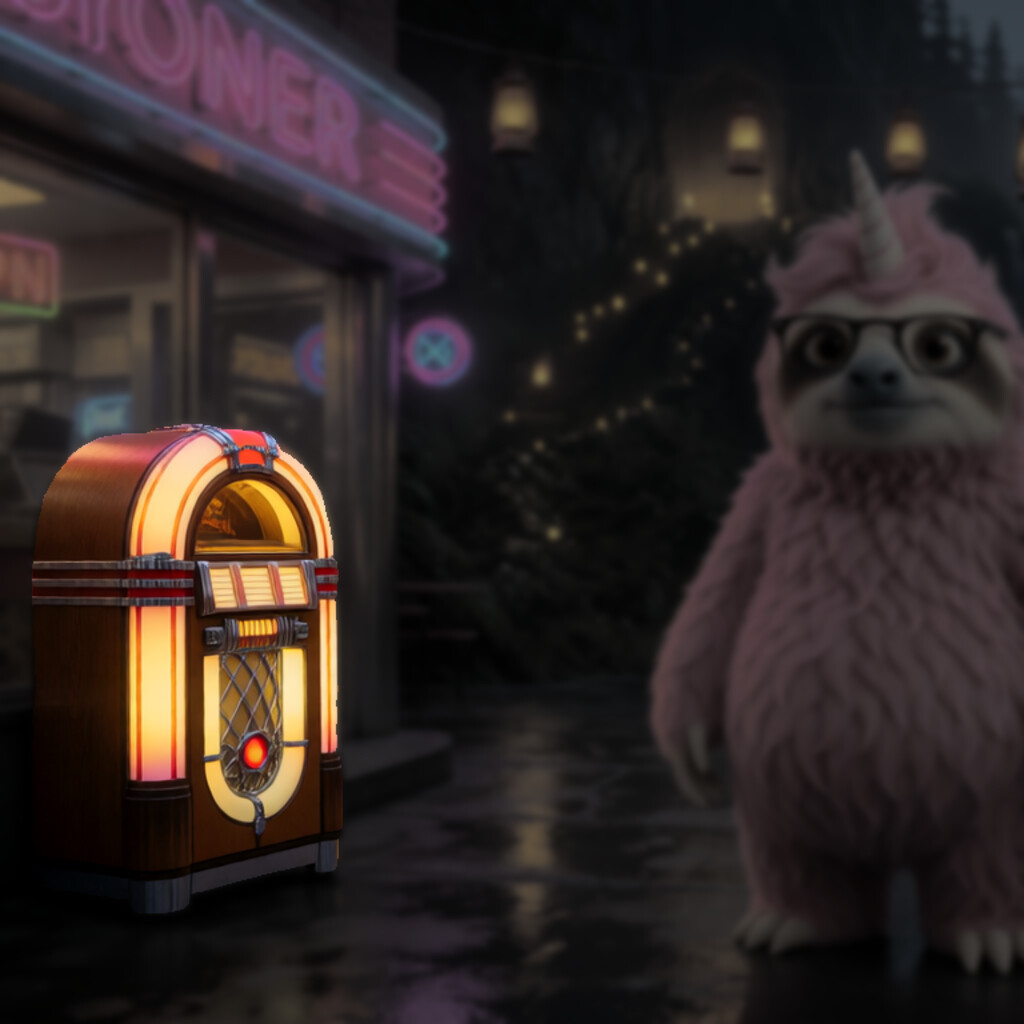
The picture you hand it
One image is the whole request. This frame is deliberately busy — wet reflections, a jukebox, a scooter, string lights — and none of it needs cropping first.
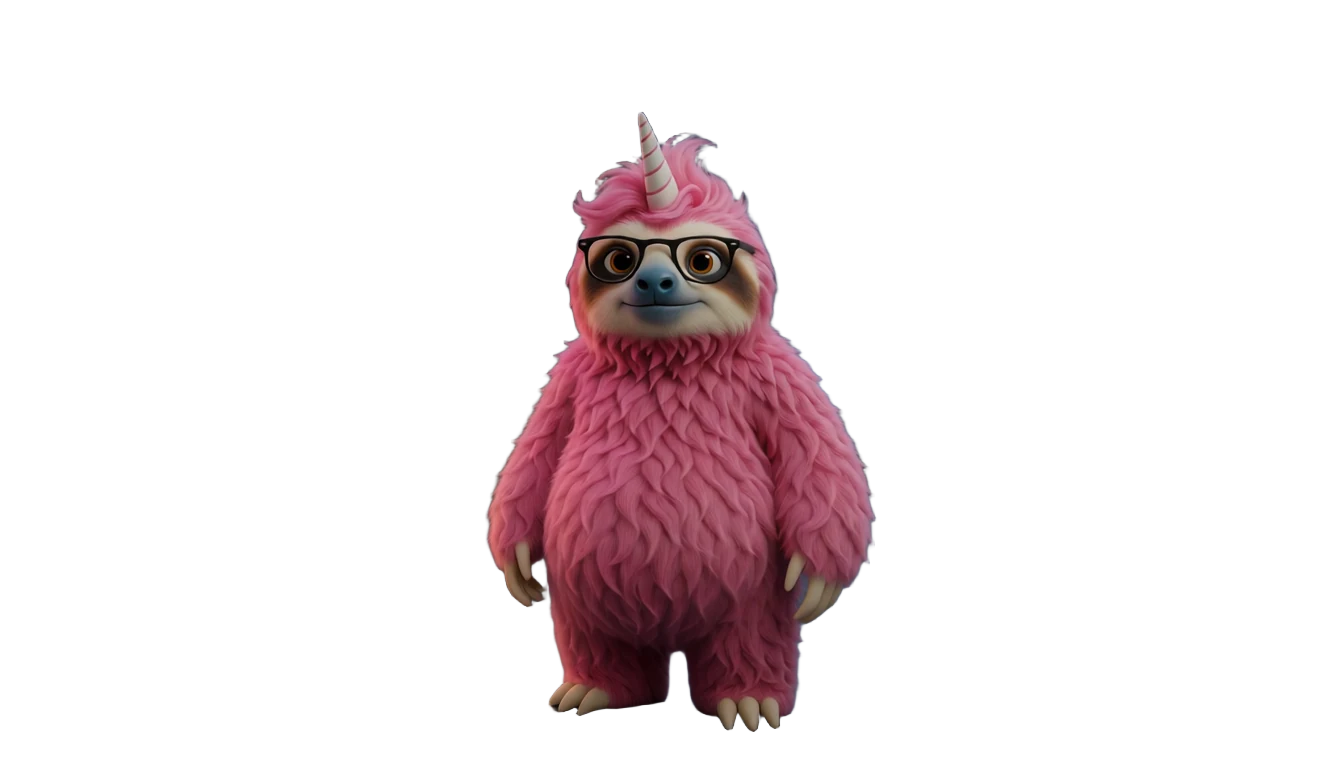
Step 2
Background dropped for you
BiRefNet runs inside the workflow and isolates the subject before reconstruction starts. Nothing to prompt, nothing to mask. If you want one particular object out of a crowded frame instead, cut it with SAM 3 first and hand Pixal3D that.
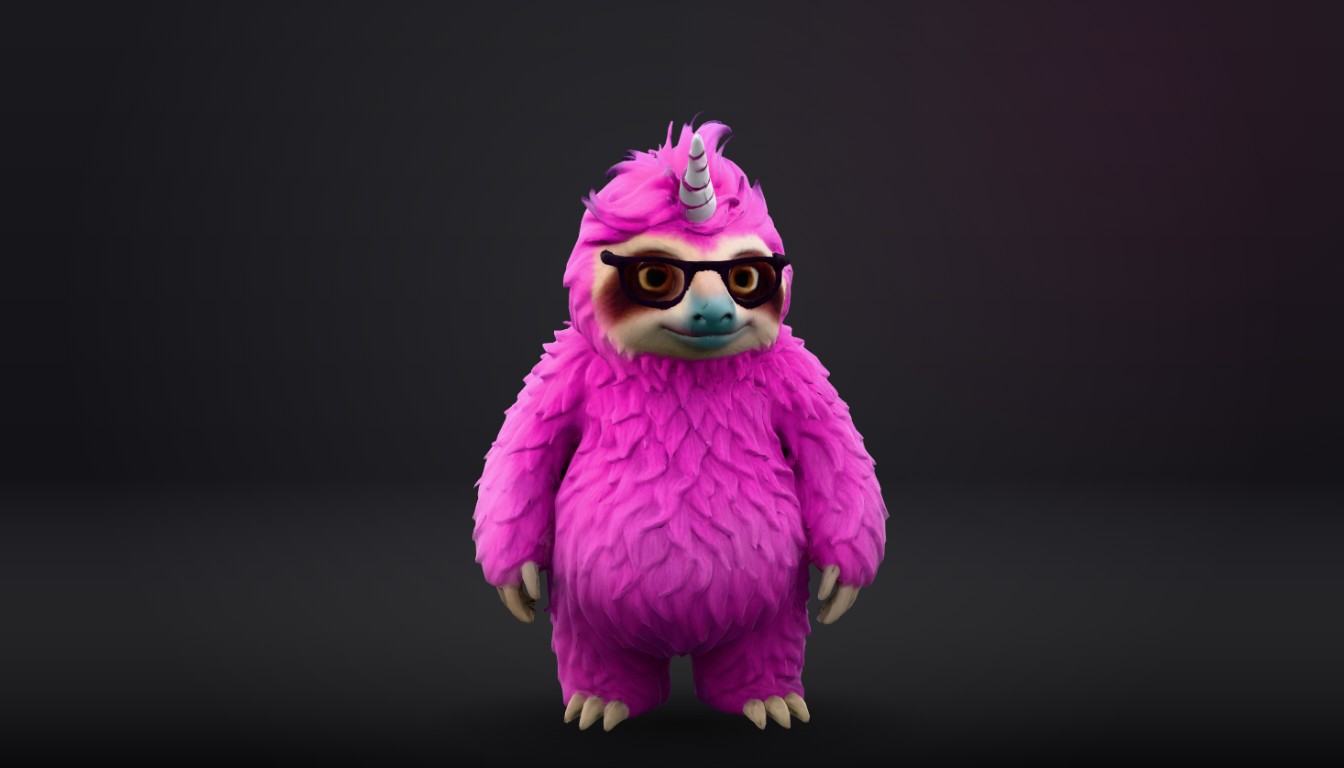
Step 3
Rebuilt as a textured mesh
What comes back is a GLB carrying base colour, metallic-roughness, normal and ambient-occlusion maps — an asset Unity, Unreal, Blender, three.js and AR viewers open natively, not another picture of an object.
The model at the top of this page is the GLB from this exact run, re-compressed for the web. Drag it.
About
Pixal3D turns a single picture into a real 3D model. Give it one image and it returns a textured GLB — the binary glTF format that Unity, Unreal, Blender, three.js and every mainstream AR and VR viewer open natively — so what comes back is an asset you can drop into a scene, not another picture of an object.
The mesh arrives at roughly 695,000 triangles carrying a full PBR material set baked from the high-poly reconstruction: base colour, metallic-roughness, normal and ambient occlusion, at 4K, 2K and 1K respectively. That is enough surface information to light the object properly in an engine instead of leaning on the shading that happened to be in the source photo.
It is built on TRELLIS.2 and it always needs a starting image — there is no text-to-3D path here. There is also no prompt: BiRefNet isolates the subject automatically, so a clean photo of one object is the entire request. If the frame is busy and you need one particular thing out of it, cut that object out with SAM 3 first and hand Pixal3D the result.
Four options can only reduce the work: texture size, mesh target faces, normal-map size and ambient-occlusion size. Each already ships at its maximum, so lowering one costs less to produce and can never cost more. Mesh target faces is the one most worth setting — 695K triangles is far heavier than a real-time engine wants, and asking for a fraction of that gives you a more useful asset from the same reconstruction.
Shape resolution is the one option that moves the price, and it is the one that can move it upwards. A reconstruction runs at 1024 unless you ask otherwise, which costs $0.30; raising it to 1536 buys a finer shape latent for $0.42. In one measured run on an RTX 5090 a 1536 reconstruction took about 122 seconds — a single run rather than a benchmark, and different hardware will behave differently.
Run it from the Sogni app by opening an image and choosing Make a 3D model, or call it by model id from the JavaScript or Python SDK. The reconstruction happens on the Sogni Supernet, a decentralized network of creator GPUs, so you never install a 3D pipeline or rent a 30GB card to try it.
Prompting tips
Pixal3D takes no prompt at all, and it rebuilds what it can actually see — so every bit of the quality comes out of the source image:
One object, fully visible — Frame a single subject with none of it cropped away. Geometry that never appears in the picture has to be invented, and invented geometry is where reconstructions go soft.
Sharp beats big — A crisp, in-focus photo reconstructs better than a large blurry one. Motion blur and heavy compression artefacts both end up in the mesh.
Avoid heavy occlusion — Hands, foliage and props in front of the subject become part of the silhouette. Shoot or pick a frame where nothing overlaps the object.
Even, diffuse light — Baked-in highlights and hard shadows are baked into the base-colour map too. Flat, even lighting gives you a texture you can relight in an engine.
Busy frame? Cut it out first — BiRefNet keeps whatever it decides is the foreground, which is the wrong call when several things are in front. Select the object with SAM 3, cut it out on transparency, and reconstruct that instead.
Ask for fewer triangles — Set meshTargetFaces to whatever your engine actually wants. The 700,000-face default costs the same as 60,000, but 60,000 is the one you can ship.
The five options
Four of these already ship at their maximum, so each one can only ask for less work than you are already paying for. shapeResolution is the exception: its default sits at the floor, and raising it is the only thing on this page that costs more.
Option
Range
Default
What it controls
textureSize
1024–4096
4096
Base-colour bake and UV atlas resolution.
meshTargetFaces
5,000–700,000
700,000
Decimation target in triangles. The one worth setting if the asset is going into a real-time engine.
normalMapSize
512–2048
2048
Normal-map resolution.
ambientOcclusionSize
256–1024
1024
Ambient-occlusion map resolution.
shapeResolution
1024–1536
1024
Sparse-latent upsampling resolution — the only option that moves the price, and the only one that can move it up.
Pricing
Use pay-as-you-go Spark packs for each model (1 Spark = $0.005), or choose a flat-rate Sogni plan for credit-free fair-use generation in the app.
Configuration
Spark
USD
1024 shape resolution (the shipped default)
60.0 Spark
$0.30
1536 shape resolution (the finer shape latent, priced as a step up)
84.0 Spark
$0.42
Shape resolution is the only option that changes what a reconstruction costs. A request is billed at the cheapest priced point that covers the resolution it will actually run at, so 1024 pays the 1024 rate and anything from 1025 to 1536 pays the 1536 rate.
1 Spark = $0.005. Pay as you go with Spark packs, or generate under fair use on a flat monthly Sogni plan.
API
One Sogni API key reaches every model on the Supernet — call Pixal3D with the exact model id.
import { readFileSync } from 'node:fs';
import { SogniClient } from '@sogni-ai/sogni-client';

const client = await SogniClient.createInstance({
  appId: crypto.randomUUID(),
  apiKey: process.env.SOGNI_API_KEY,
  network: 'fast',
});

const project = await client.projects.create({
  type: 'image',
  modelId: 'pixal3d_int8_i23d',
  positivePrompt: '',
  numberOfMedia: 1,
  startingImage: readFileSync('teapot.jpg'),
  // Reduce-only: this default is already the maximum, so it costs no more.
  meshTargetFaces: 60000,
});

const [url] = await project.waitForCompletion();
console.log(url); // textured .glb — download within 24h
import asyncio, os
from sogni_client import SogniClient

async def main():
    async with await SogniClient.create(
        api_key=os.environ["SOGNI_API_KEY"],
        app_id="pixal3d-example",
    ) as sogni:
        project = await sogni.projects.create(
            type="image",
            model_id="pixal3d_int8_i23d",
            positive_prompt="",
            number_of_media=1,
            starting_image="teapot.jpg",
            # Reduce-only: this default is already the maximum.
            mesh_target_faces=60000,
        )
        for url in await project.wait_for_completion():
            print(url)  # textured .glb

asyncio.run(main())
Call pixal3d_int8_i23d with a source image and no prompt. Image-to-3D is not a Creative Agent tool, so there is no REST workflow alias — use the JavaScript or Python SDK. Full reference at docs.sogni.ai.
Why run it on Sogni
Subscriptions or Spark
Use a flat monthly plan for credit-free fair-use generation, or buy Spark packs when pay-as-you-go fits better. Both run on the same creator-owned GPU network.
∞
Unlimited plans
One flat price in the app. Generate under fair use without a per-image meter.
🧩
200+ models
Image, video, music, and language models in one workspace and one API key.
⚡
Pay-as-you-go Spark
Prefer pay-as-you-go? Call Pixal3D by id and pay with Spark packs.
🌐
Powered by people
Runs on a decentralized GPU network where workers share subscription revenue.
A textured GLB — a binary glTF file, the standard interchange format for 3D on the web. It carries the mesh plus baked base-colour, metallic-roughness, normal and ambient-occlusion maps, and opens directly in Unity, Unreal, Blender, three.js and common AR and VR viewers. It is a 3D asset, not an image.
Do I need to write a prompt?
No — Pixal3D takes no prompt. BiRefNet isolates the subject on its own, so one clear photo of one object is the whole request. When the frame holds several things and you need a specific one, select it with SAM 3 first and reconstruct the cut-out.
Can I generate a 3D model from text alone?
Not with Pixal3D — it always needs a starting image. If you only have an idea, generate the object first with an image model such as Z-Image Turbo or Krea 2 Turbo on a plain background, then feed that render to Pixal3D.
How much does it cost?
A reconstruction costs $0.30 (60 Spark) at the shipped 1024 shape resolution. Asking for 1536 costs $0.42 (84 Spark). Shape resolution is the only option that changes the price, and the only one you can raise — texture size, mesh target faces, normal-map size and ambient-occlusion size all ship at their maximum and can only reduce the work for the same money.
How long does a reconstruction take?
On one measured run on an RTX 5090 at 1536, about 122 seconds. That is a single run rather than a benchmark, and jobs land on whichever eligible worker on the Supernet picks them up, so treat it as an order of magnitude rather than a promise.
The mesh is far too heavy for my game engine. Can I get less?
Yes. Set meshTargetFaces to your own budget — anywhere from 5,000 to the 700,000-face default. The decimation happens during the reconstruction, so a lighter mesh comes back already decimated with its maps baked against it, and it costs exactly the same as the heavy one.
What is Pixal3D built on?
TRELLIS.2. Sogni runs the Comfy-Org native Pixal3D/TRELLIS.2 workflow with the official INT8 ConvRot checkpoint, DINOv3 conditioning and MoGe-2 camera estimation. Pixal3D itself is published by TencentARC under the MIT licence, with a separate licence covering the bundled DINOv3 weights.
Do I need a GPU or ComfyUI?
No. Pixal3D needs a 30GB-class GPU to run at all, which is exactly why it is worth renting by the job. It runs on the Sogni Supernet — a decentralized network of creator GPUs — so there is no local install, no ComfyUI graph to wire up, and no card to buy.
Start with Pixal3D today
Create in the app, or build with the API. Your call.